Creative CV template to download
Build a creative CV that stands out without sacrificing clarity or ATS compatibility. Browse design-led templates, follow practical tips on layout, colour and typography, and complete your CV online. When you’re ready, download a polished PDF or Word file in minutes.
Examples of creative CVs
Customise your favourite creative CV example online and download it in PDF or Word in minutes.
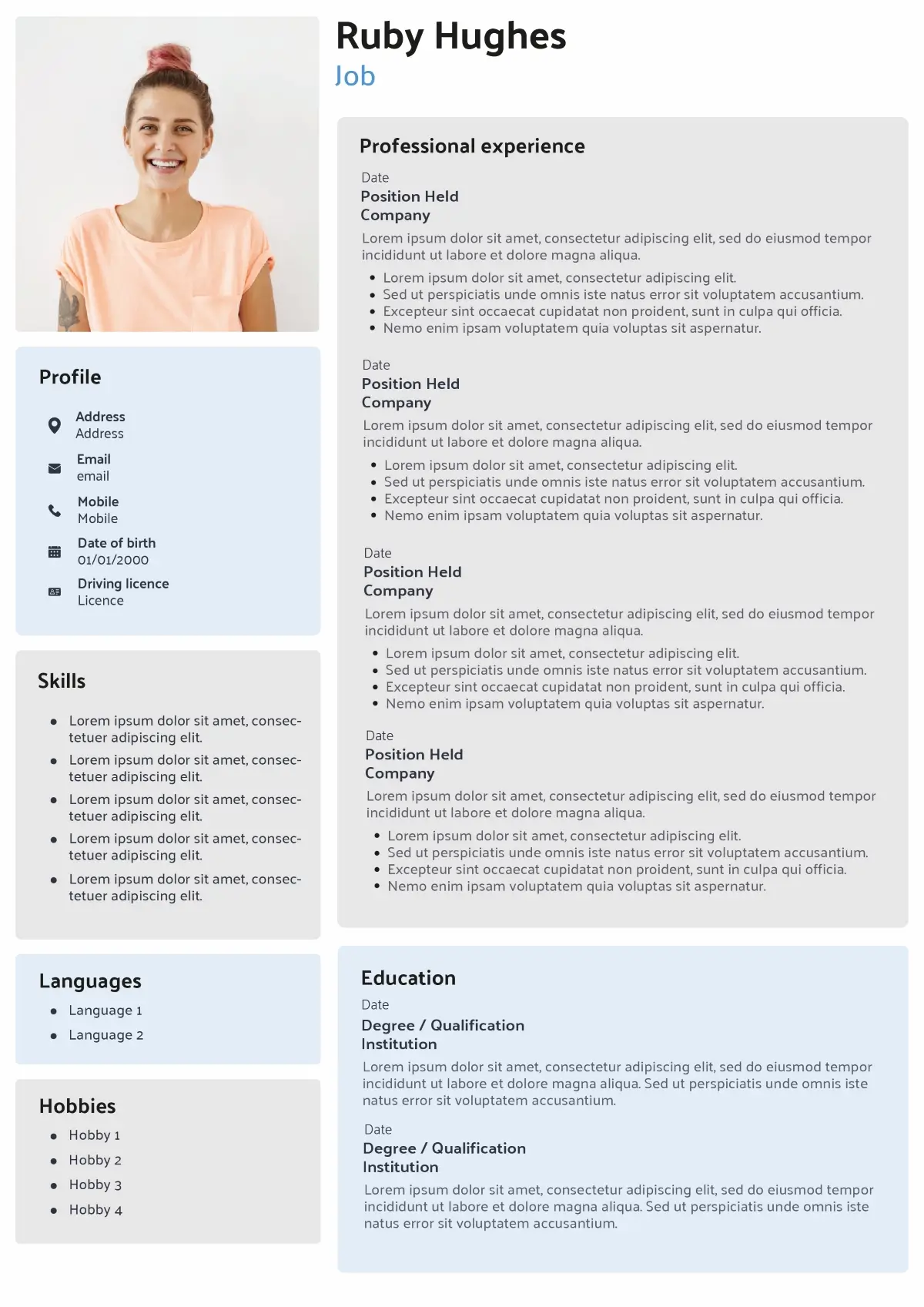
Soft panels and clear hierarchy make this creative CV professional and ATS friendly, simple to edit online.
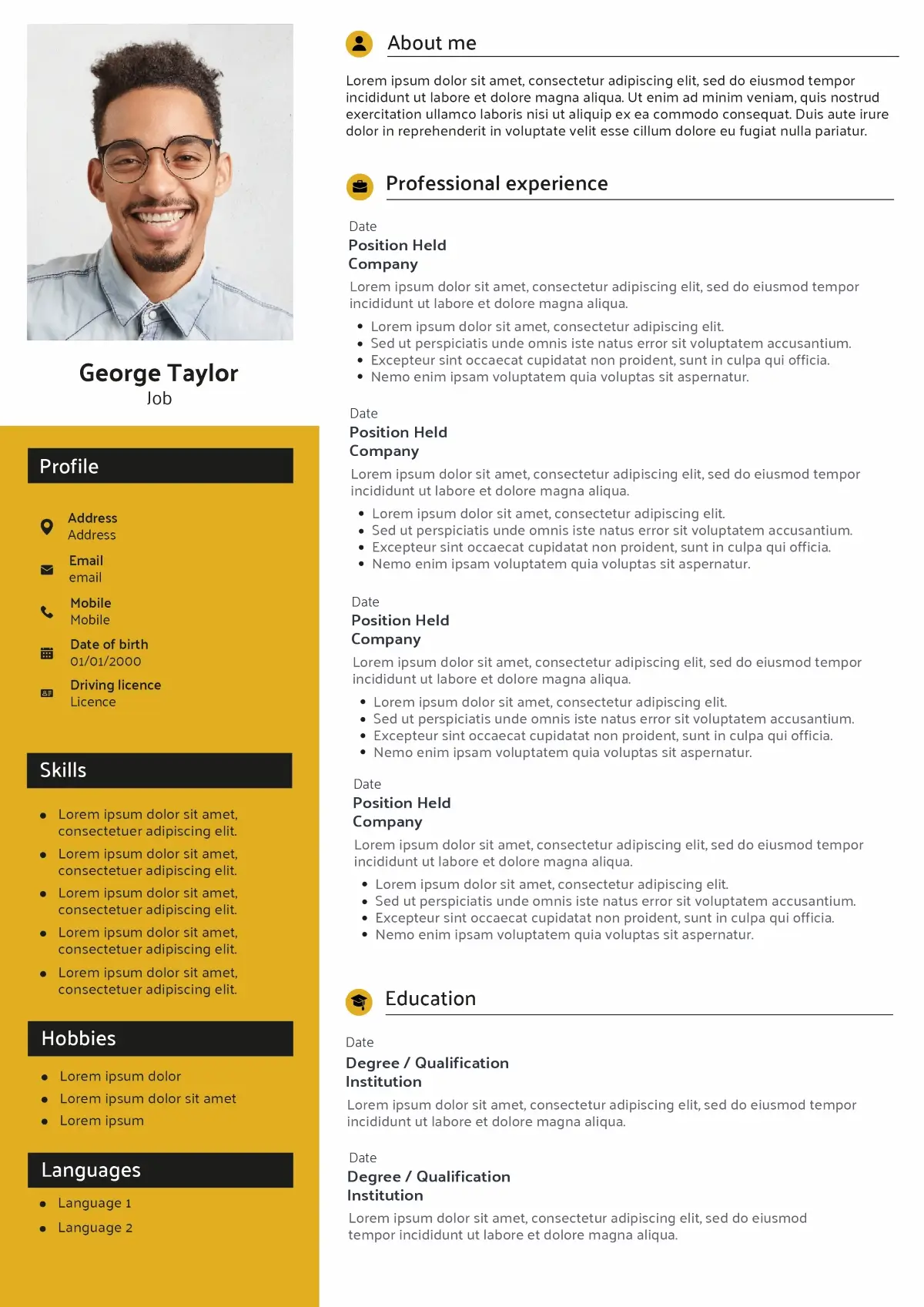
Stand out with a bold accent colour and structured layout; a creative UK CV you can personalise in minutes and export to PDF.
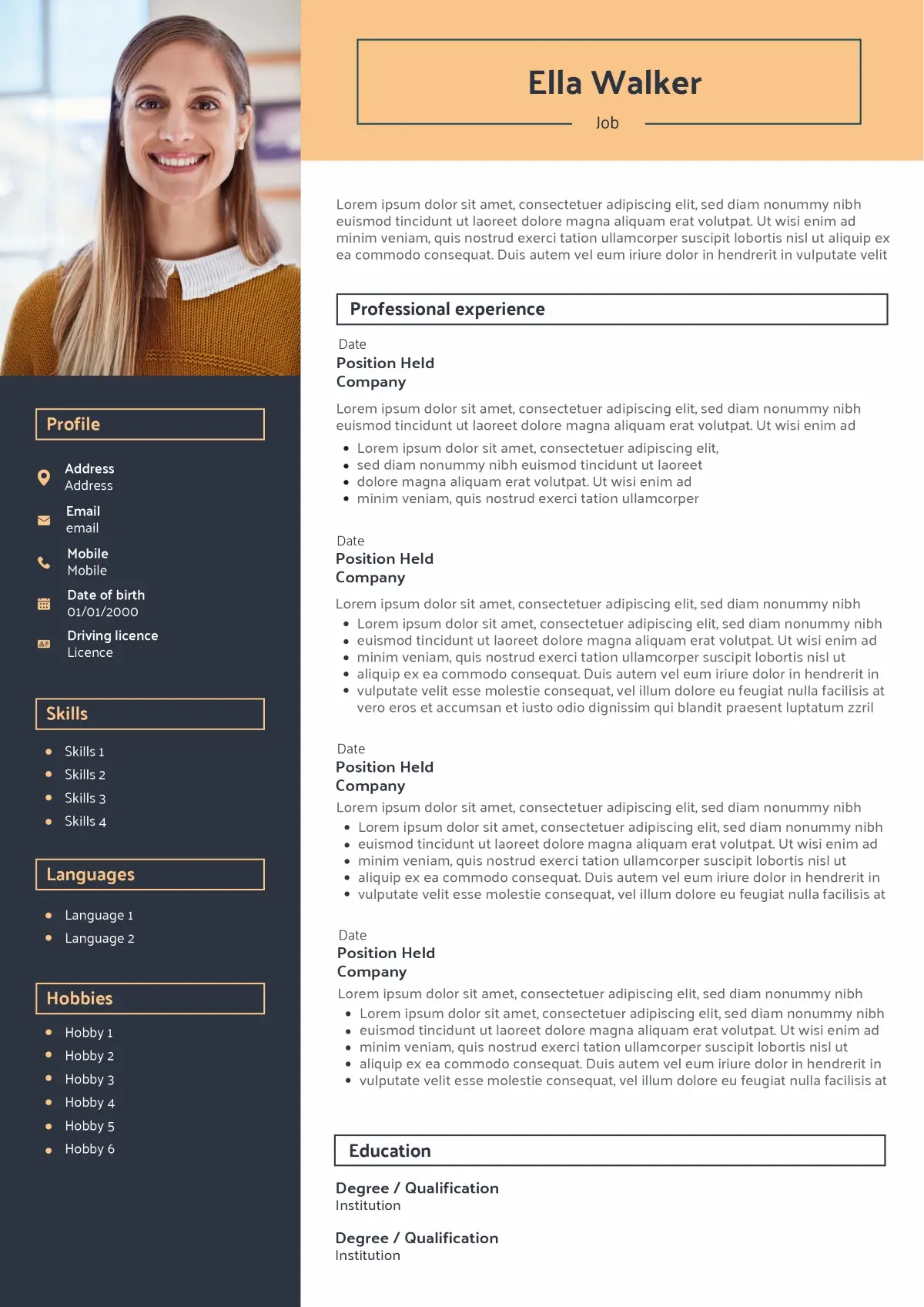
Warm accent header with elegant framing — perfect for a creative CV; ATS compatible and easy to tailor to any role.
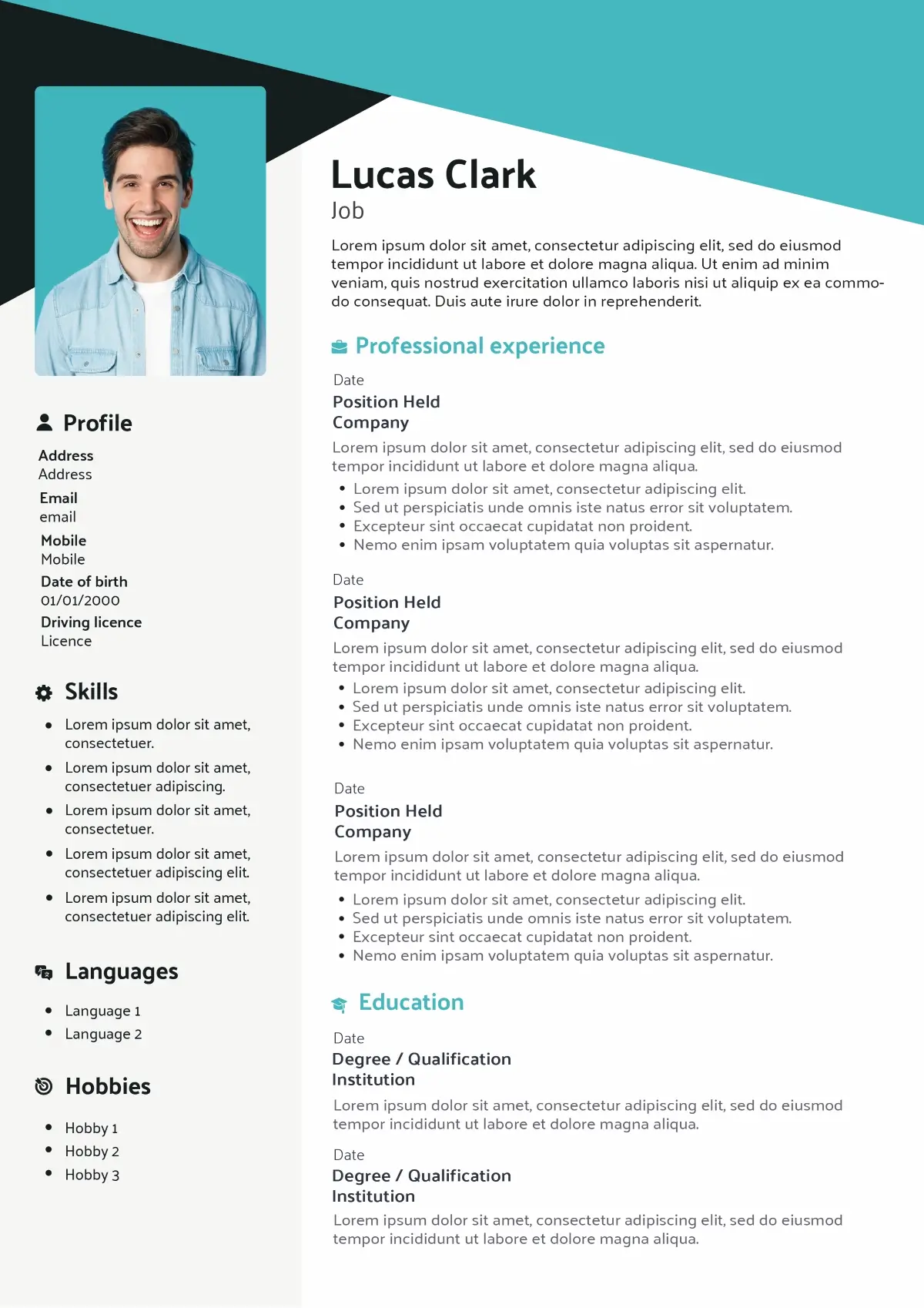
Dynamic geometric banner with clean typography for a creative CV look, built for readability with fast one-click download.
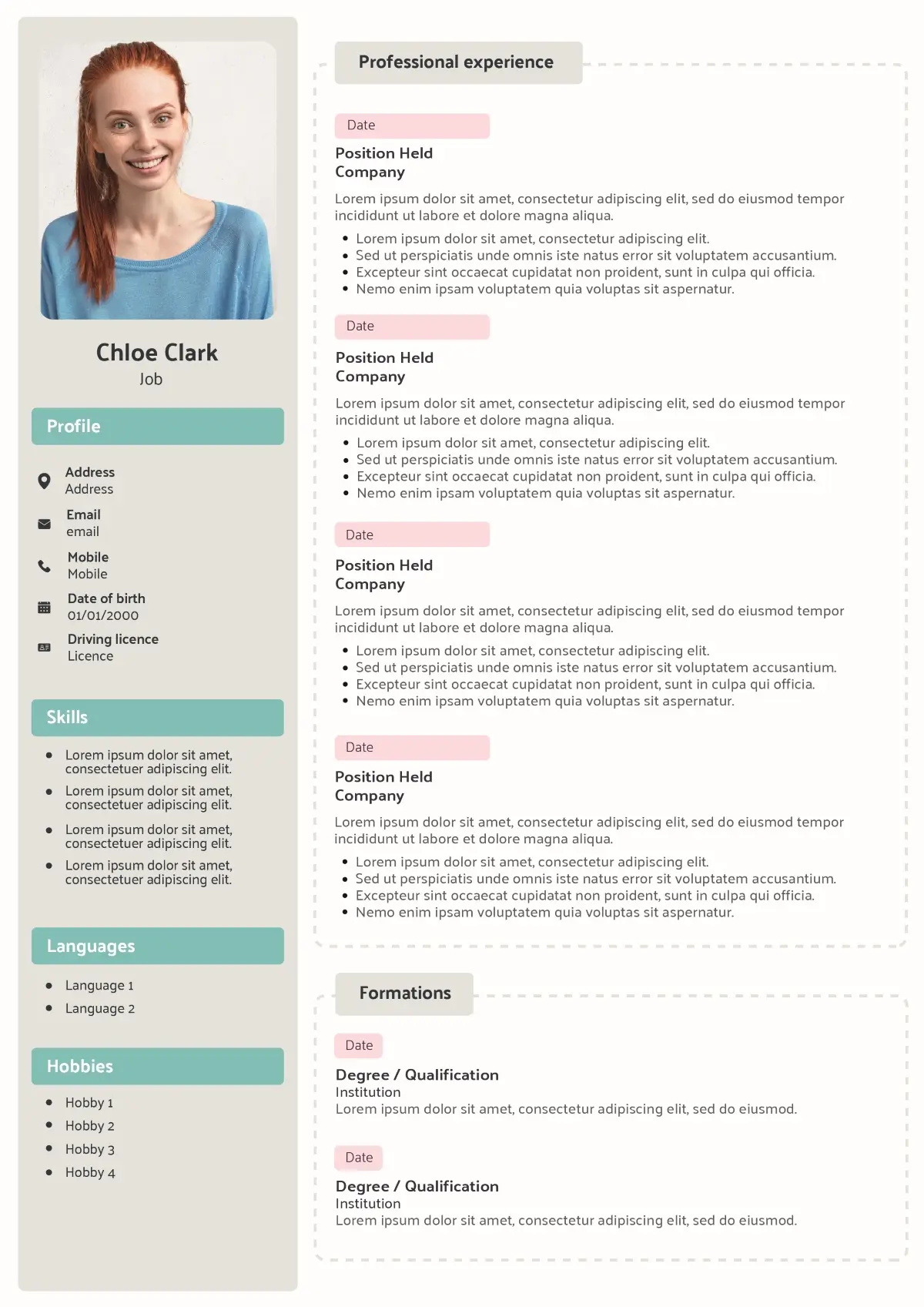
Soft badges and dotted panels deliver a distinctive creative CV, professional tone, and straightforward customisation.
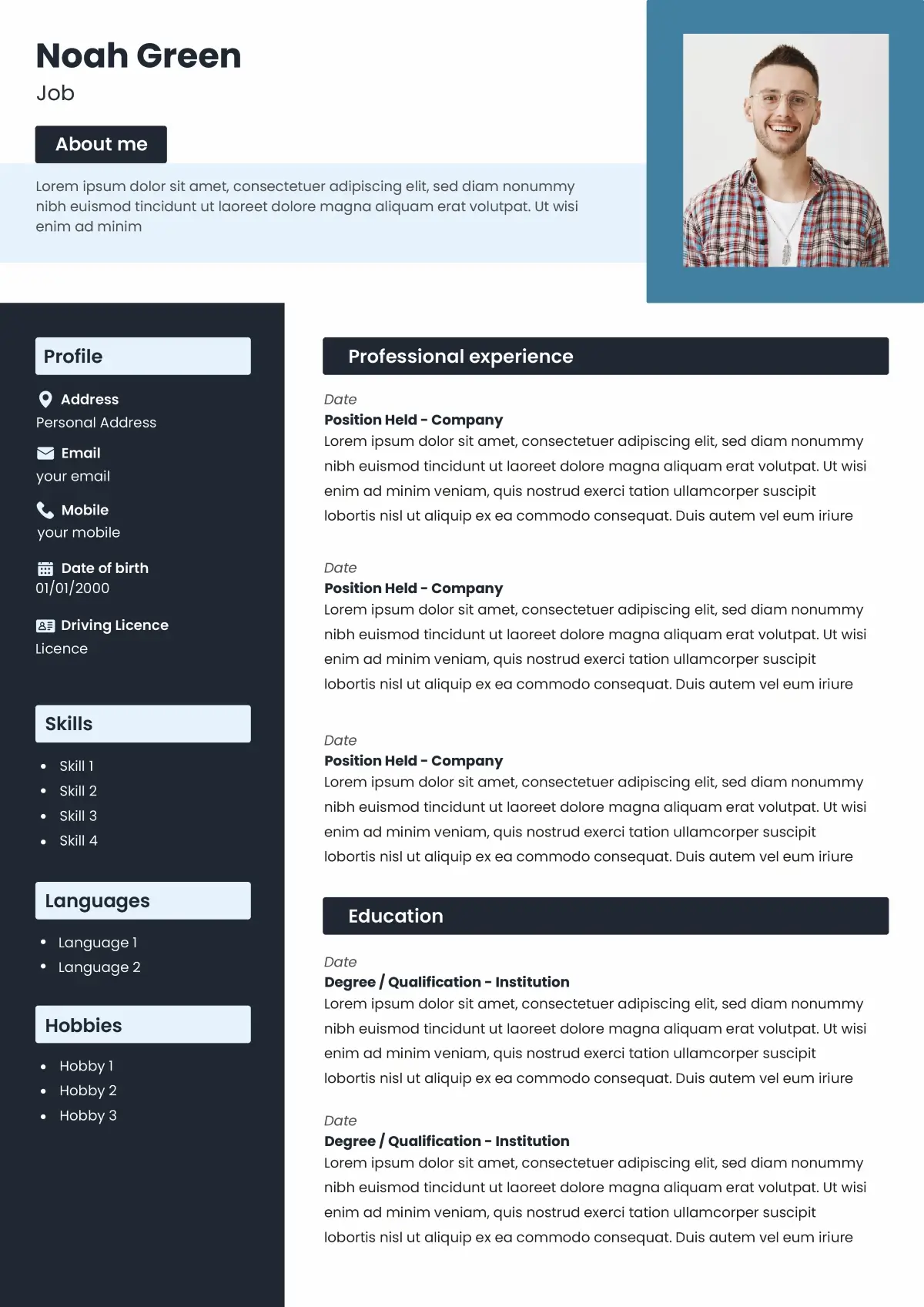
Bold contrast blocks and crisp type create a creative CV that passes ATS checks and is ready to share instantly.
Want to see more CV templates?
Why choose a creative CV template?
Choose a creative CV template when you need to demonstrate visual judgement and brand awareness without sacrificing clarity. A well-designed layout improves readability, creates a strong first impression, and still passes Applicant Tracking Systems (ATS) when you keep text selectable and headings standard. This format suits design, marketing, product and content roles, and can also refresh applications in tech or start-ups. Use restrained colour, clear hierarchy and readable typography to spotlight achievements, skills and portfolio links. For conservative sectors, dial back the styling—or opt for a classic template. In all cases, tailor your content to the job ad and export a clean A4 PDF.
Advantages
- Stand out instantly, stay professional.
- Signals taste and brand sense.
- Clear hierarchy improves scanning.
- Highlights results and core skills.
- Consistent with your portfolio.
Limitations
- Over-design can hurt clarity.
- Some sectors prefer classic layouts.
- ATS fails if text is images.
- Visual polish takes extra time.
- Mind contrast, size and accessibility.
Who is a creative CV for?
A creative CV is ideal when your job involves visual judgement, storytelling or branding. It lets you show taste and personality while keeping your profile clear, professional and ATS-friendly.
Creative and design-led roles
A creative CV works particularly well for roles such as Graphic Designer, UI/UX Designer, Product designer, Art Director or Web Designer. Recruiters in agencies and studios expect to see a strong sense of layout, colour and typography, so a design-led CV reinforces your portfolio rather than replacing it.
Marketing, content and brand positions
If you are applying for Marketing Executive, Brand Manager, Content Creator, Copywriter or Social Media Manager roles, a creative CV can support your personal brand. A clear structure with subtle visual touches shows you know how to present a message, prioritise information and stay on-brand for different audiences.
Digital, tech and start-up environments
Many start-ups and tech companies welcome modern, visually polished CVs, even for non-design roles such as Product Manager, Data Analyst or Customer Success. A creative CV template with a clean grid, readable typography and clear skills can help you stand out in a stack of very similar documents.
Students, graduates and career changers with a portfolio
A creative CV is also a good option for students, graduates and career changers building a first portfolio. You can highlight projects, competitions, personal work and online portfolios in a layout that feels modern, while keeping sections like Education and Work Experience easy to scan.
If you are targeting very conservative sectors (for example finance, legalor some public sector roles), you may prefer a more classic CV template. For all other brand-conscious or design-aware employers, a well-balanced creative CV can make a memorable first impression.
How to write each section
Keep design elegant, but let content lead. Use a clear visual hierarchy (headings, spacing, icons used sparingly), legible typography (≈10.5–12 pt body), high contrast, and one accent colour. Make every element ATS-friendly: text must be selectable, headings standard, links explicit. Export a clean A4 PDF under ~2MB with a descriptive filename (e.g. Firstname-Lastname-CV.pdf).
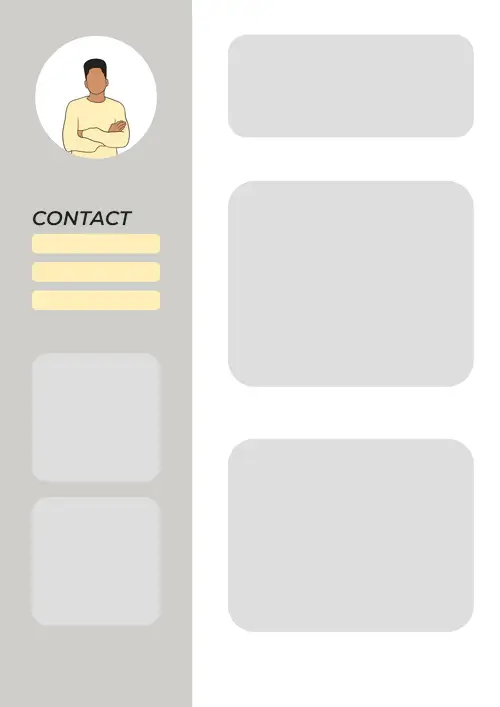
Add your Contact Details (clean and clickable)
Place your full name and a precise professional title at the top. Include a professional email, UK phone number, city/country location, and links to your portfolio and LinkedIn. Avoid full postal address and novelty emails.
- Do: make portfolio/LinkedIn clickable; keep icons purely decorative.
- Avoid: photos in conservative sectors; oversized social icons; full street address.
- Timothee Morgan
- Product Designer
- London, SE1
- +44 7700 900123
- exemple@email.com
- linkedin.com/in/your-name
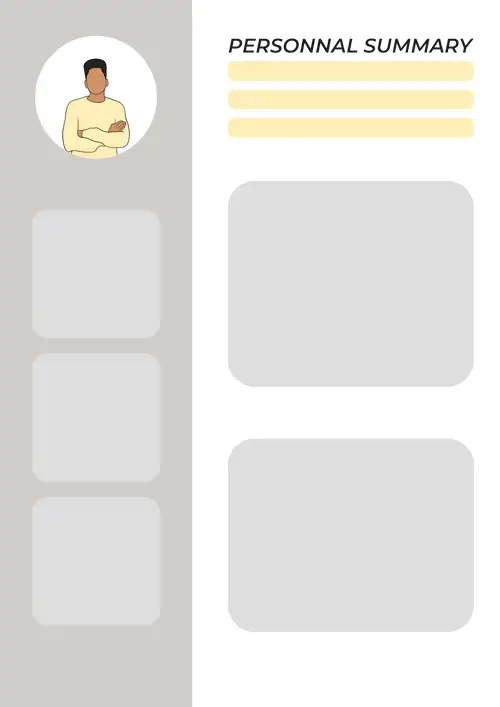
Write a Personal Statement (clear value in 3–4 lines)
Your Personal Statement should show role fit, core skills and measurable achievements. Mirror the job ad’s language and keep it skimmable—no buzzword lists.
- Do: lead with outcomes (conversion, CTR, NPS, time-to-ship).
- Avoid: vague claims (“passionate”, “team player”) without evidence.
Brand-led UI/UX Designer with 5+ years improving checkout flow and onboarding for e-commerce and SaaS. Shipped research-driven designs that lifted conversion 18–32% and cut drop-off 24%. Skilled in Figma, design systems and accessibility (WCAG).
Present your Work Experience (results first)
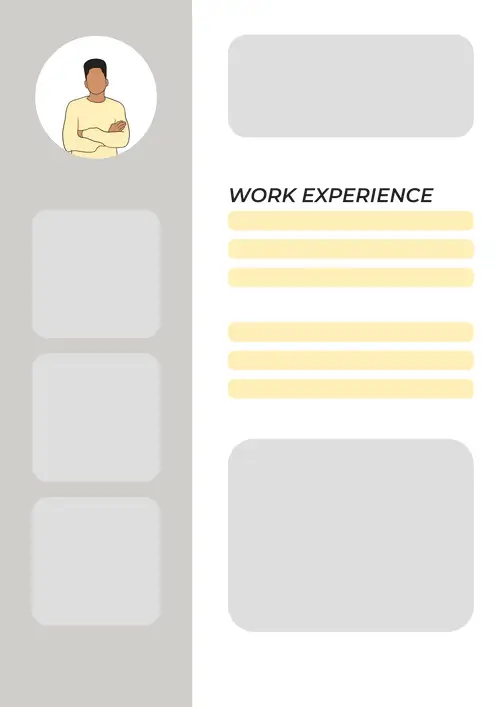
List roles in reverse-chronological order. For each, show job title, company, dates, a one-line scope, then 2–4 bullets with quantified impact. Start bullets with strong action verbs.
- Do: quantify (e.g. “+22% CVR”, “–30% time-to-first-value”).
- Avoid: task lists without outcomes; dense paragraphs.
Senior Product Designer BrightApps — 2022–Present
- Led end-to-end design for payments
- Reworked checkout, raising conversion +19%.
- Launched a design system adopted by 5 squads, cutting delivery time −28%.
- Ran monthly usability testing to prioritise roadmap.
List your Education and Certifications
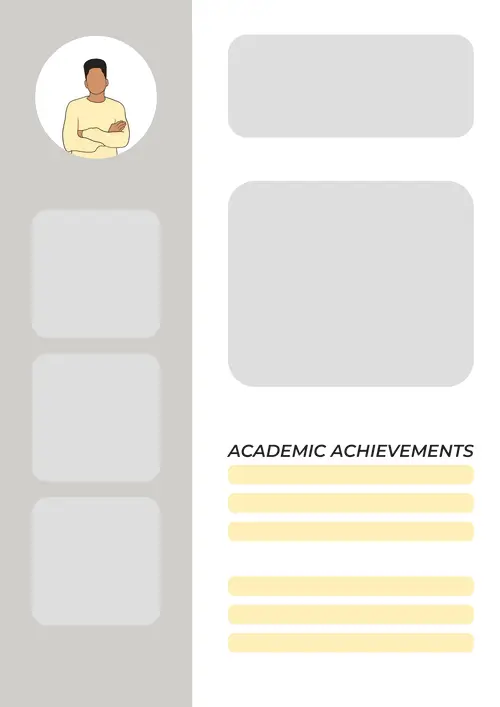
Include highest degree first, with institution, dates, and relevant modules, awards or dissertation. Add role-relevant certifications (e.g. Google UX, Adobe, Scrum).
- Do: highlight awards/scholarships; include expected graduation if relevant.
- Avoid: full module lists unless they prove fit for juniors/career-changers.
BA (Hons) Graphic Design, University of Leeds — 2018–2021
First-Class; Dissertation on accessible typography. Certifications: Google UX Design (2024).
Showcase your Skills (grouped and relevant)
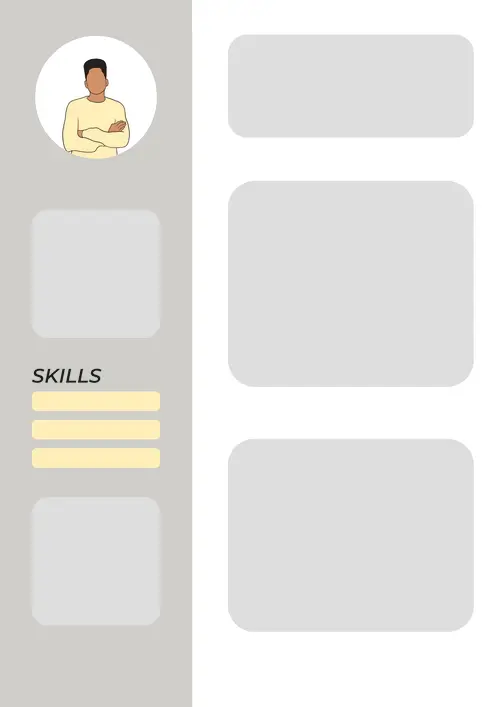
Prioritise hard skills required in the ad, then add complementary soft skills. Group by theme for readability and ATS. Avoid rating bars; use concise proficiency notes.
- Do: mirror exact keywords from the job ad where truthful.
- Avoid: long, mixed lists with tools and traits blended together.
- Design: Wireframing, Prototyping, Design Systems, Accessibility (WCAG)
- Tools: Figma, Adobe XD, After Effects, Zeplin
- Research: Interviews, Usability Testing, A/B Testing
Include Hobbies and Interests (optional but revealing)
Use this to add personality and culture fit—choose items that reinforce role-relevant strengths (e.g. photography, open-source, mentoring). Keep it short and professional.
- Do: link to a small portfolio or project if relevant.
- Avoid: divisive topics or overly generic hobbies with no context.
Street photography (Lightroom); Volunteer design mentor at Creative Lives; Weekend hackathons (2024 finalist).
Key takeaways to create a creative CV
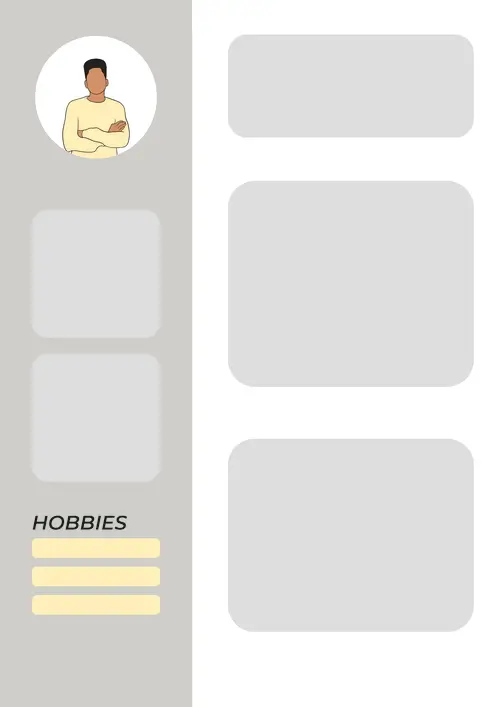
Create a creative CV that balances standout design with readability and ATS compatibility. Keep the layout clean, use restrained colour and clear typography, and let measurable achievements do the talking.
- Visual hierarchy and grid: clear sizing, weight and spacing aligned to a consistent grid.
- Typography discipline: use 1–2 legible typefaces, limited weights, steady scale and line height.
- Colour restraint: neutral base with one accent colour; ensure high, accessible contrast.
- Whitespace and alignment: generous margins and gutters so elements breathe and scan easily.
- ATS-safe visuals: icons and shapes sparingly; keep all text selectable—no text inside images.
FAQ about creative CV
What is a creative CV?
Are creative CVs ATS-friendly?
When should I avoid a creative CV?
What colours and fonts work best?
Should I include a photo on a creative CV in the UK?
How does CV Creator help?
How long should a creative CV be?
Should I design my CV in Photoshop or use a template?
Can I reuse the same creative CV for every application?

Ready to create your creative CV?
Pick a creative CV template, customise it online, and download your CV in PDF or Word—polished and ready to send.
Got it – create my CV