CV template without picture
Do I need to include a picture of myself on a CV? The simple answer is no – especially in the UK. A CV template without picture lets recruiters focus on your skills and experience, while giving you a clean, ready-made layout to build a professional application.
Examples of CV template without picture
Choose a Curriculum Vitae from our selection of without picture CV examples
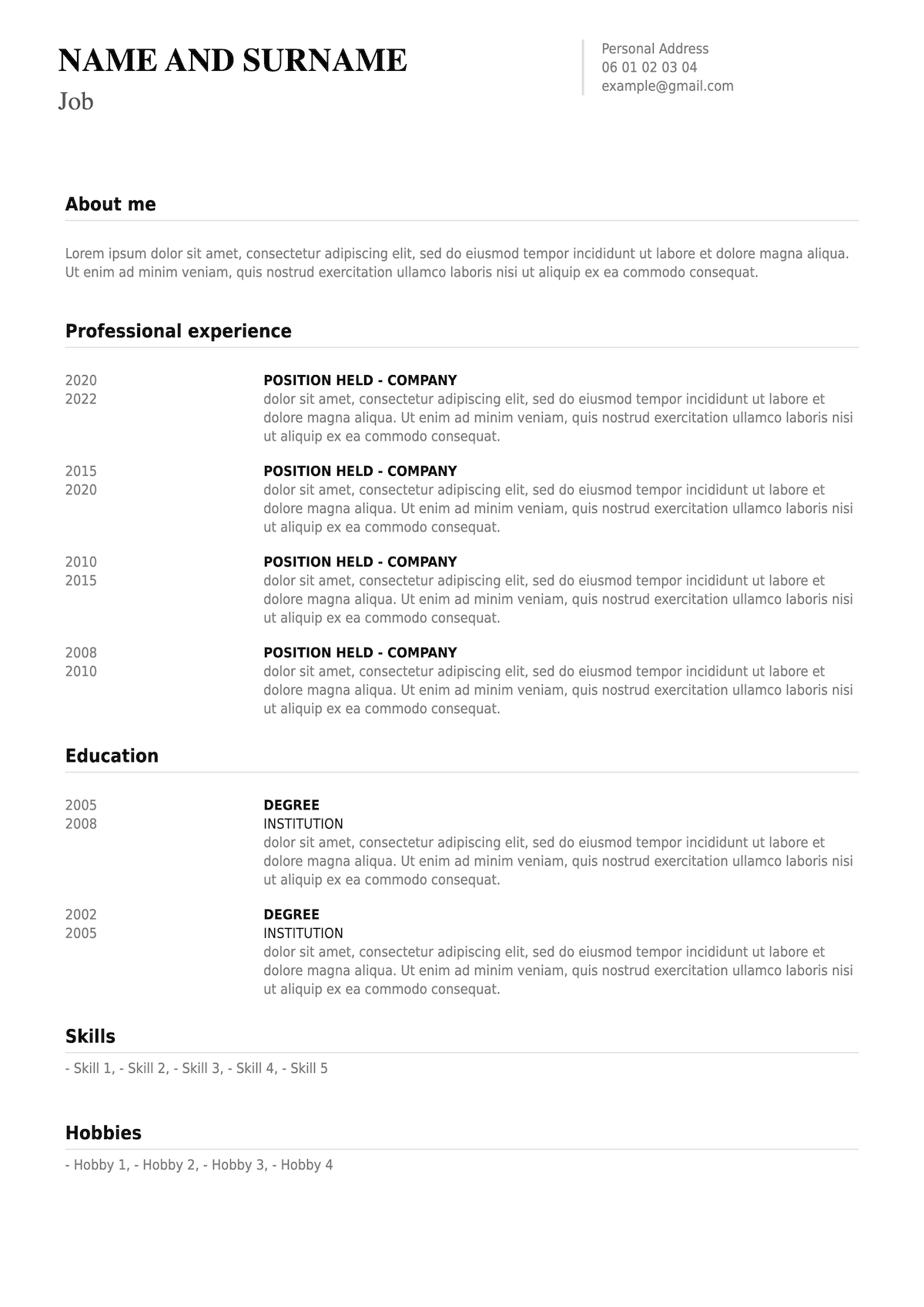
Candidates who require a CV without any pictures. Suitable for industries where privacy is essential or required by law.
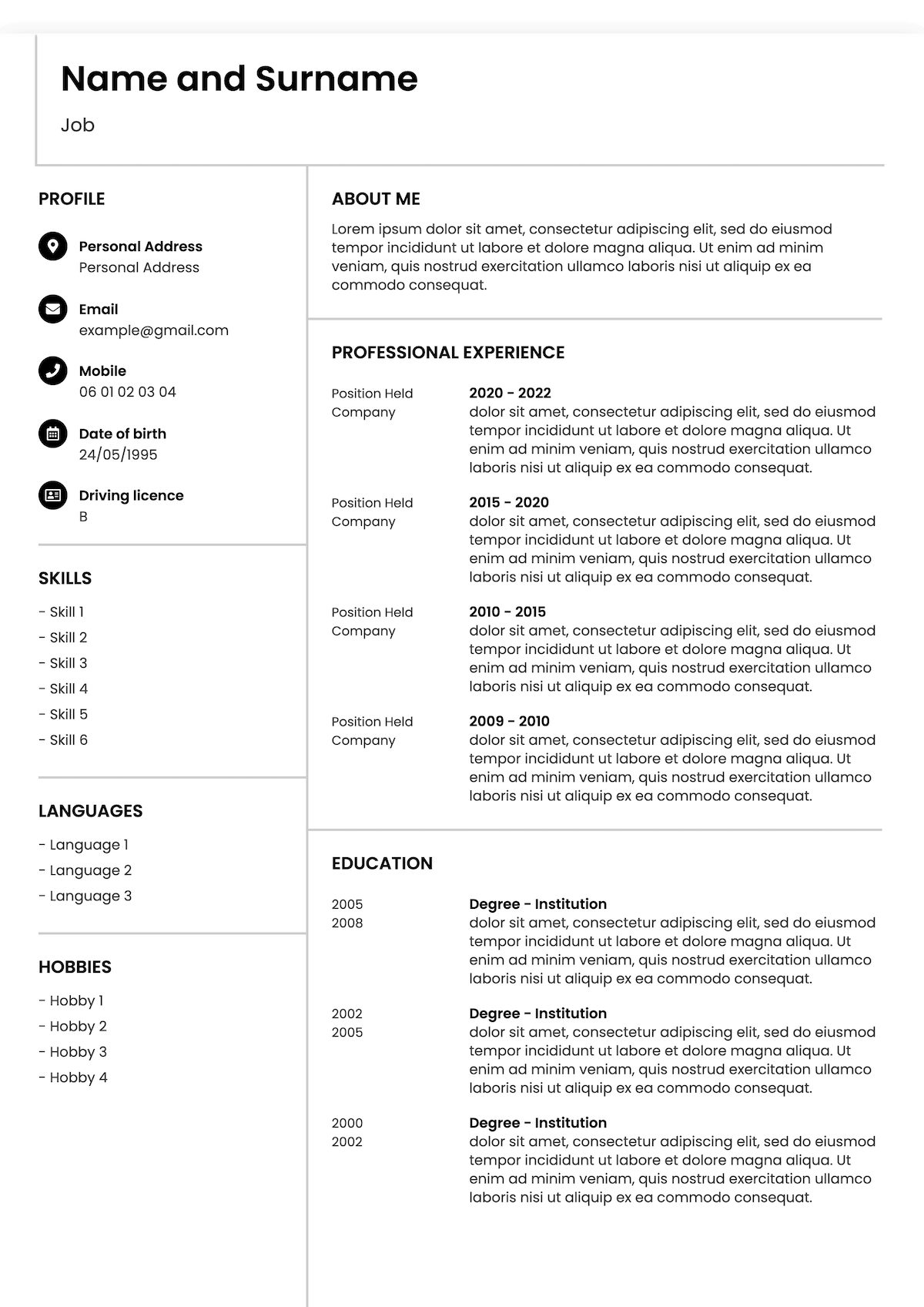
If you need a CV that will do the talking for you without a profile picture, this is the template for you. Amend fonts and colours as necessary.
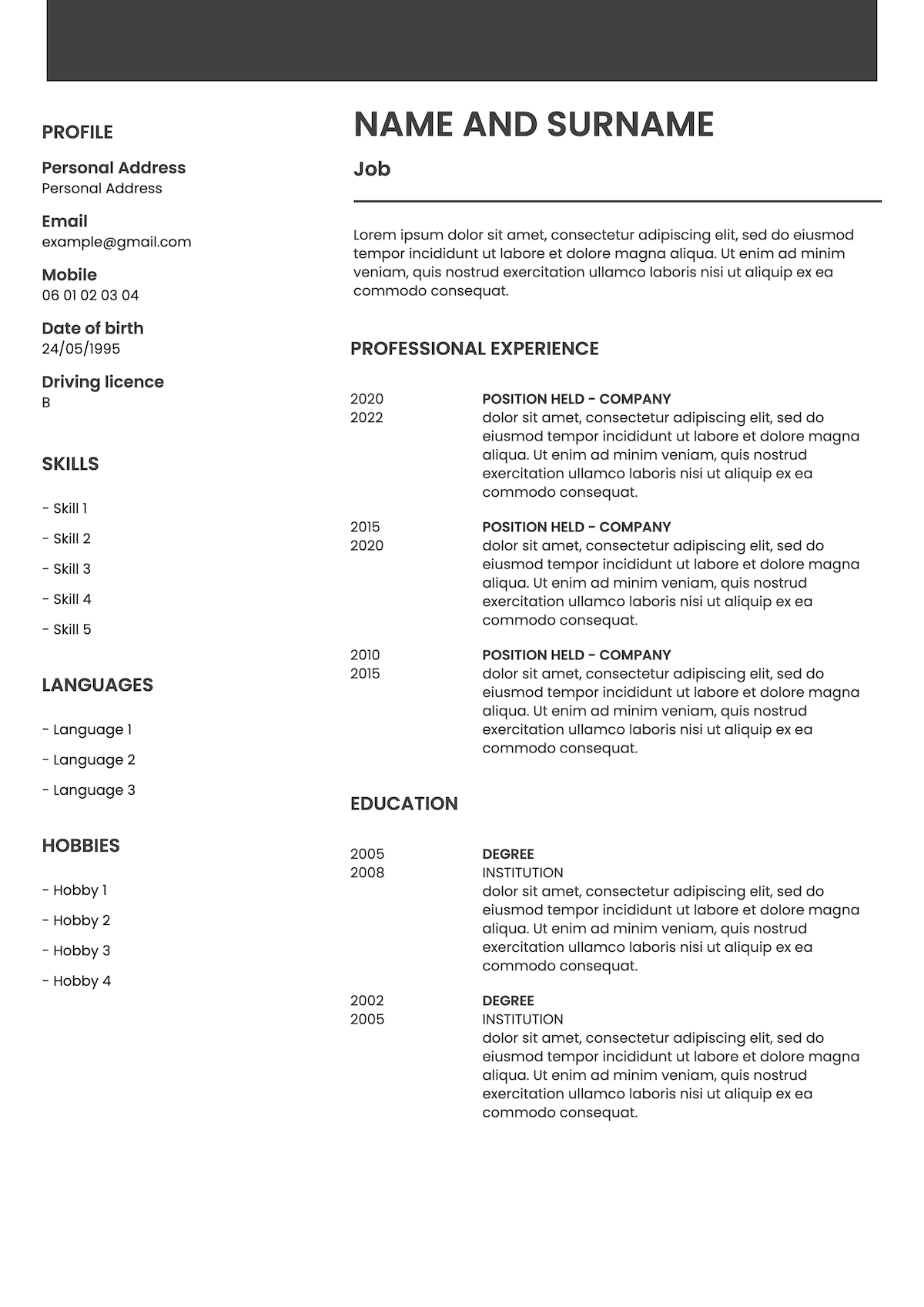
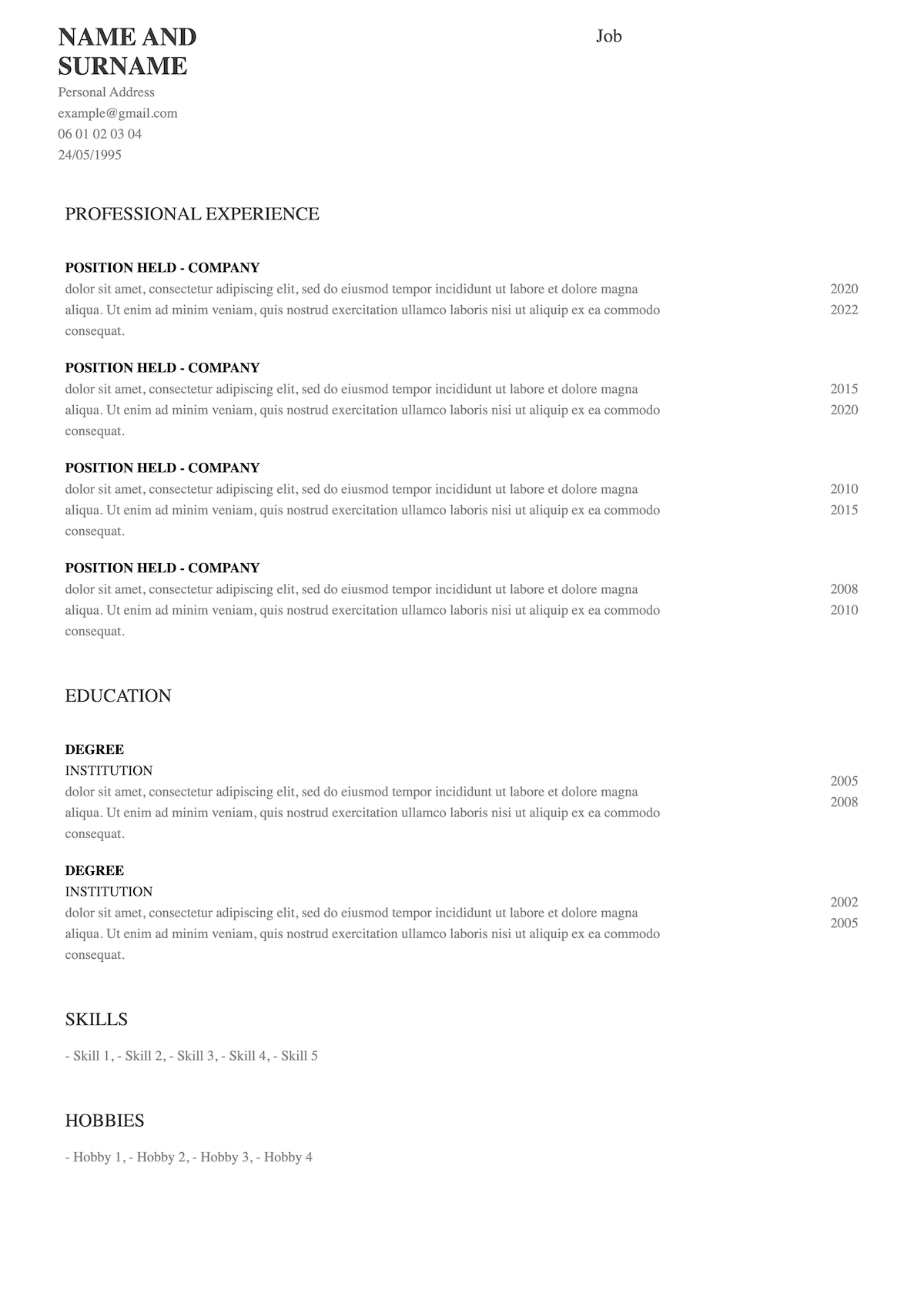
Applying abroad often means different rules. Using this timeless without picture CV template for maximum effect.
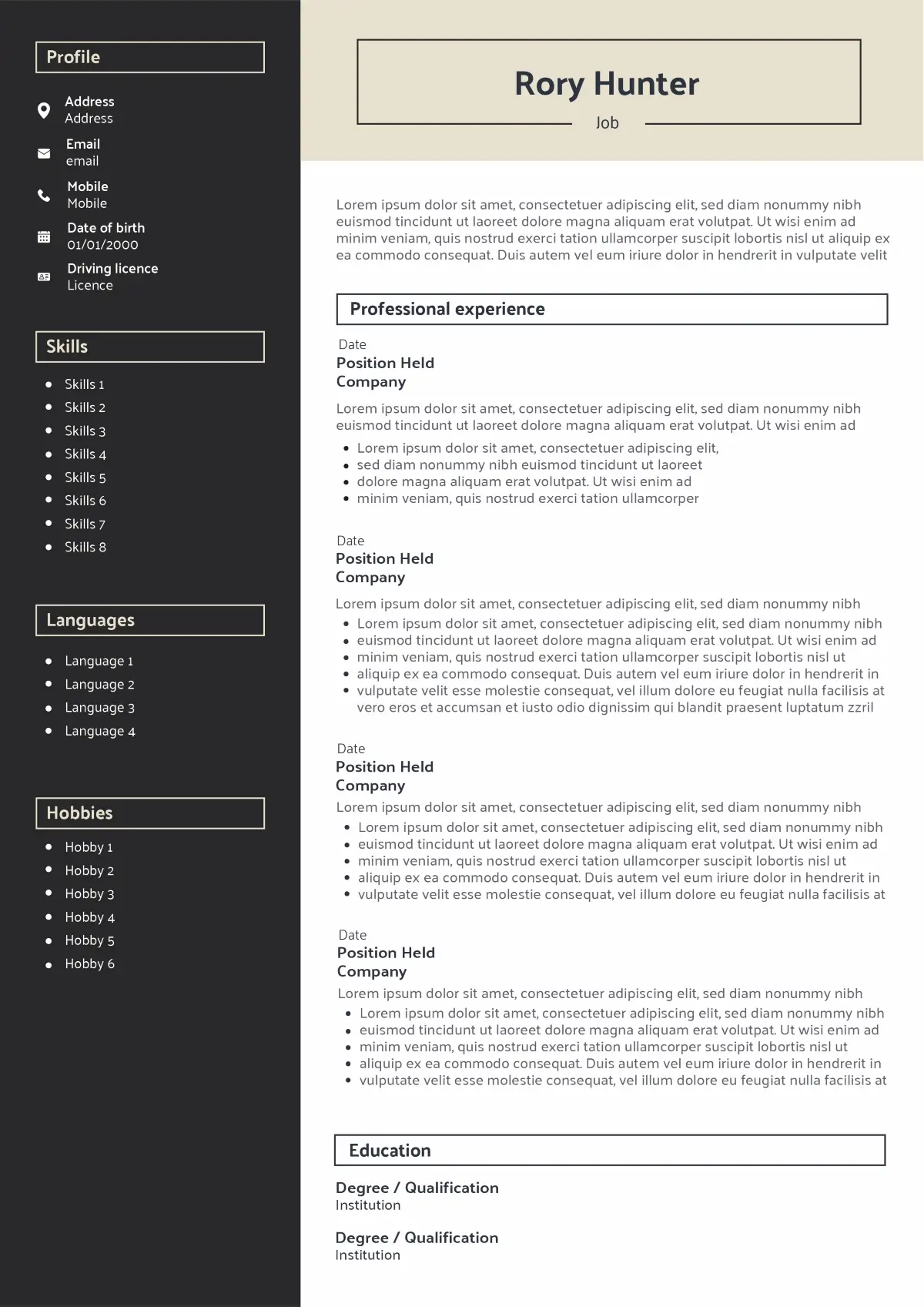
Modern CV template without photo featuring a dark sidebar and framed header; ideal for UK applications, ATS compatible, and fast to personalise and export to PDF.
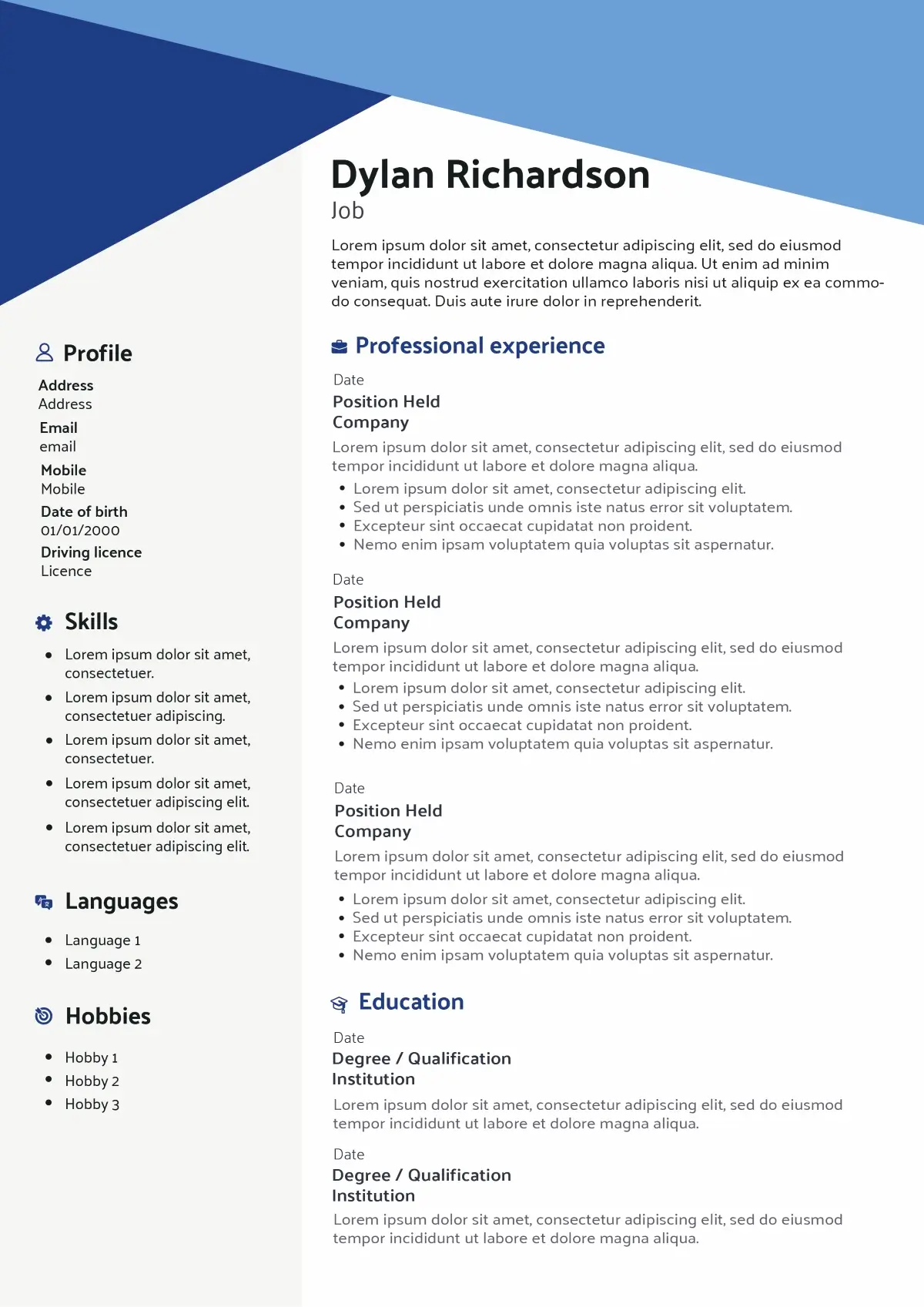
Original no-photo CV template with a dynamic diagonal banner and tidy sidebar; UK-ready, ATS-friendly, and easy to customise and export to PDF.
Want to see more CV templates?
Why choose a CV without picture?
Choosing a CV without picture is ideal for UK applications, where recruiters are expected to focus on skills, experience and education rather than appearance. A photo-free template keeps things fair, professional and ATS-friendly, letting your profile do the talking without a headshot.
Fair and unbiased first impression
In the UK, recruiters are expected to make hiring decisions without taking race, gender, age or appearance into account. By removing your photo, the recruiter has no choice but to focus on your profile as a whole: your skills, your experience and your education. A CV without picture naturally draws attention to your personal statement, work history and key achievements.
ATS-friendly and easy to read
Many UK companies use Applicant Tracking Systems (ATS) to scan CVs before a human ever sees them. These tools can struggle with photos and unnecessary graphics. A clean, photo-free CV layout makes it easier for ATS software to read your details, identify the right keywords and pass your application on to the hiring manager.
Suitable for any industry, country or level
A CV without any pictures is suitable for industries where privacy is essential or required by law, such as education, healthcare, public service or finance. At the same time, this is a template which can be used for any industry or level of seniority. Applying abroad often means different rules, and using this timeless without picture CV template allows you to adapt quickly to local conventions while keeping a professional, neutral layout.
Advantages
- A CV without any pictures is suitable for industries where privacy is essential or required by law (education, healthcare, public service, finance).
- Recruiters have no choice but to focus on your profile as a whole: your skills, your experience and your education.
- Many UK companies use Applicant Tracking Systems (ATS); a clean, photo-free layout makes it easier for ATS software to read your details and keywords correctly.
- This is a template which can be used for any industry or level of seniority, from graduate roles to senior management.
Limitations
- In some countries and sectors, a profile photo is still expected; a CV without picture may look unusual if local norms strongly favour photos.
- For highly client-facing or media roles, not showing your face can feel less personal and may require a stronger personal statement to stand out.
- If you apply in multiple countries, you might need a second version of your CV with a photo to match local conventions.
How to write each section
On a CV without picture, every section has to work harder. There is no profile photo to create a first impression, so your contact details, personal statement, experience and skills must tell a clear, consistent story. Use a clean layout, short paragraphs and strong keywords from the job advert to help both the recruiter and any Applicant Tracking System (ATS) understand your profile at a glance.
Contact details: keep them simple and ATS-friendly
Your contact details replace the space where a photo might sit on other CV types. Keep this section compact and easy to scan: full name, phone number, professional email address, city/region and a link to your LinkedIn or portfolio if relevant. Avoid decorative icons or images that could confuse ATS software.
- Do: clear, up-to-date details, professional email
- Avoid: photos, full postal address, unprofessional email names.
- John Doe
- +44 7700 000000
- example@email.co.uk
- Liverpool, UK
- linkedin.com/in/yourlinkedin
Personal statement: make a strong first impression without a photo
Without a picture, your personal statement becomes the main “snapshot” of who you are. In 3–4 lines, explain your role, years of experience, key strengths and what you can bring to the organisation. Make sure it matches the job advert and uses UK spelling and terminology rather than American English.
- Do: tailor it to each role, use keywords
- Avoid: vague claims, generic “hard-working, motivated” sentences without proof.
Customer Service Advisor with 4+ years’ experience in busy UK call centres, resolving complex queries and improving customer satisfaction scores. Confident handling high call volumes, using CRM systems and working to strict targets. Looking to bring strong communication skills and empathy to a customer-focused retail brand.
Work experience: let your achievements do the talking
In a CV without picture, your work experience is where you really “show your face”. List roles in reverse-chronological order, with a short description of the company (if helpful), your job title and dates. Under each role, use concise bullet points to highlight responsibilities, results and skills that match the job you are applying for.
- Do: start each bullet with a strong verb, quantify results
- Avoid: long paragraphs, listing every task instead of focusing on achievements.
Customer Service Advisor – BrightConnect Telecom, London – 2021 to Present
Improved first-call resolution rate from 72% to 86% in 12 months by updating call scripts, sharing best practices and coaching new team members.
Education and certifications: show you meet the requirements
Education is especially important for graduates or candidates changing sector. List your highest qualifications first, including degree title, institution, location and dates. For recent graduates, you can add relevant modules, projects or a dissertation topic that connect directly to the role. Include professional certifications and training that prove you meet industry standards.
- Do: highlight relevant modules, recent certifications
- Avoid: listing every subject from school once you have higher education.
BA (Hons) Business Management – University of Liverpool – 2016 to 2019
Relevant modules: Human Resource Management, Data Analytics, Marketing Strategy.
Skills: highlight what the job advert is really asking for
On a no-photo CV, your skills section helps the recruiter see quickly whether you match their ideal profile. Combine technical skills (software, tools, methods) with key soft skills that appear in the job description. Use clear labels and, if useful, group skills under short headings such as “IT”, “Languages” or “Communication”. Make sure the vocabulary matches UK usage.
- Do: mirror keywords from the advert, stay honest
- Avoid: long lists of skills you cannot back up in your experience.
CRM: Salesforce, HubSpot | Office: Excel (pivot tables), PowerPoint | Languages: English (native), Spanish (intermediate).
Hobbies and interests: add personality without a picture
Hobbies and interests are optional, but on a CV without picture they can add a human touch and support your professional story. Choose activities that show useful strengths – commitment, teamwork, creativity, leadership – rather than listing everything you enjoy. Keep it brief and avoid anything overly personal or controversial.
- Do: select 2–3 relevant interests, link them to soft skills
- Avoid: generic “reading, music, travel” with no extra detail.
Badminton club member (team captain, organising weekly fixtures) | Volunteer English tutor for refugees (one evening per week).
Key takeaways for your CV without picture
By choosing a CV without picture, you are asking recruiters to focus entirely on what you can do rather than what you look like. The layout, wording and structure all play a role in making that first impression work in your favour. Keep the following points in mind when you select and personalise your no-photo CV template.
- Start with a photo-free template designed for UK recruiters. A CV with no photo is ideal for sectors where privacy is crucial or legally required, such as education, healthcare, public service and finance. Using a template that removes the photo placeholder from the header instantly aligns your CV with UK expectations and anti-discrimination rules.
- Let design support your message, not replace a picture. Without a headshot, your layout needs to feel open, balanced and easy to scan. Use clear headings, consistent spacing and one or two accent colours rather than heavy graphics. The recruiter has no choice but to focus on your profile as a whole: your skills, your experience and your education, so make sure each section is simple to navigate.
- Think ATS every time you edit the structure. Many UK companies use Applicant Tracking Systems (ATS); a clean, photo-free layout makes it easier for ATS software to read your details and keywords correctly. Avoid placing key information inside shapes, images or text boxes, and keep your contact details and section titles in standard, machine-readable formats.
- Use the personal statement as your “snapshot”. Since there is no photo, your personal statement is what sets the tone. A short, tailored paragraph at the top of your CV should summarise your role, key strengths and career goal in UK English. It replaces the visual impact of a picture with a clear, confident introduction written in your own words.
- Choose content that proves your value at a glance. Bullet points in the work experience and skills sections should highlight results, responsibilities and tools that match the job advert. When the recruiter can’t rely on a quick visual impression, quantified achievements, relevant certifications and focused skills become even more important.
- Keep one flexible version you can adapt for any role. This is a template which can be used for any industry or level of seniority. Once you have a strong base CV without picture, you can clone it and adjust the vocabulary, examples and skills for each new application, in the UK or abroad, without ever needing to redesign the layout from scratch.
FAQ about CV without photo
Why do UK recruiters prefer CVs without pictures?
Can a CV with a photo be rejected by Applicant Tracking Systems (ATS)?
Are there any jobs or sectors in the UK where a CV photo is still expected?
If I apply in different countries, should I use both a “with photo” and a “no photo” version of my CV?
What personal details should I remove as well as the photo (age, marital status, nationality)?

Ready to create your CV without picture?
You’ve seen why UK recruiters favour CVs without photos and how a clean, photo-free layout lets your skills, experience and education do the talking. Choose your favourite no-photo template above and start building your CV online – then download it in Word or PDF and send a professional, bias-free application in just a few minutes.
Got it – create my CV