
CV design templates
Professional CV design templates for UK job seekers
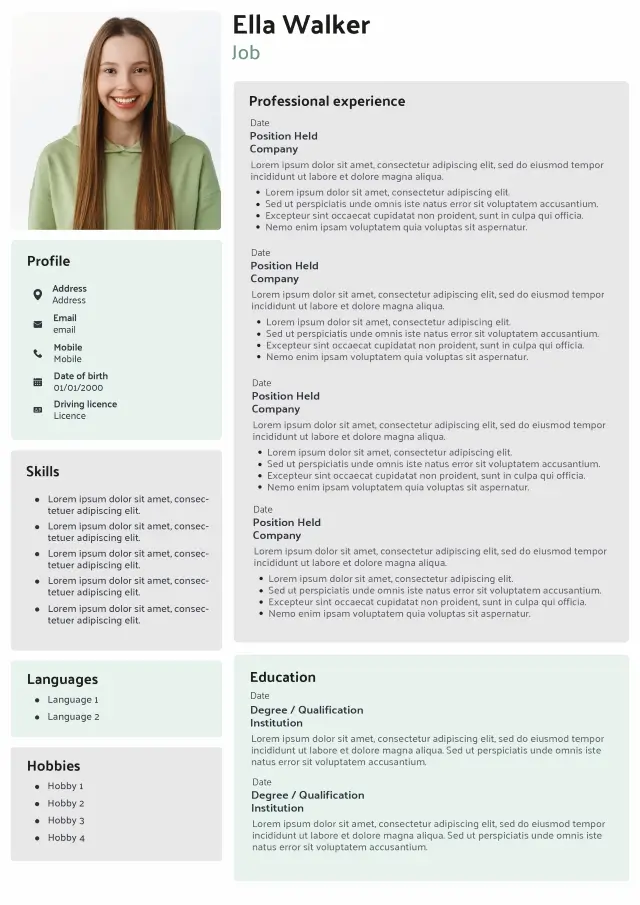
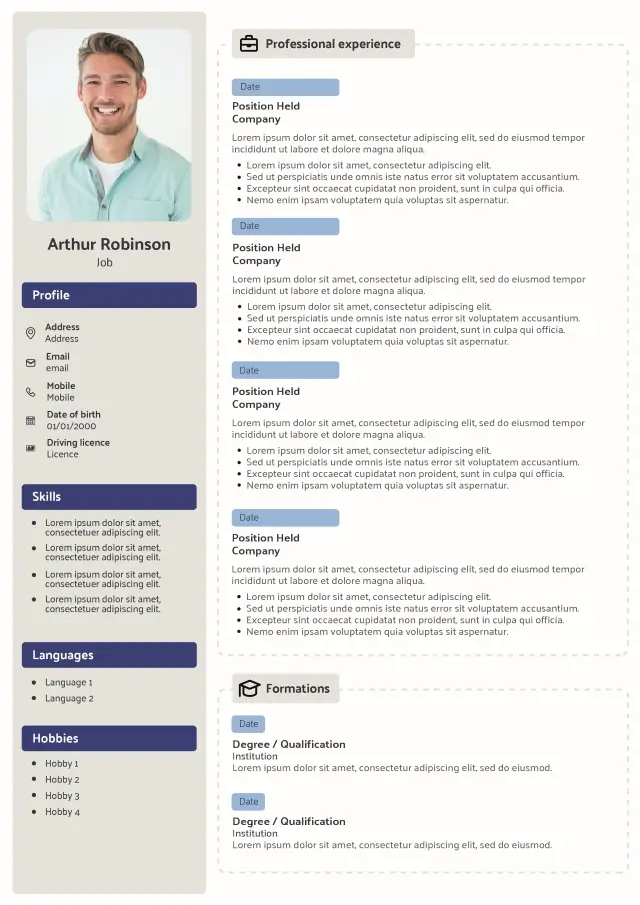
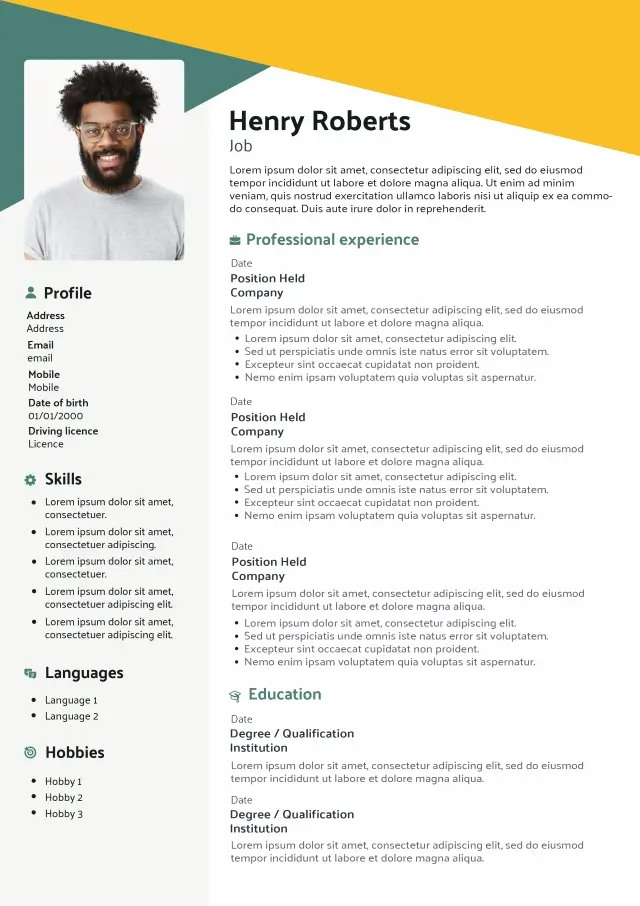
A good CV design makes your experience easier to read, understand and remember. Our professionally designed templates use clear visual hierarchy, considered typography and balanced spacing to present your information at its best.
Choose a CV design template, add your content and customise the presentation online. You can see every change as you work, then download your finished CV as a professional PDF ready for UK job applications.
Professional layouts
Easy to customise
UK CV format
Download as PDF
CV design template collection
CV designs, ready to make your own
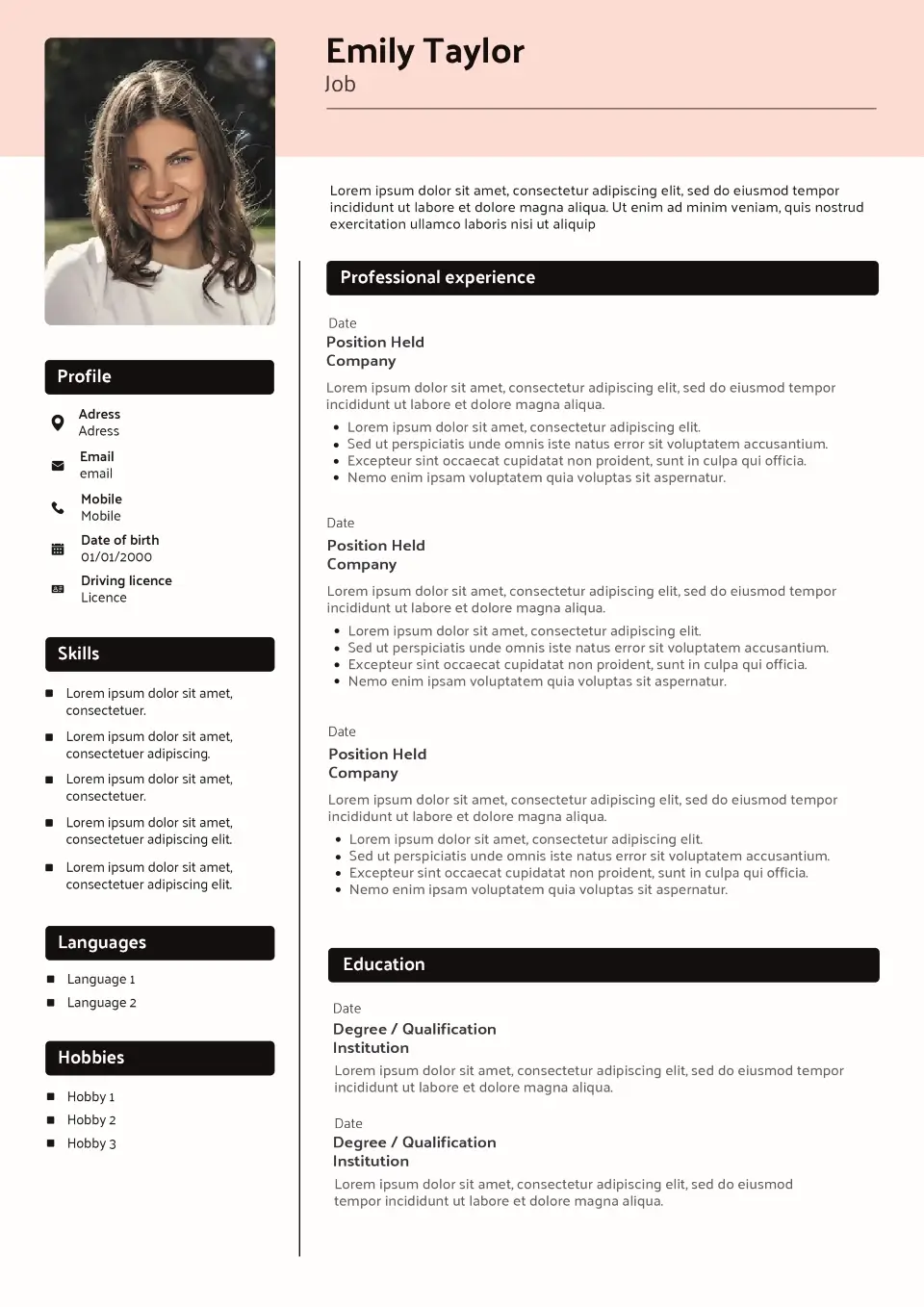
Browse our collection of CV design templates built around strong typography, clear sections and balanced layouts. Each template gives your application a distinctive finish while keeping your experience easy to scan.
Choose a design below, then personalise the colours, fonts, content and sections online to create a CV that feels like yours.
- All
- Without picture
- Classic
- Original
- Design
-
All CV template categories
By style
By career stage
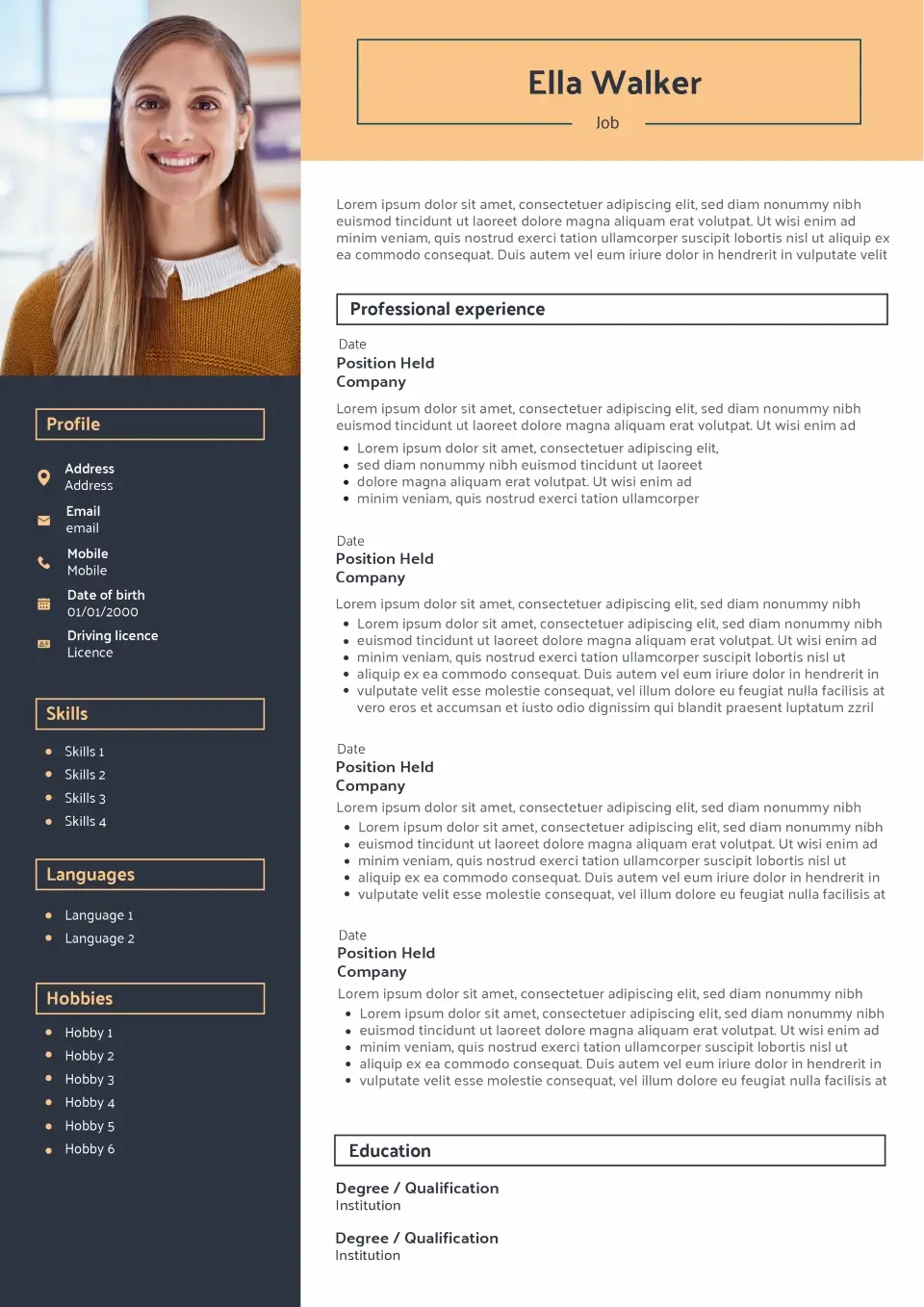
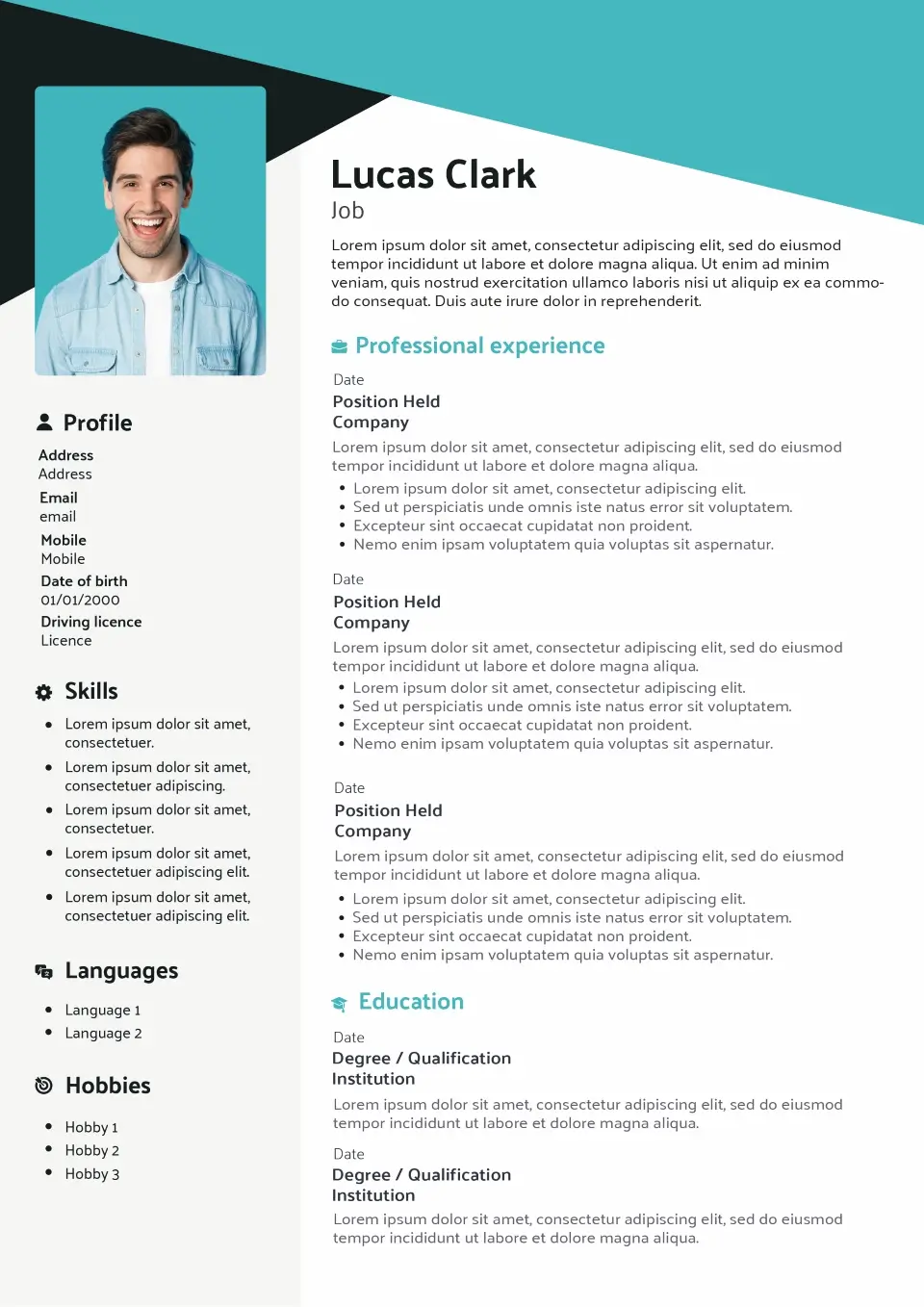
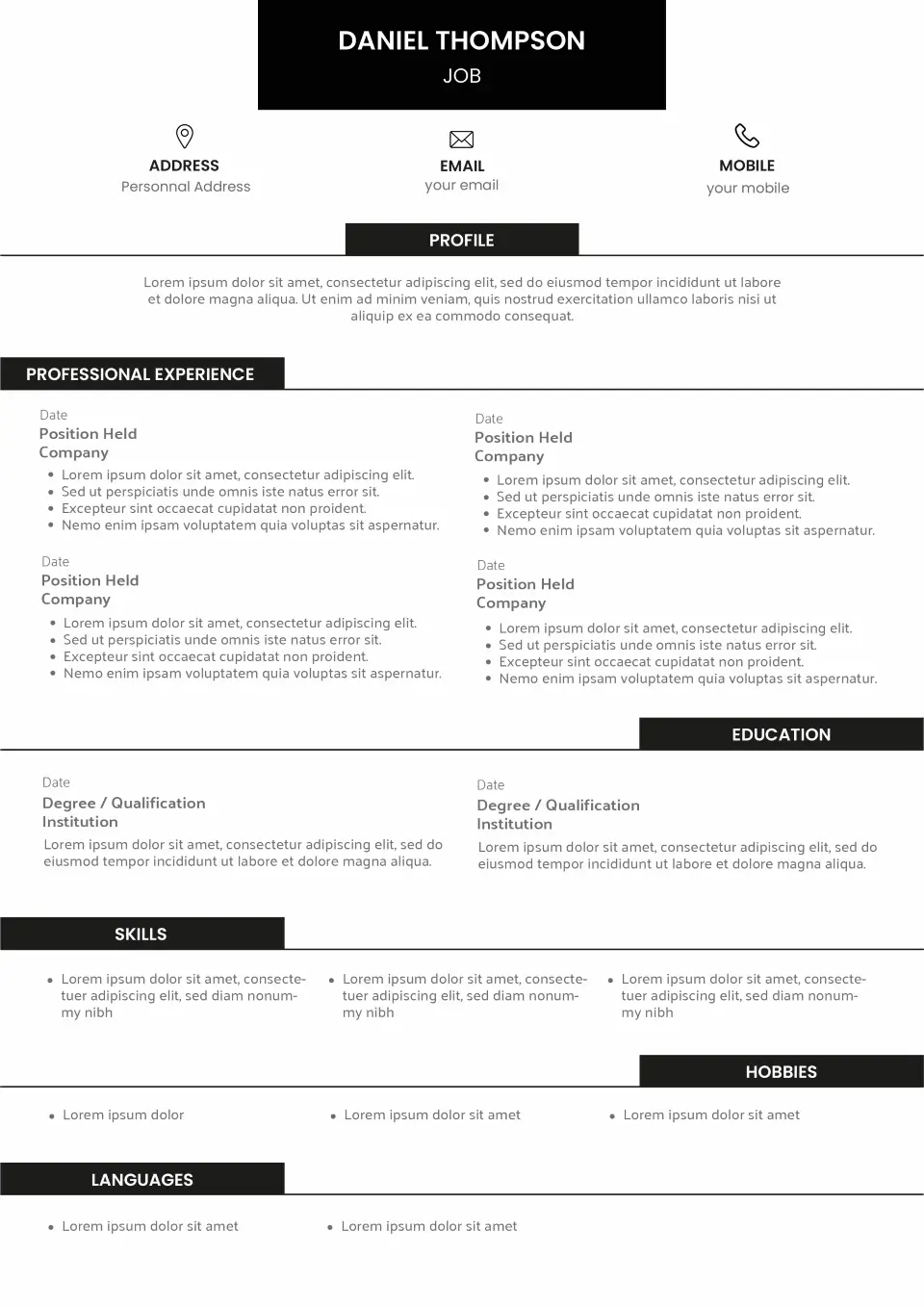
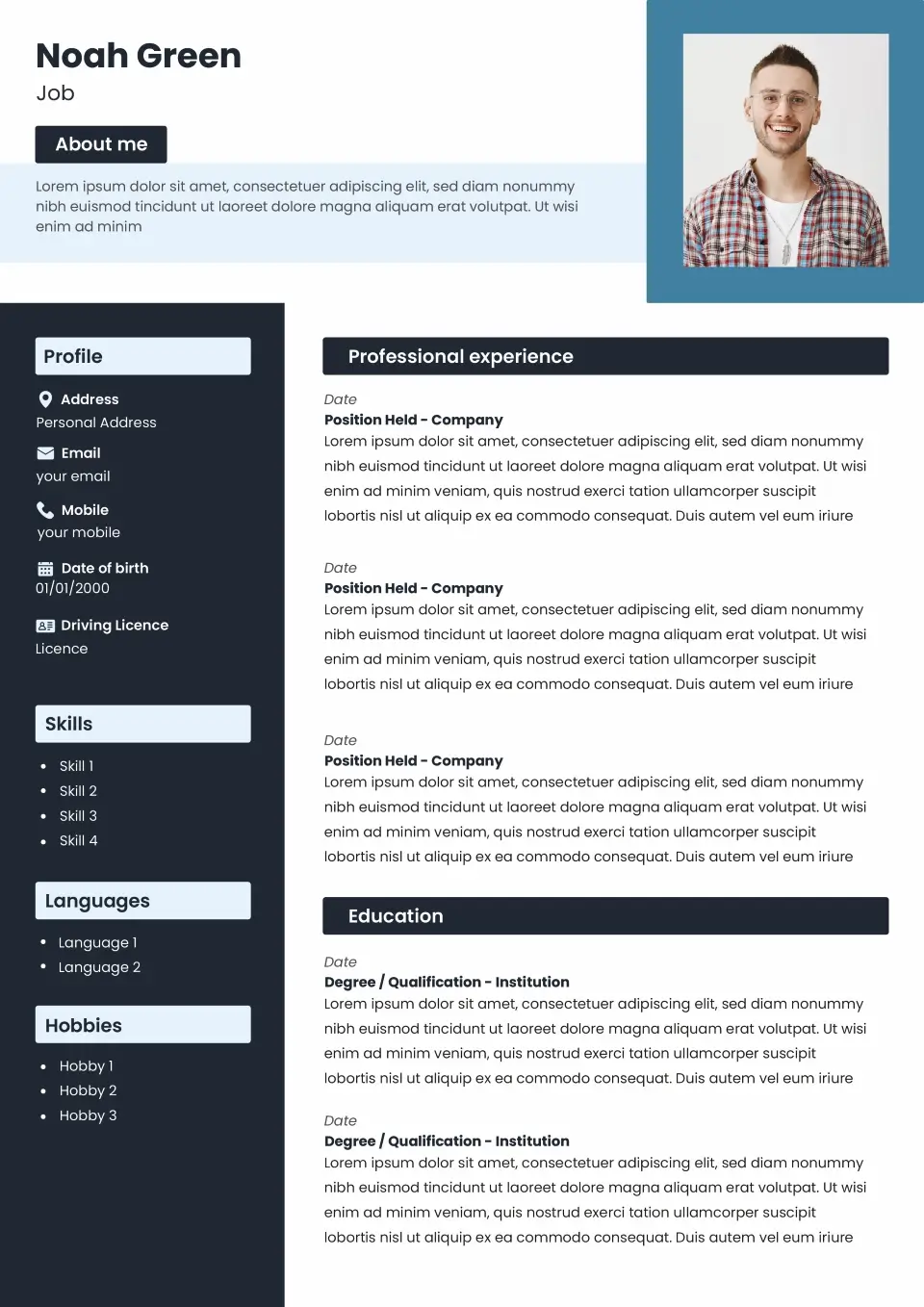
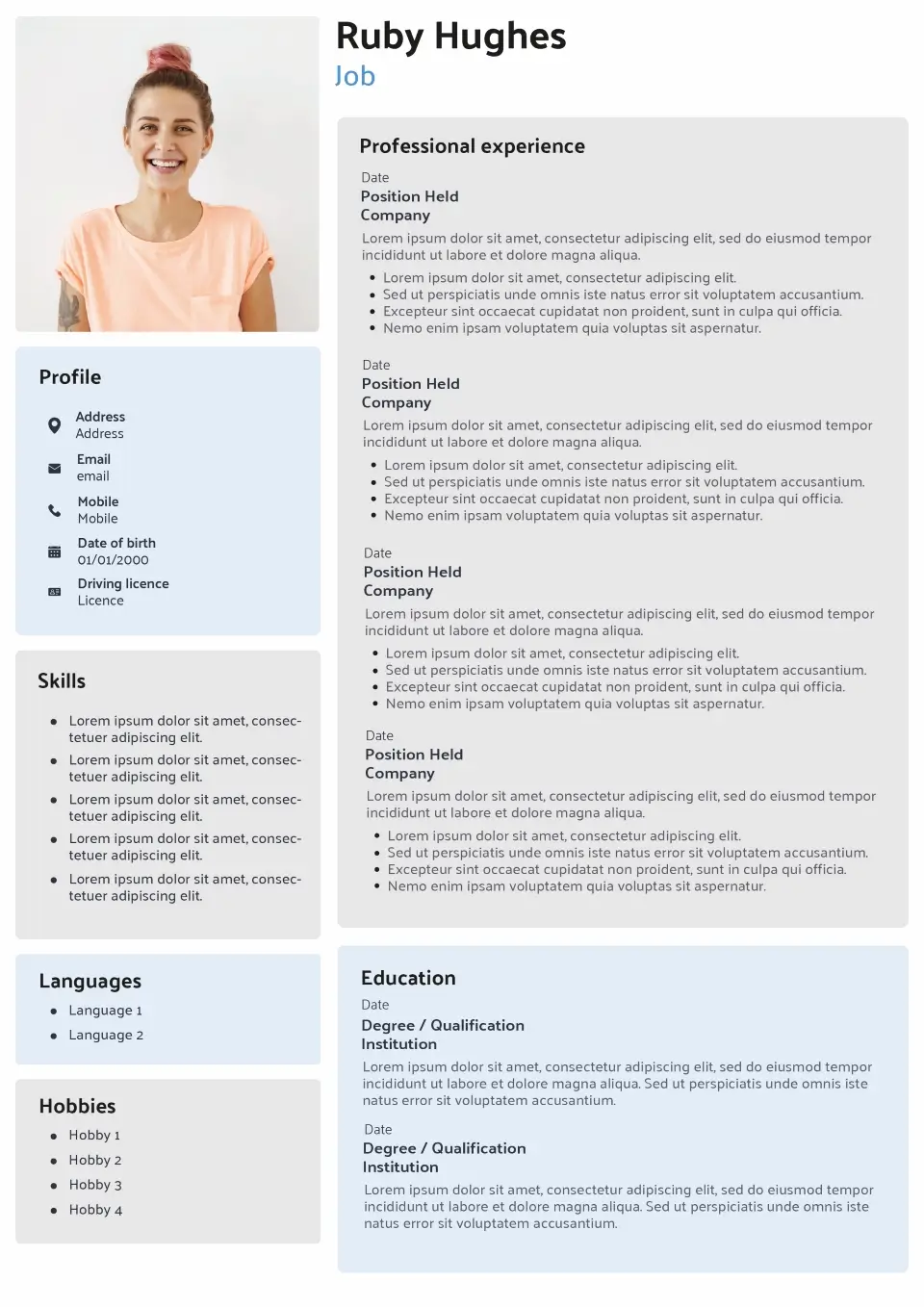
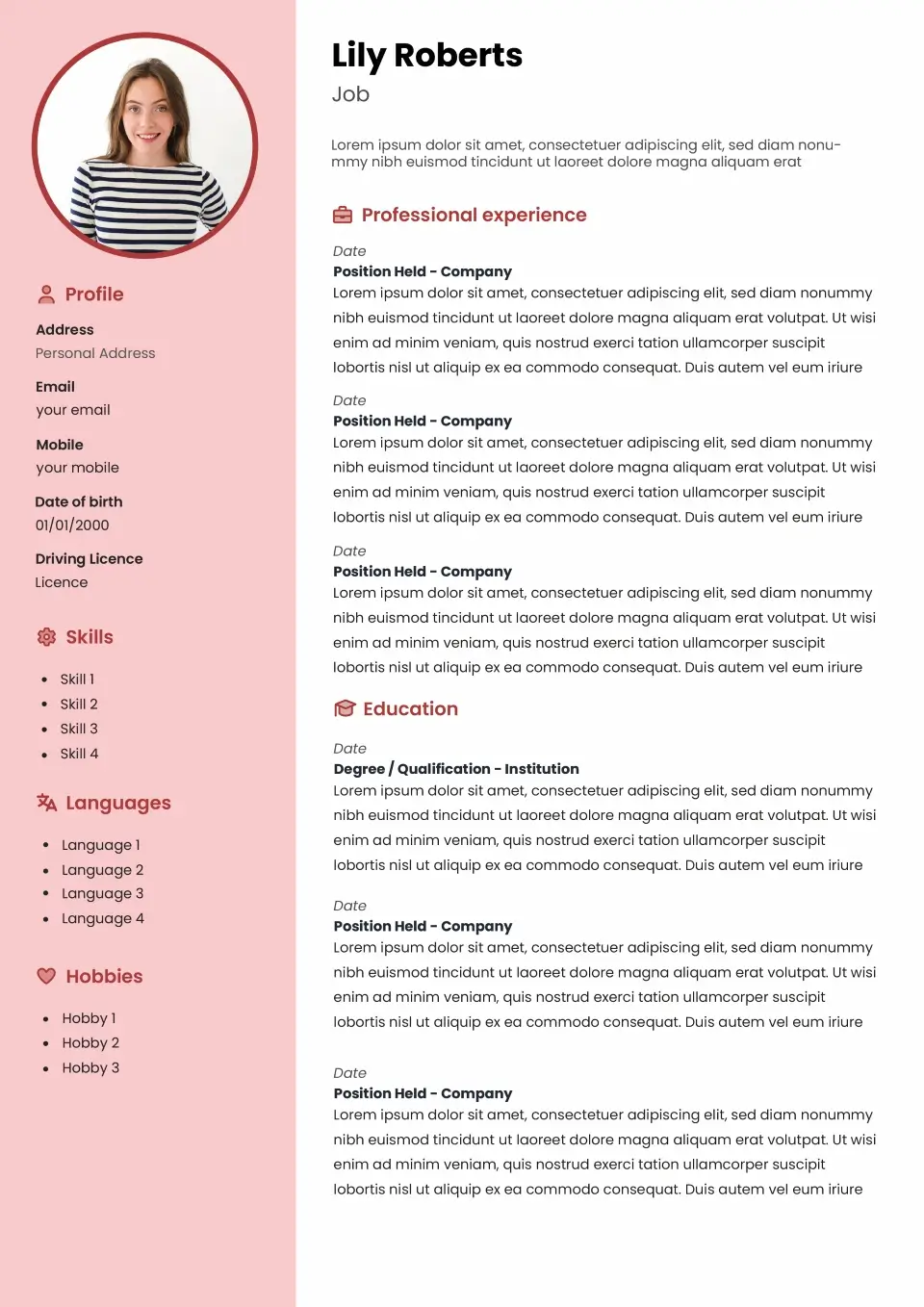
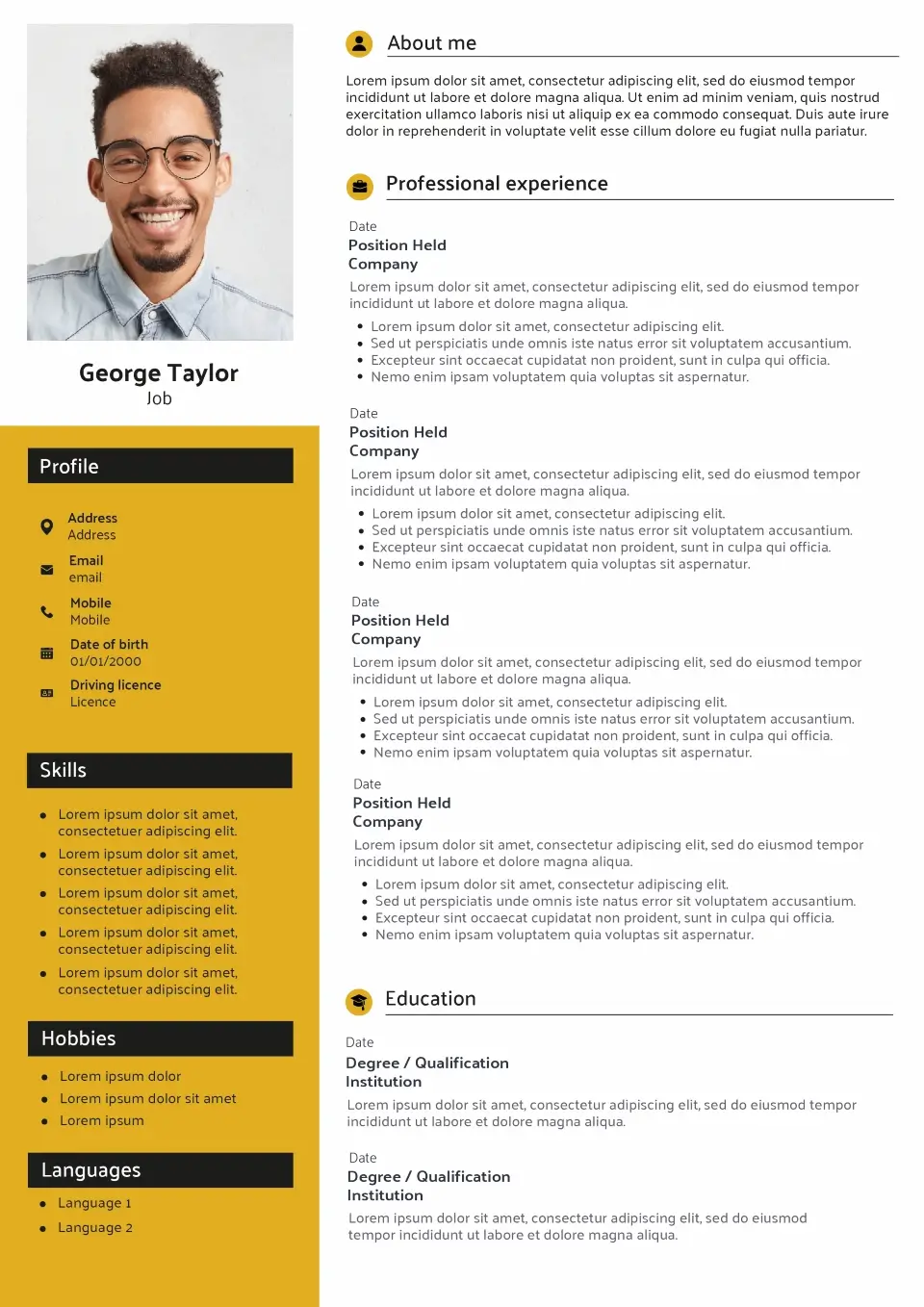
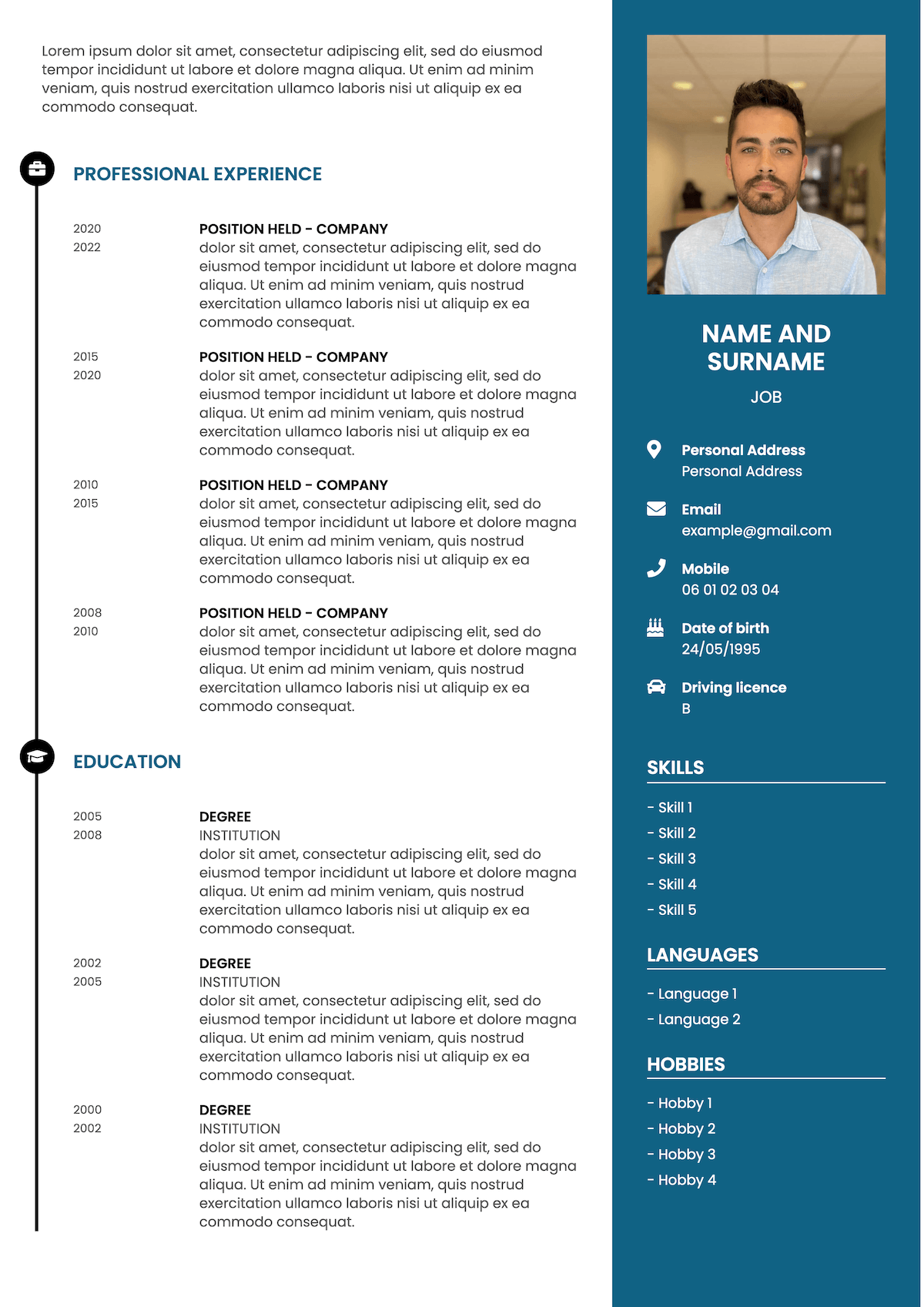
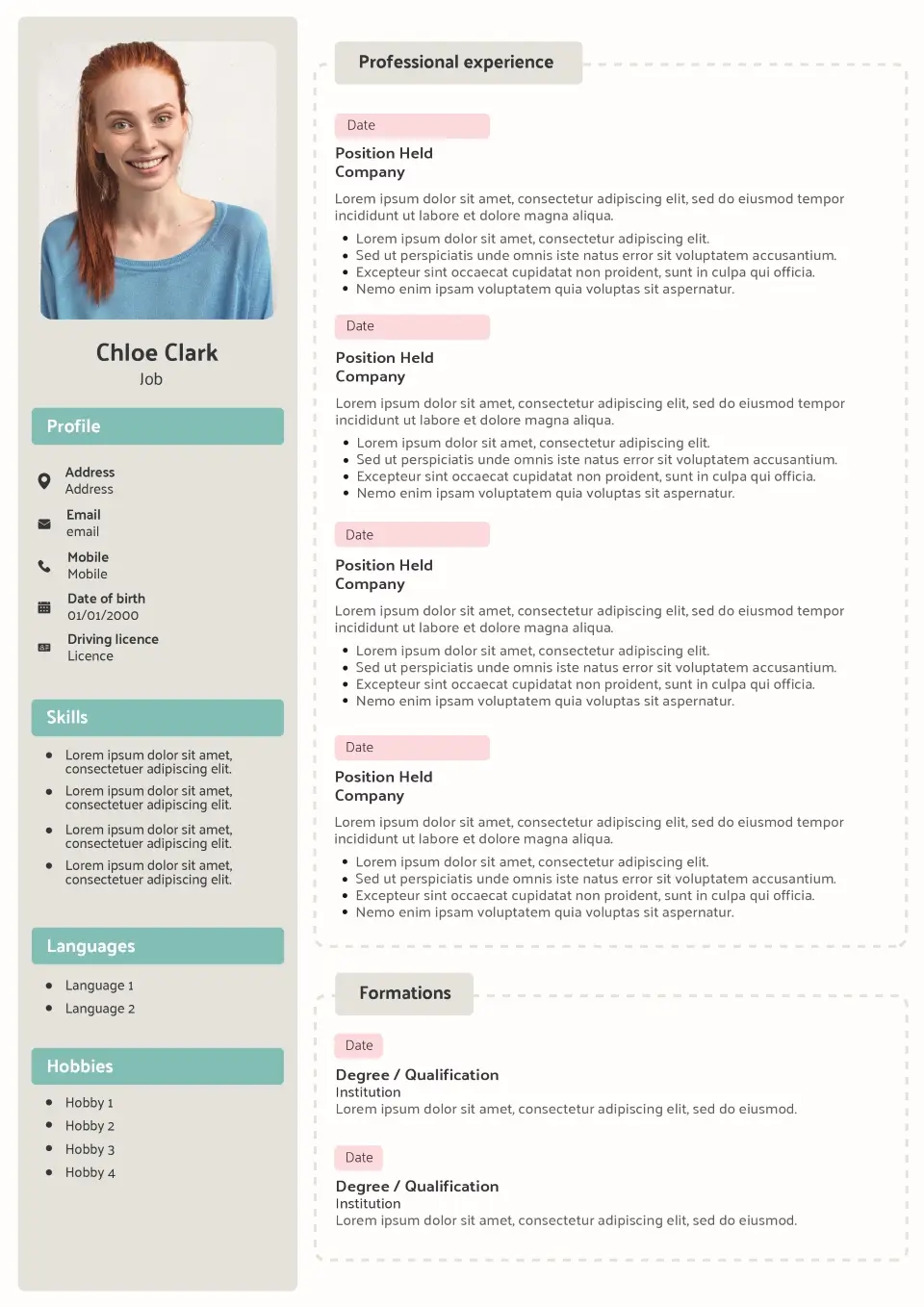
Désigned to perform
Why choose a professionally designed CV?
Good CV design isn’t decoration for decoration’s sake. Every visual choice should make your information clearer, establish hierarchy or help the recruiter move through the page.
Clear visual hierarchy
Well-defined headings, spacing and section styles guide the reader through your CV and make important information easier to find.
Controlled use of colour
Colour can highlight key areas and give your CV personality without turning the document into a graphic-heavy presentation.
Considered typography
Font size, weight and spacing create a natural reading order, helping your name, headings and achievements stand out where they should.
Balanced layout
A well-designed layout gives each section enough room to breathe, making even a detailed career history feel organised rather than crowded.
CV design examples
See CV design with real content
Switch between three profiles to see how the same design principles work with different levels and types of experience. The presentation changes the way information is organised — but the content always stays at the centre.
Sophie Bennett
Marketing Graduate
Marketing graduate with practical experience in digital campaigns, content creation and customer research. Confident working with data and creative projects, with strong communication skills developed through university, internships and part-time work.
Work Experience
Marketing Assistant Intern
North & Co.
- Supported digital campaigns across social media, email and website channels.
- Prepared monthly campaign reports using Google Analytics and Excel.
- Created content for product launches and customer communications.
Student Brand Ambassador
University of Leeds
- Promoted university events through digital and on-campus channels.
- Worked with student societies to increase event awareness and registrations.
Education
BA Marketing
University of Leeds
Key Skills
- Digital Marketing
- Content Creation
- Social Media
- Google Analytics
- Microsoft Excel
- Communication
- Market Research
Interests
- Photography
- Running
- Travel
- Volunteering
Daniel Foster
Account Manager
Client-focused account manager with seven years of experience developing commercial relationships, growing key accounts and coordinating projects across fast-moving B2B environments. Strong communicator with a track record of improving retention and identifying new revenue opportunities.
Work Experience
Senior Account Manager
Brightwell Solutions
- Manage a portfolio of key B2B accounts worth more than £1.5M annually.
- Develop account plans focused on retention, growth and long-term client relationships.
- Coordinate internal teams to deliver projects against agreed timelines and objectives.
Account Executive
Northbridge Media
- Managed day-to-day communication for a portfolio of national clients.
- Identified opportunities to expand existing accounts through additional services.
Education
BA Business Management
University of Nottingham
Key Skills
- Account Management
- Client Relationships
- Commercial Strategy
- Project Management
- Negotiation
- CRM
- Reporting
Interests
- Cycling
- Travel
- Football
- Technology
Amelia Collins
Project Coordinator
Organised professional moving into project coordination after six years in operations and customer service. Experienced in scheduling, stakeholder communication and process improvement, with strong transferable skills and recent project management training.
Work Experience
Operations Supervisor
Westfield Services
- Coordinate daily workloads and priorities for a team of 12 employees.
- Track deadlines, performance data and operational issues across multiple workstreams.
- Introduced a scheduling process that reduced missed handovers between teams.
Customer Service Team Leader
Oakwell Group
- Supervised a customer service team and handled complex enquiries and escalations.
- Produced weekly reports and coordinated training for new team members.
Education
BA Business Studies
University of Leicester
Key Skills
- Project Coordination
- Scheduling
- Stakeholder Communication
- Process Improvement
- Microsoft Excel
- Reporting
- Team Coordination
Interests
- Running
- Travel
- Volunteering
- Reading
A strong CV design should make different types of experience easier to understand. Use these examples for inspiration, then adapt your profile, achievements and skills to the role you’re targeting.
Designed with purpose
Good CV design is more than decoration
The best CV designs don’t demand attention for themselves. They make the content easier to absorb. A recruiter should notice your experience, achievements and skills before they start thinking about the layout.
That’s why our templates use visual hierarchy rather than unnecessary decoration. Typography distinguishes sections, spacing separates ideas and carefully placed accents draw attention to important information.
The result is a CV that feels polished and considered while still working as a professional job application.
- Visual hierarchy
- Professional typography
- Balanced spacing
- Purposeful colour
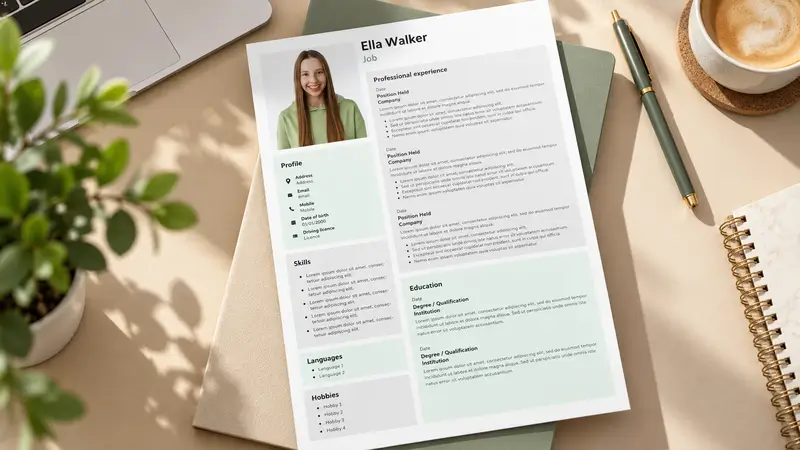
Who it's for
Who should use a CV design template?
A designed CV works best when you want a polished application with more visual structure than a basic document, without moving into an overtly creative style.
Experienced professionals
When your career history is getting longer, good visual hierarchy helps organise roles, achievements and qualifications without making the CV feel crowded.
Client-facing professionals
Sales, consulting, account management and business development candidates can use a polished layout to reinforce a professional first impression.
Digital & tech candidates
A structured visual layout suits digital environments and gives you space to present technical skills, projects and measurable achievements clearly.
Candidates who value presentation
If a plain document feels too anonymous, a professionally designed CV adds personality through layout and typography without making the application overly expressive.
Design principles
What makes a good CV design?
A successful curriculum vitae design isn’t about adding more visual elements. It’s about making better decisions about how information is presented.
Build a clear visual hierarchy
Your name, job title, section headings and body content shouldn’t all compete at the same level. Differences in size, weight and spacing tell the reader where to look first and what belongs together.
Use colour with a purpose
A restrained accent colour can separate sections, highlight headings or create continuity across the page. If colour doesn’t improve navigation or emphasis, you probably don’t need it.
Choose readable typography
Your CV may be read on a laptop, phone or printed page. Use clear fonts at comfortable sizes and create hierarchy through consistent changes in weight and scale rather than decorative typefaces.
Keep alignment consistent
Dates, headings, paragraphs and section boundaries should follow a consistent grid. Small alignment errors are surprisingly noticeable and can make an otherwise strong CV feel unfinished.
Give content room to breathe
White space separates information and reduces visual overload. If the page feels crowded, edit unnecessary content before reducing margins, line spacing or font size.
Templates styles
Compare CV design with other template styles
Design, Modern, Creative and Original templates can all have strong visual appeal, but they don’t serve exactly the same purpose. Here’s how to choose between them.
| Design This page | Modern View templates | Creative View templates | Original View templates | |
|---|---|---|---|---|
| Main priority | Visual clarity | Contemporary feel | Creative expression | Distinctive identity |
| Visual personality | Polished | Contemporary | Expressive | Unconventional |
| Layout experimentation | Controlled | Moderate | High | High |
| Corporate roles | Very good | Very good | Role-dependent | Role-dependent |
| Creative industries | Good | Good | Excellent | Excellent |
| ATS suitability | Good | Good | Varies | Varies |
| Best when | Presentation matters | You want an updated look | Creativity is relevant | You want to be distinctive |
ATS compatibility
Can a well-designed CV still be ATS-friendly?
Yes. Good CV design and ATS compatibility can work together. Visual styling isn’t automatically a problem — what matters is whether the underlying document remains clear and machine-readable.
A recruiter may appreciate thoughtful typography and layout, while an Applicant Tracking System needs recognisable headings, real text and a logical reading order. The safest approach is to use visual elements to organise information rather than replace it.
Recognisable headings
Standard headings such as Work Experience, Education and Skills make the purpose of each section immediately clear.
Real, selectable text
Important details stay as text instead of being embedded inside images, charts or decorative graphics.
Logical reading order
Sections follow a structure that makes sense when read from top to bottom, helping both software and recruiters interpret your CV.
Clean PDF output
Your finished CV exports as a professional PDF with readable text and a layout that stays consistent when you send it to employers.
How it works
Create your CV design in four steps
Start with a professionally structured template and make it your own.
Choose your design
Browse the CV designs and select a layout that suits your experience, industry and preferred level of visual impact.
Add your information
Fill in your profile, experience, education and skills using our guided online CV builder.
Personalise the presentation
Adjust colours, fonts and sections while checking every change directly in the live preview.
Download your CV
Export your finished document as a professional PDF ready to send with your job applications.
UK CV design
CV design for UK job applications
In the UK, your CV needs to work as a professional document before it works as a piece of visual communication. Recruiters often scan applications quickly, so your profile, recent experience, key achievements and relevant skills should be easy to identify at a glance.
A strong CV design supports that behaviour. Clear headings establish structure, typography separates different levels of information and consistent spacing makes the document easier to scan. These choices can make a detailed CV feel significantly simpler without removing useful content.
The right level of styling depends on the role and employer. A candidate applying for marketing, technology, account management or another presentation-conscious position may have more freedom than someone targeting a highly traditional organisation. That doesn’t mean every visually polished CV is unsuitable for conservative sectors — restraint matters more than the presence of design itself.
Whatever template you choose, your experience and achievements should remain the focus. If a visual element doesn’t help the recruiter understand your application, it probably doesn’t need to be there.
Related guides & pages
FAQ