
Modern CV templates
Modern CV templates for today's job market
Give your application a current, professional look with a modern CV template. Contemporary formatting, clear sections and well-structured content help recruiters understand your experience quickly without making your CV feel dated or overly traditional.
Choose a modern template, add your experience and customise your CV online. You can start creating for free and download the finished document as a PDF when you’re ready to apply.
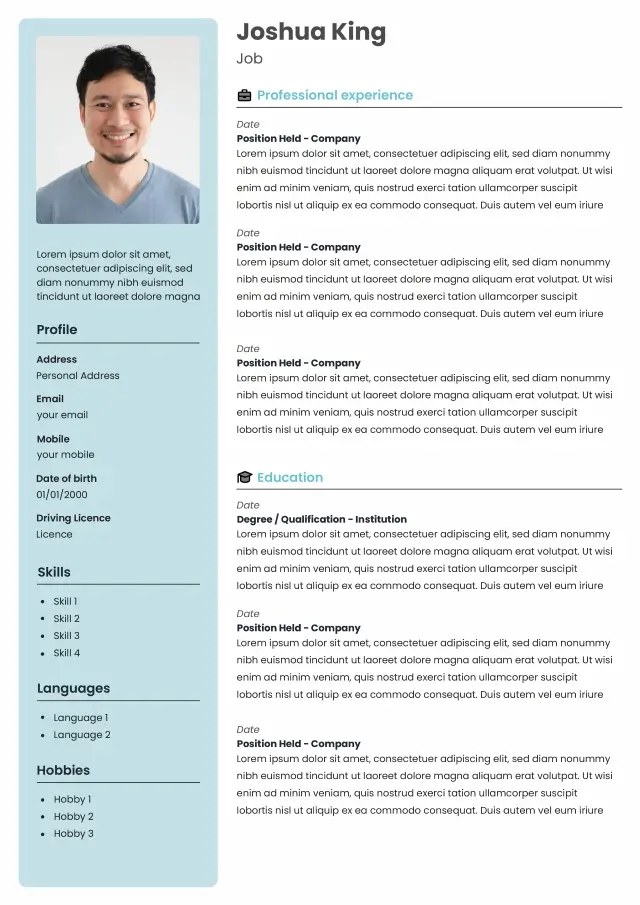
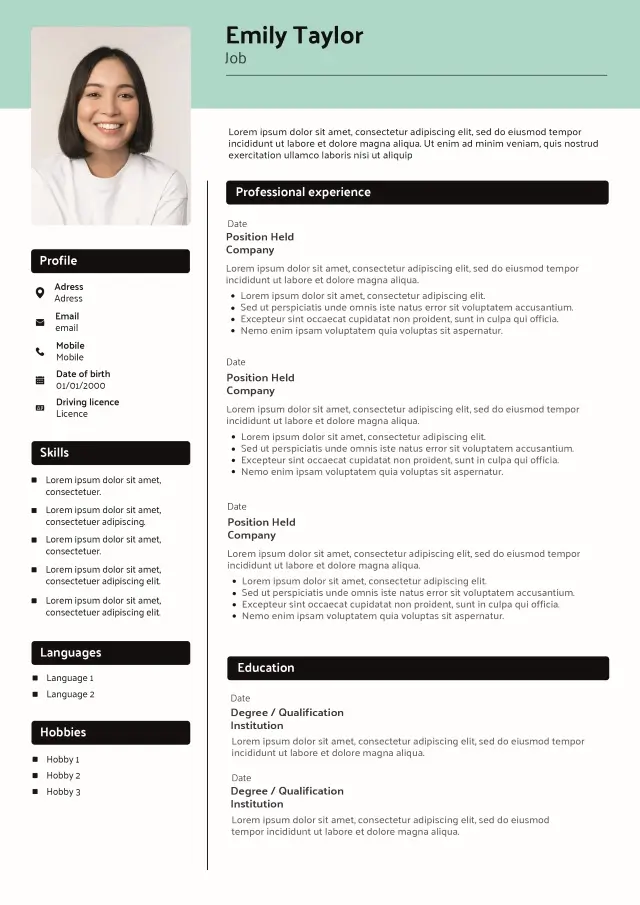
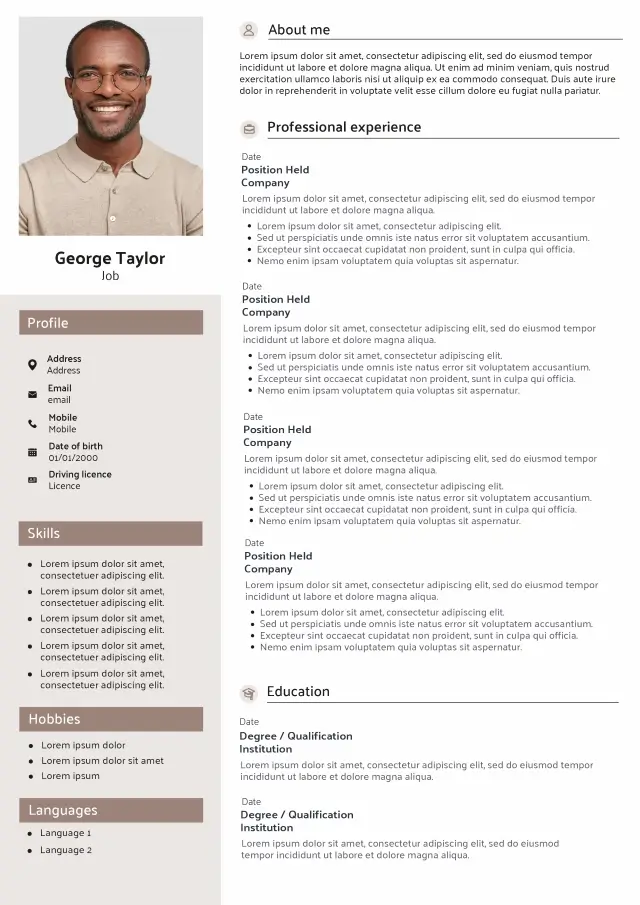
Contemporary templates
Professional structure
Easy to customise
Free to start
Modern CV Template Collection
Modern CV templates, ready to customise
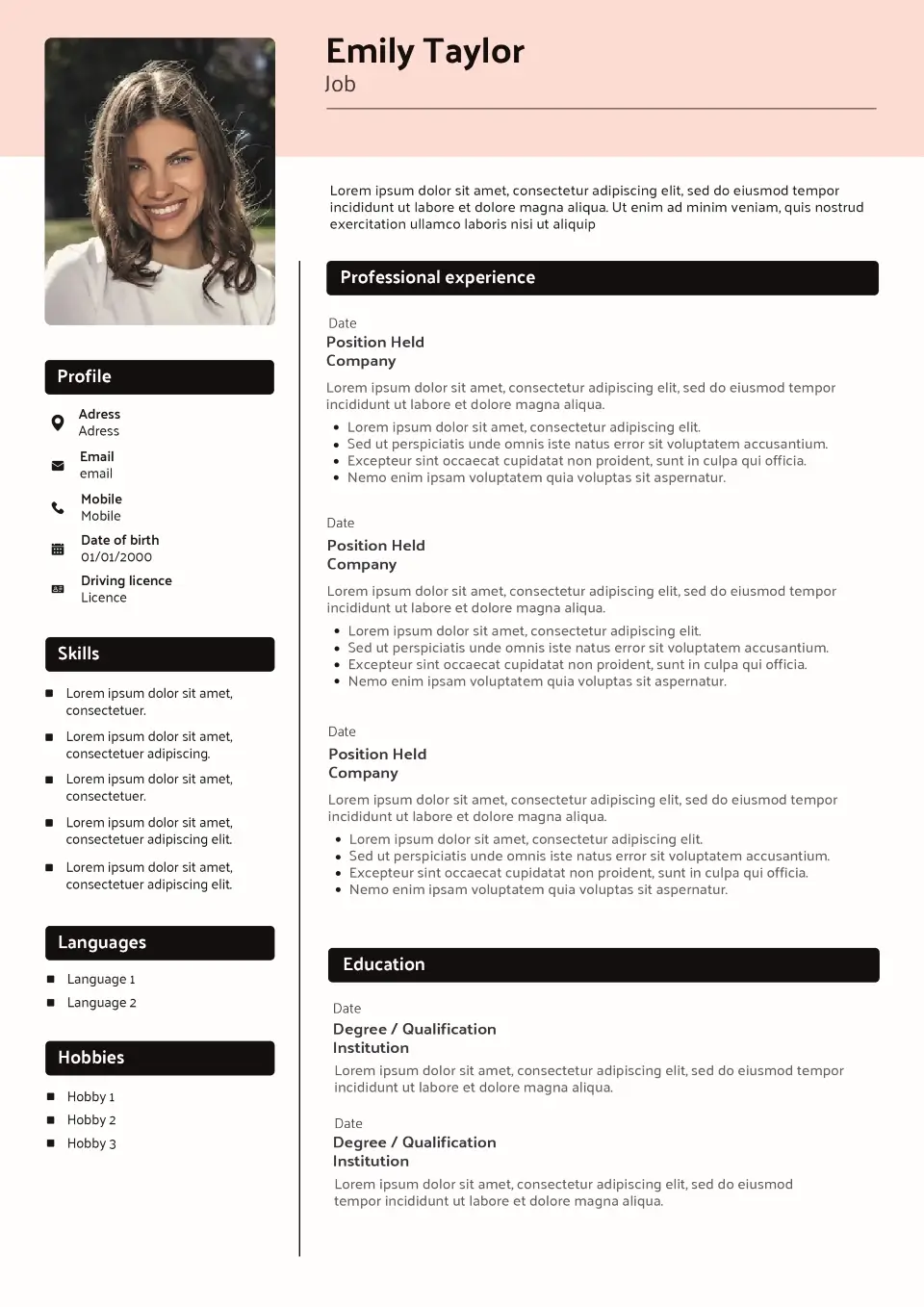
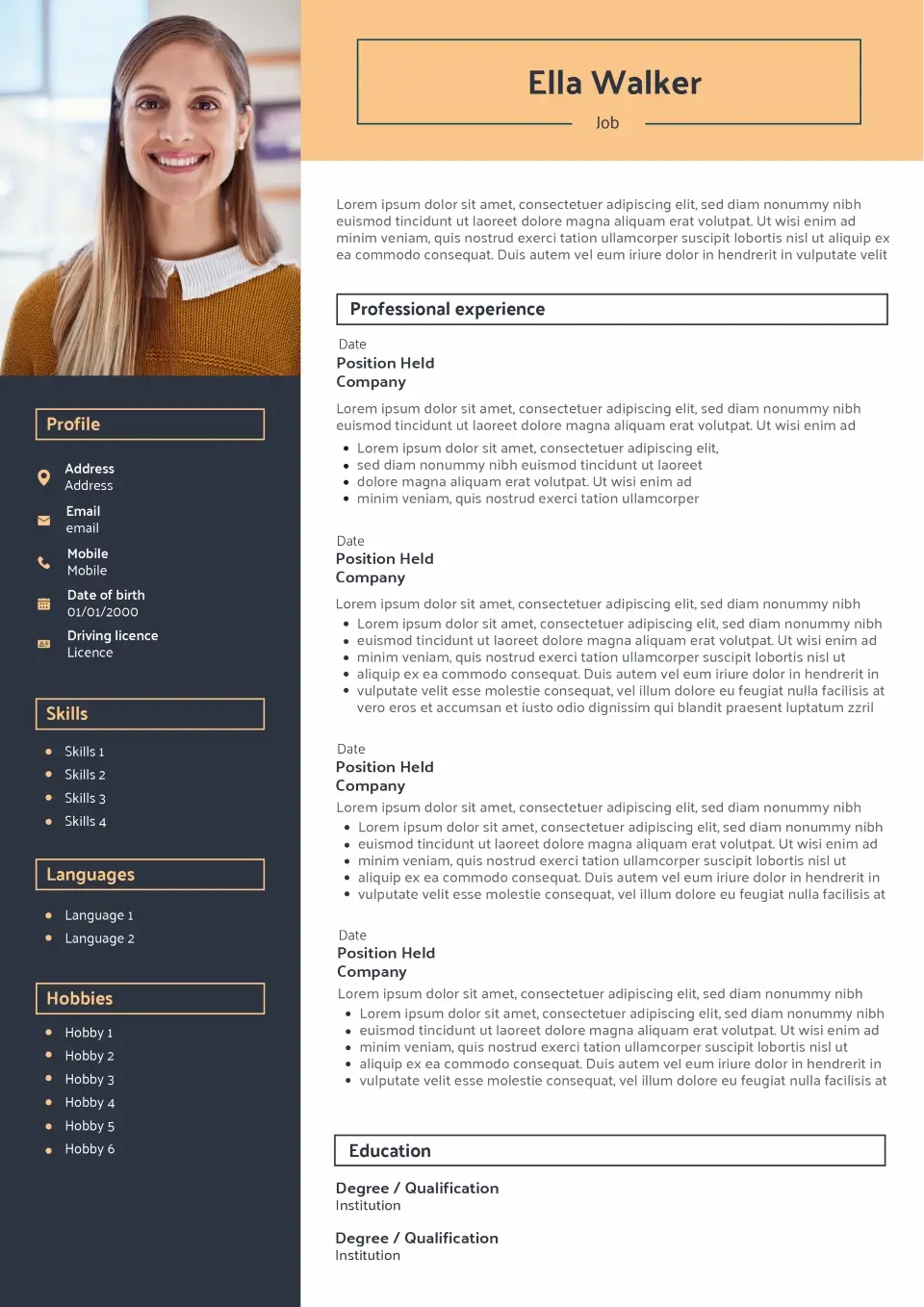
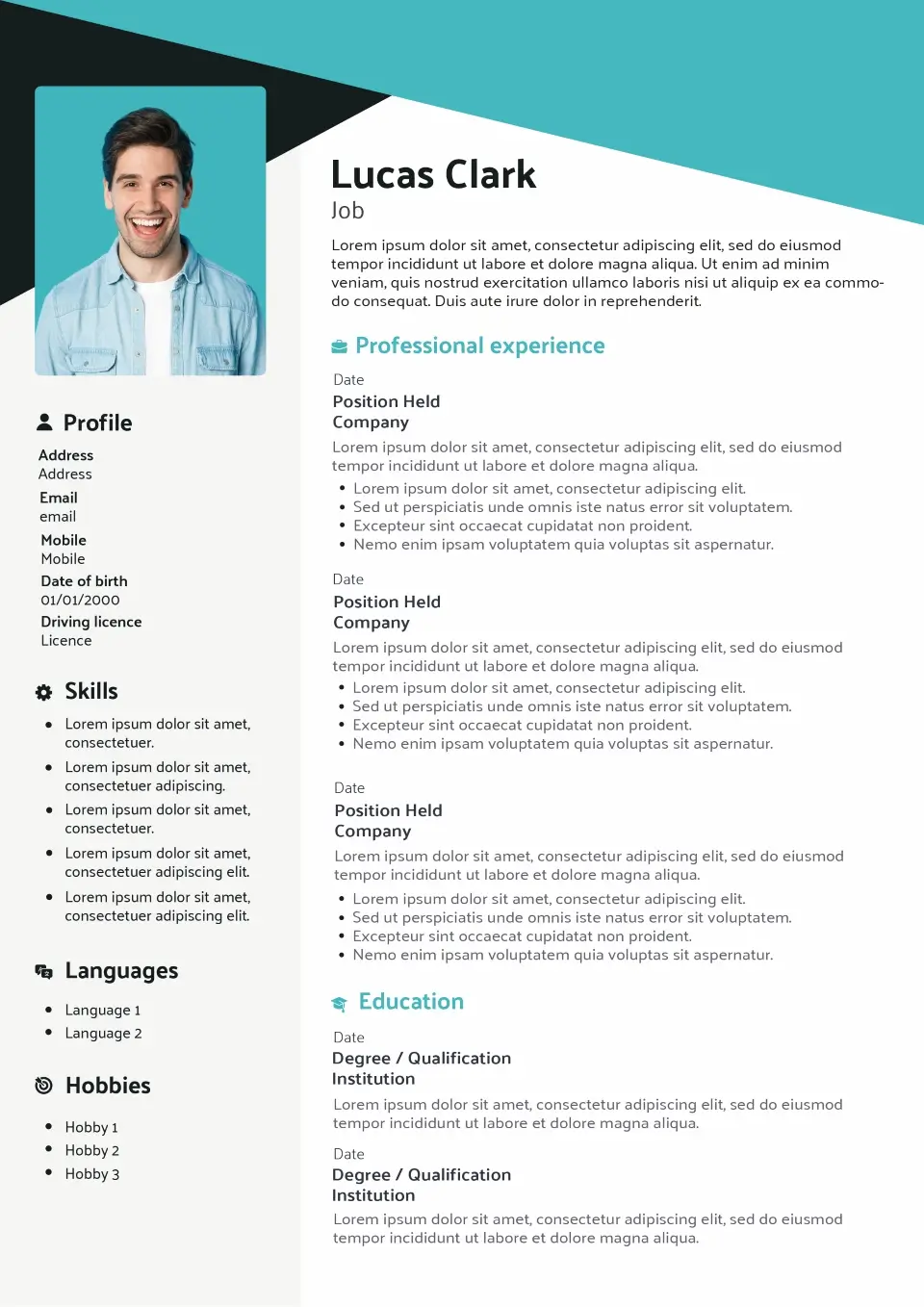
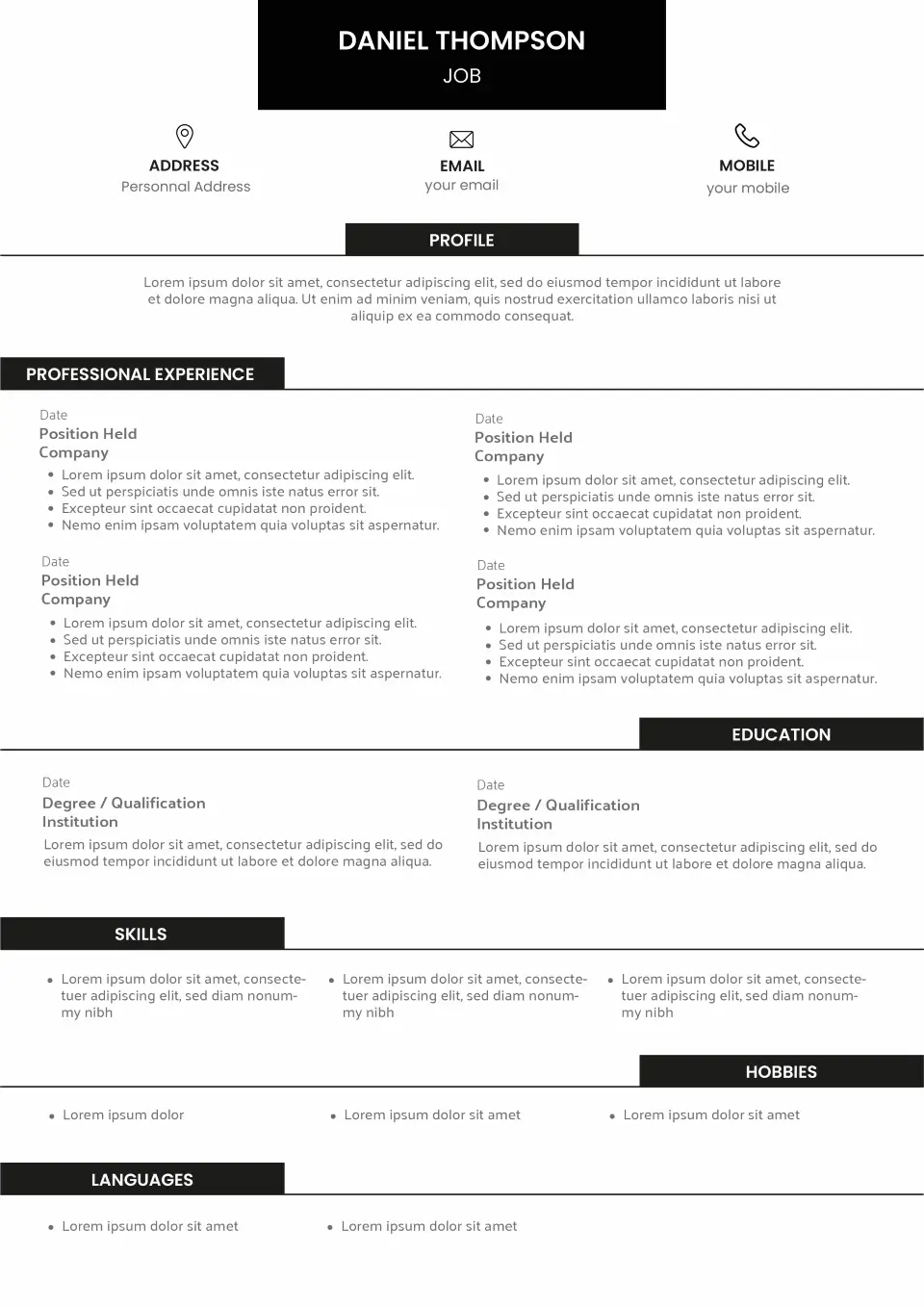
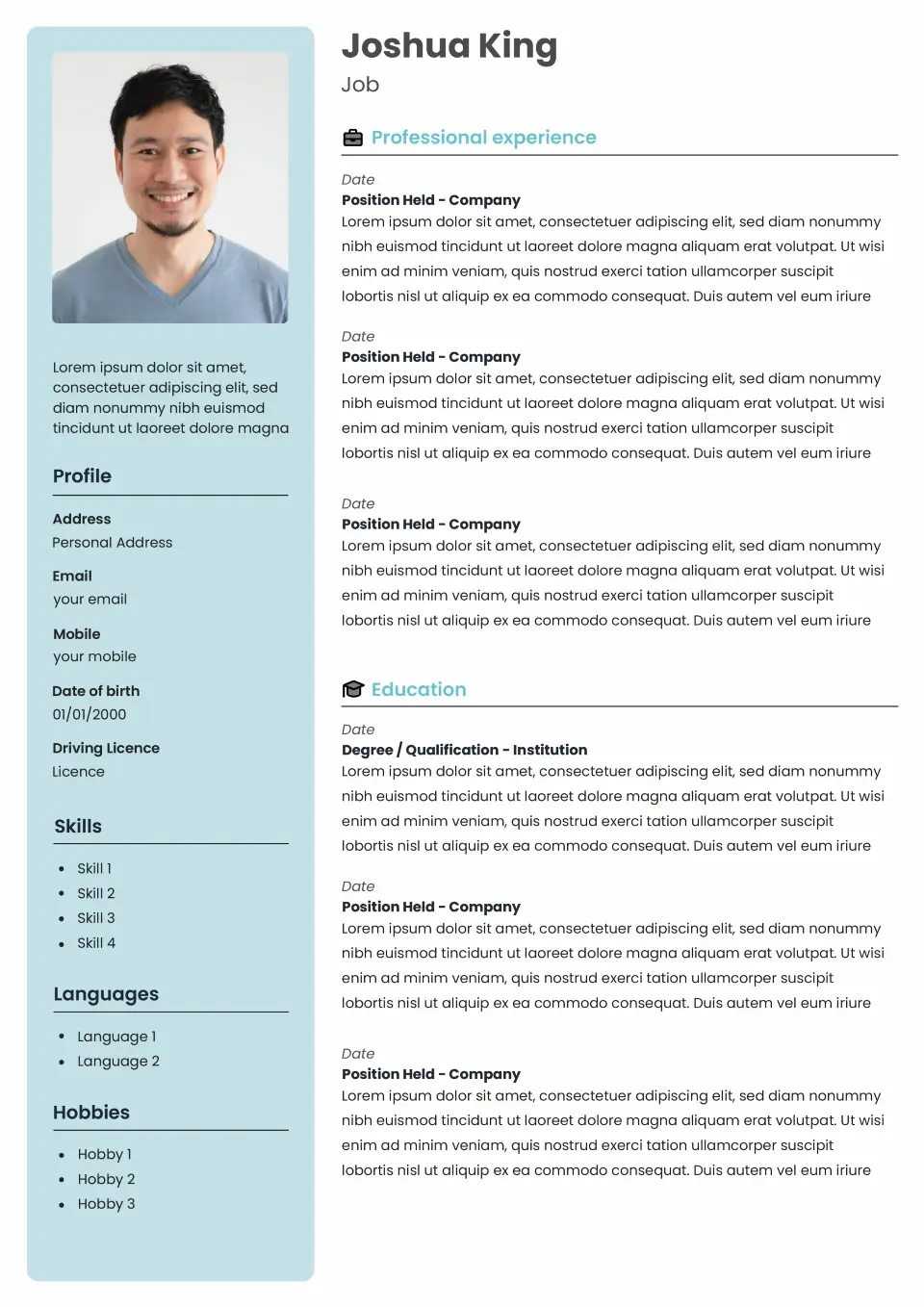
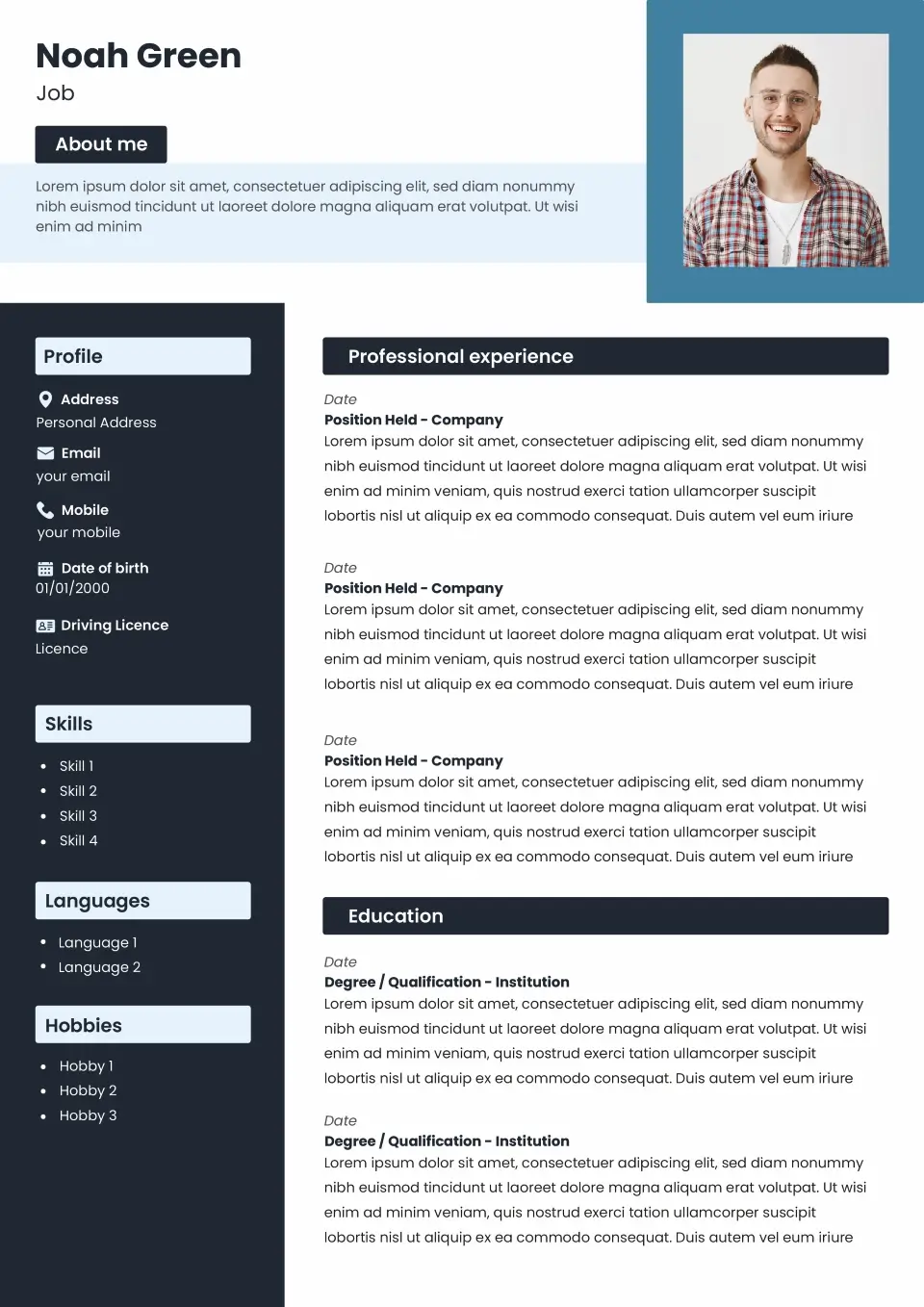
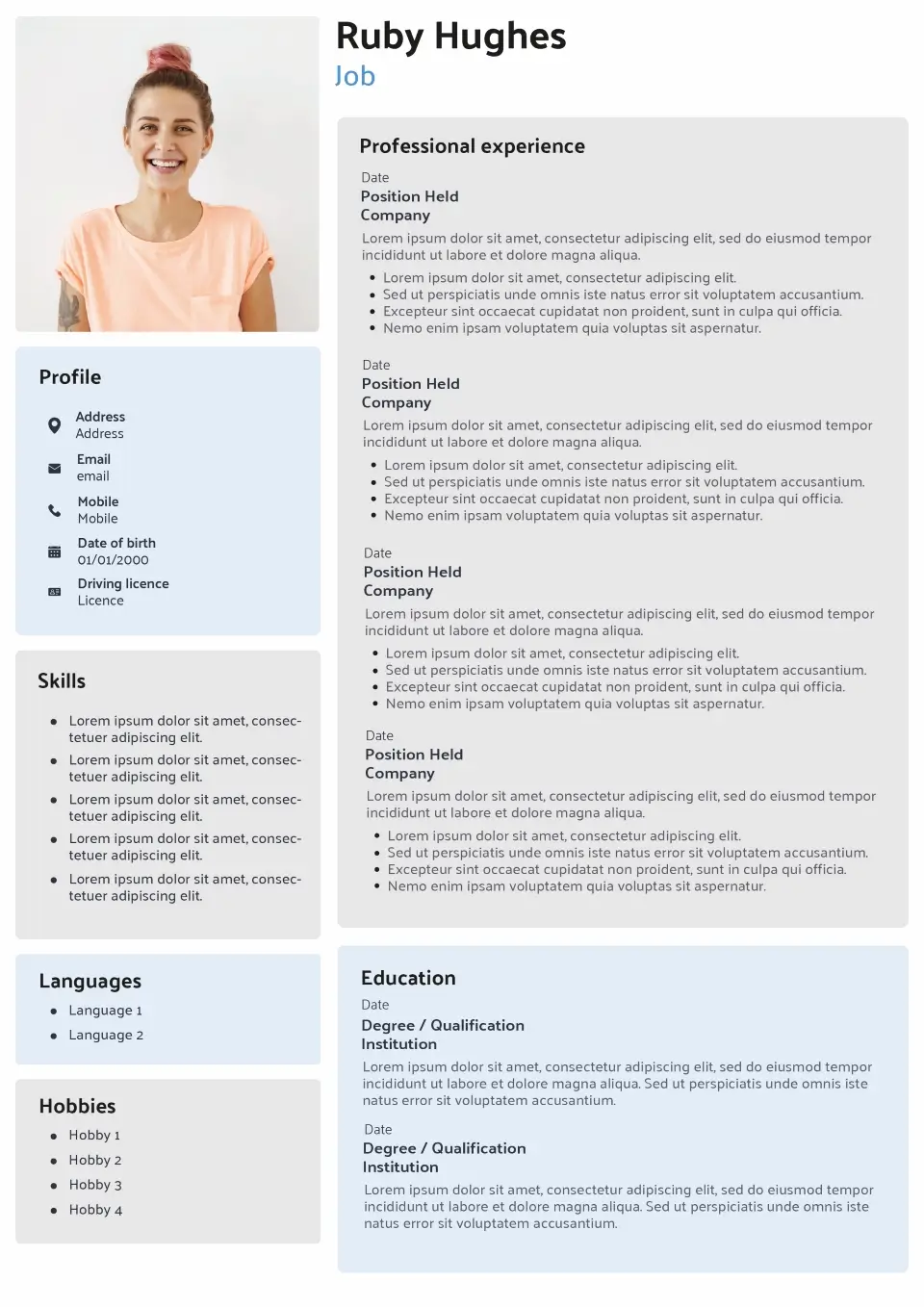
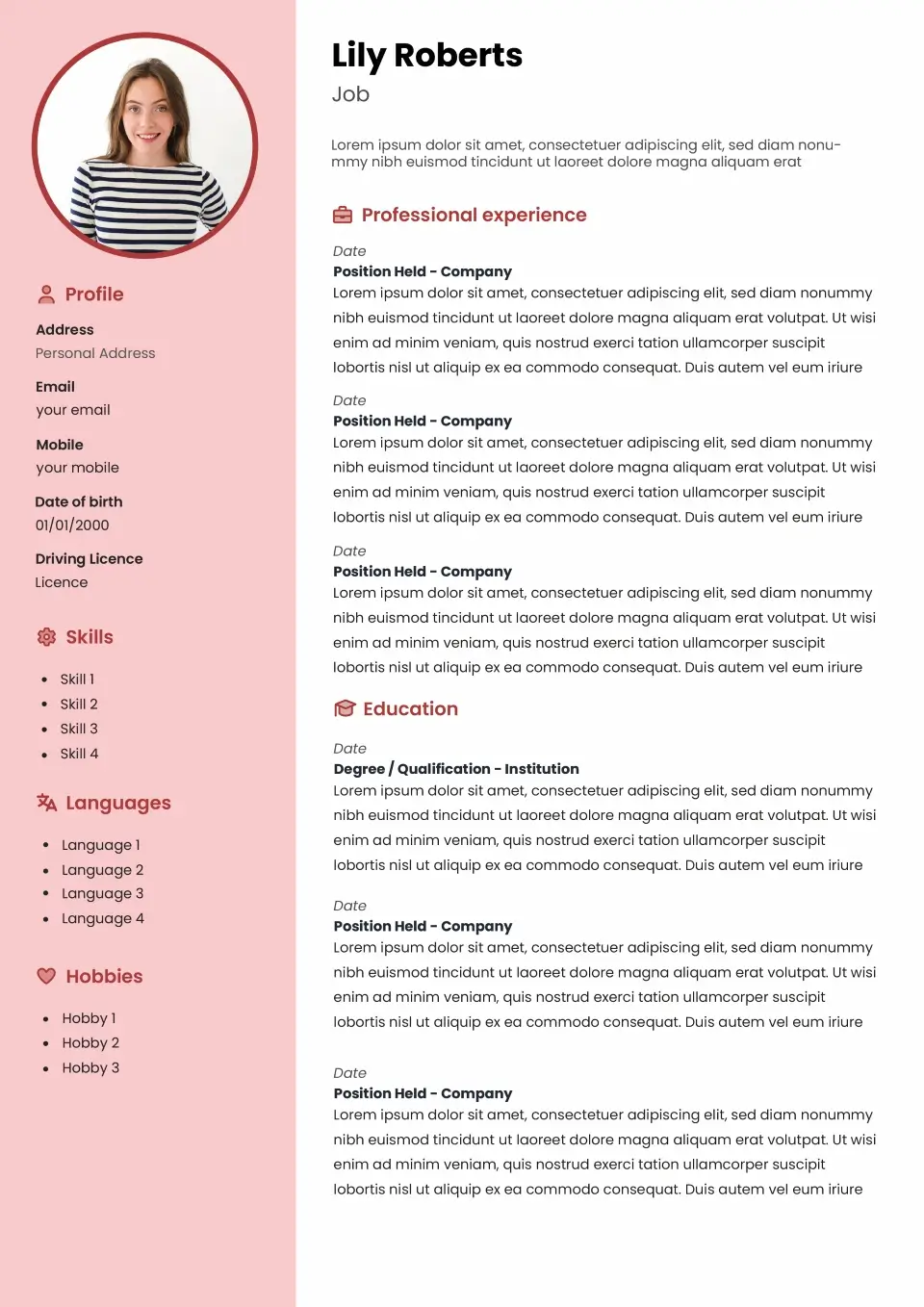
Explore our collection of modern CV templates for UK job applications. These templates combine contemporary presentation with familiar CV sections, giving your application a current appearance while keeping your experience, skills and qualifications easy to find.
Choose a template below, add your information and personalise the available options to create a CV suited to your profile and target role.
- All
- Without picture
- Classic
- Modern
- Original
-
All CV template categories
By style
By career stage
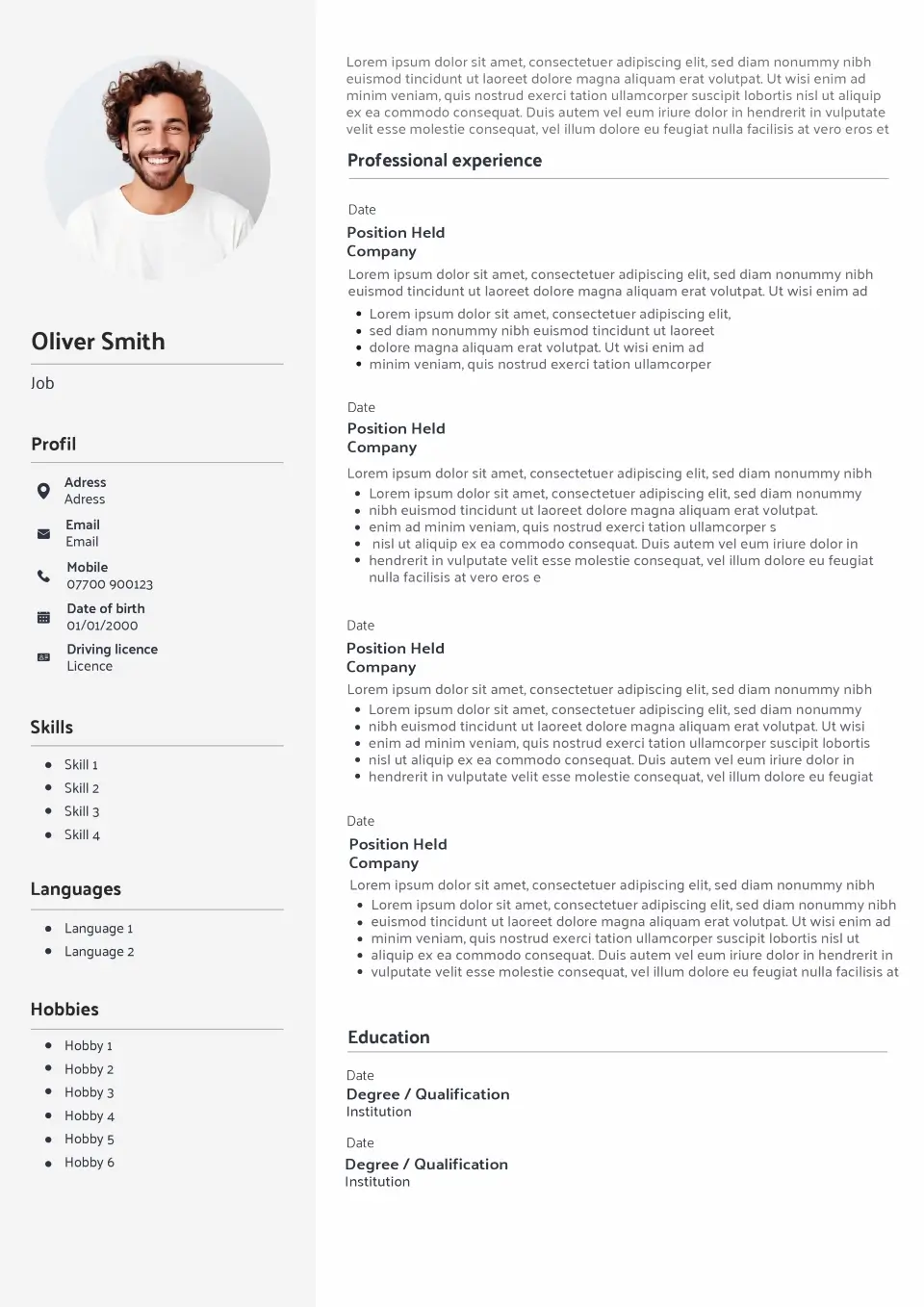
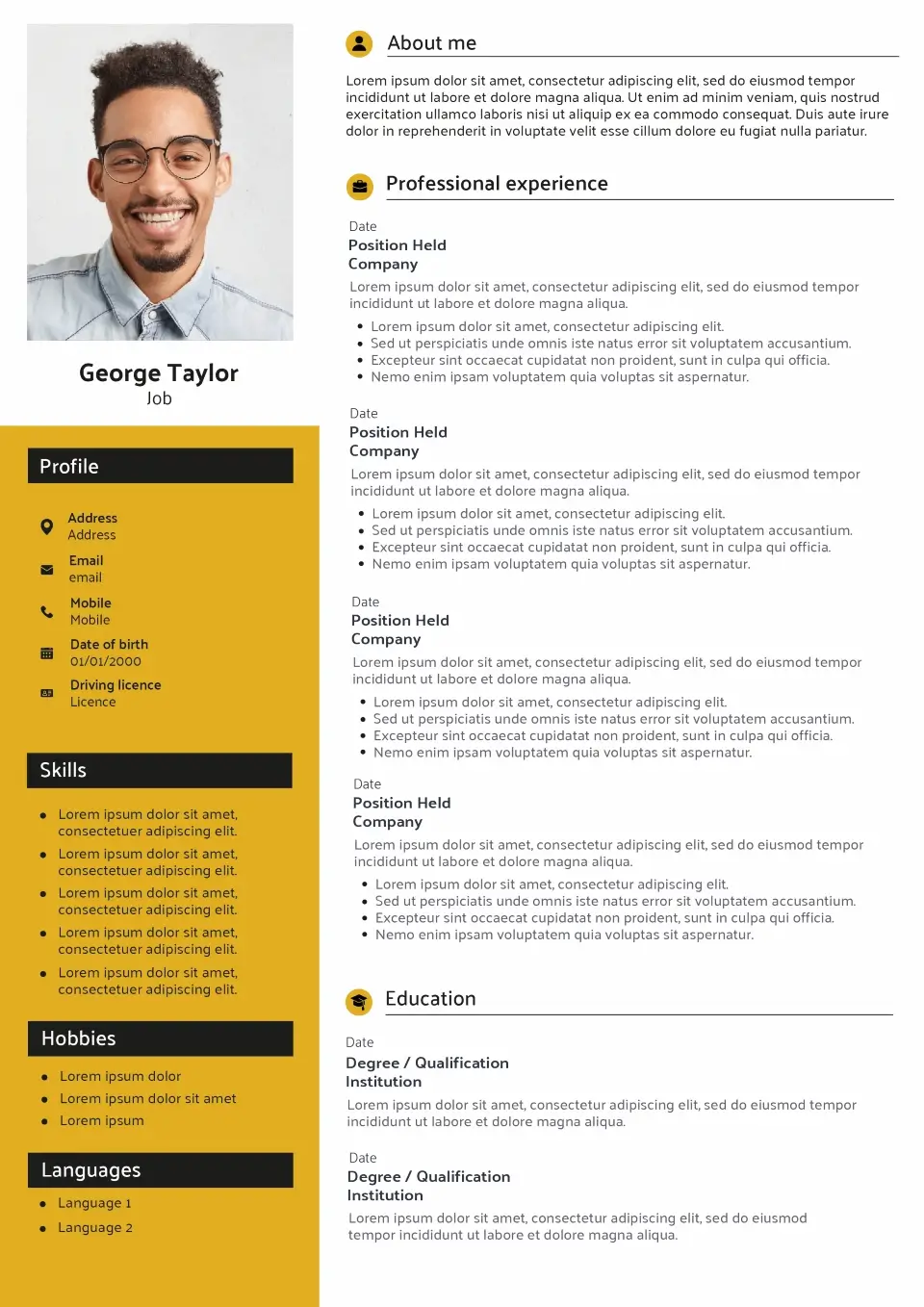
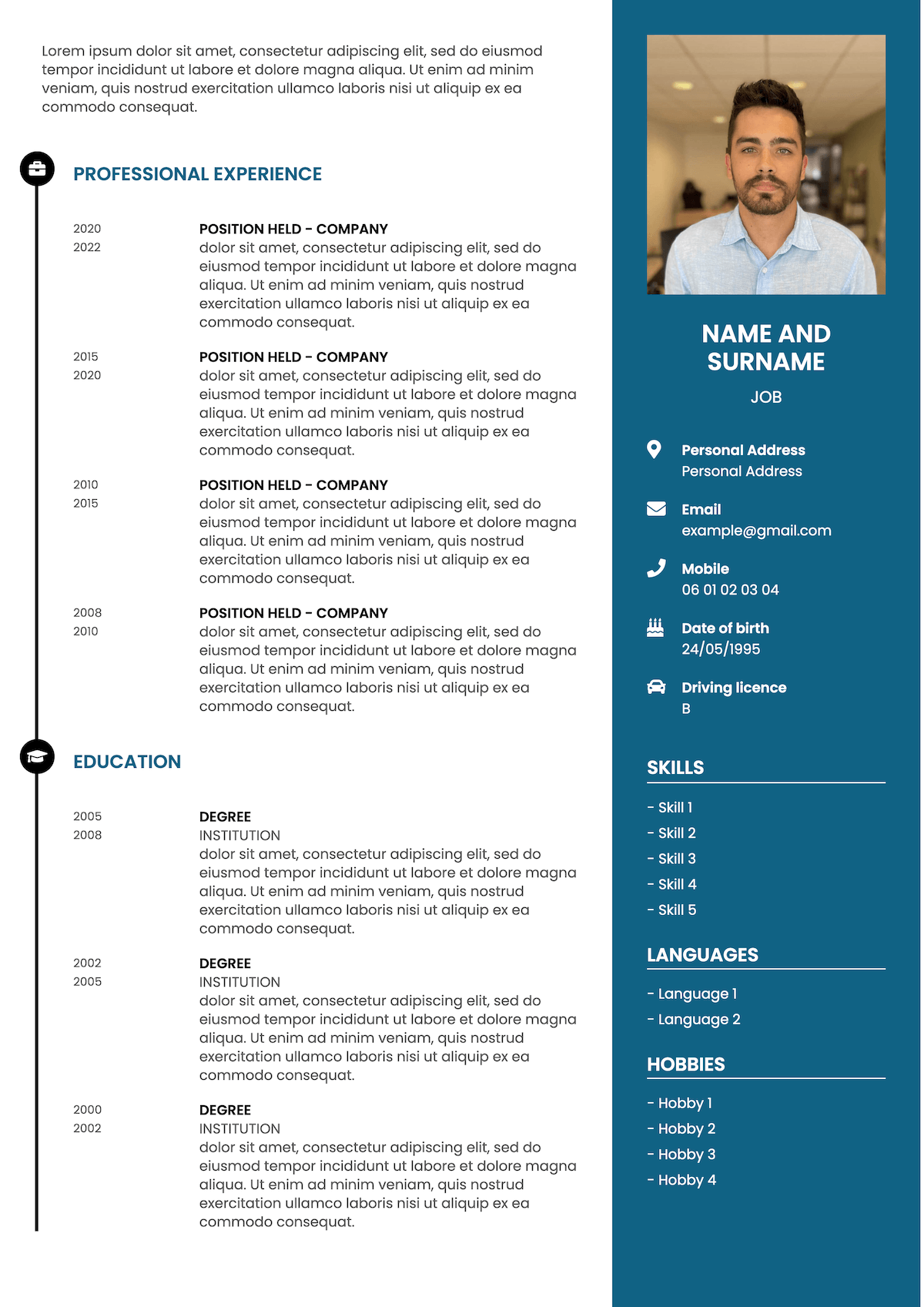
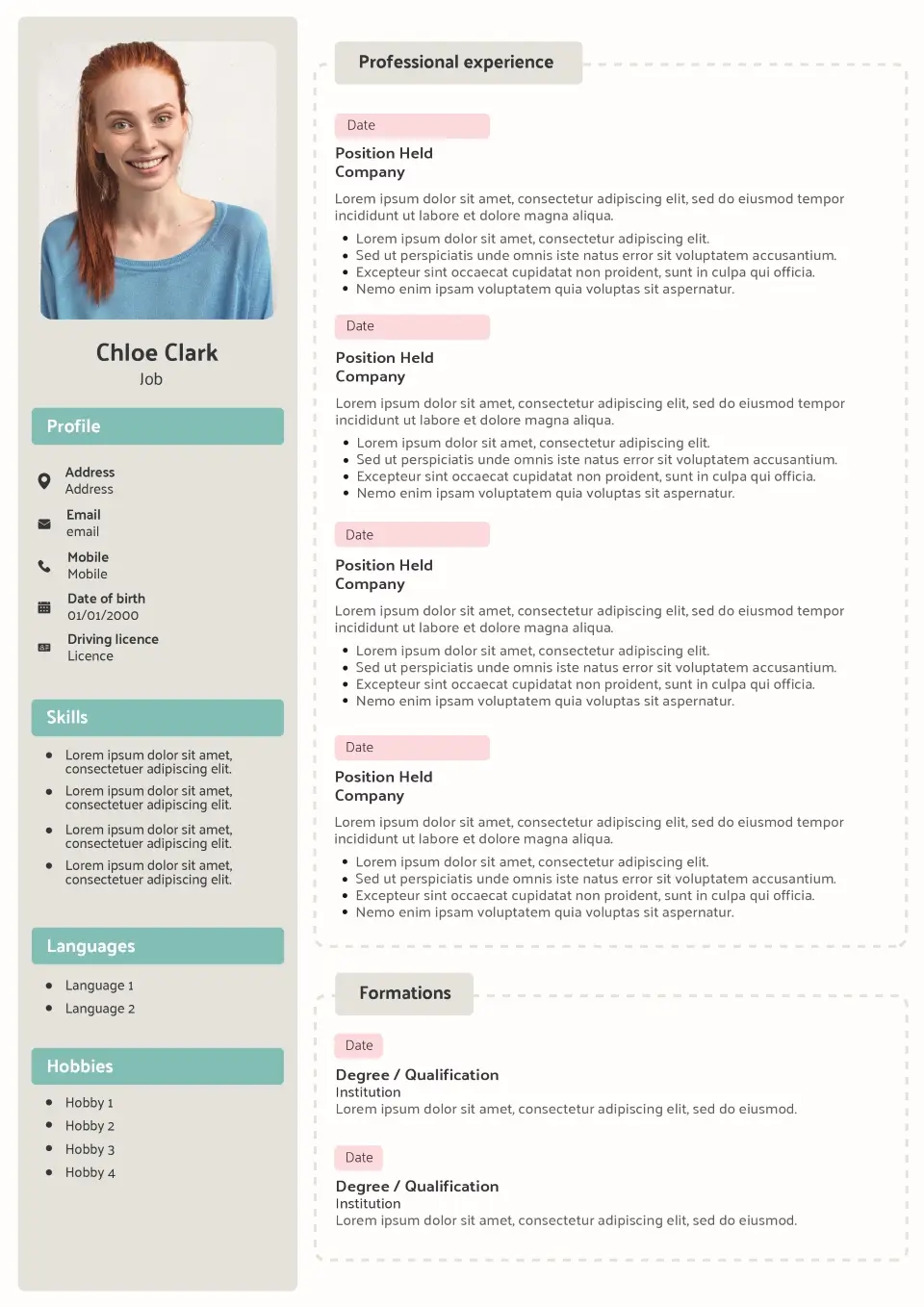
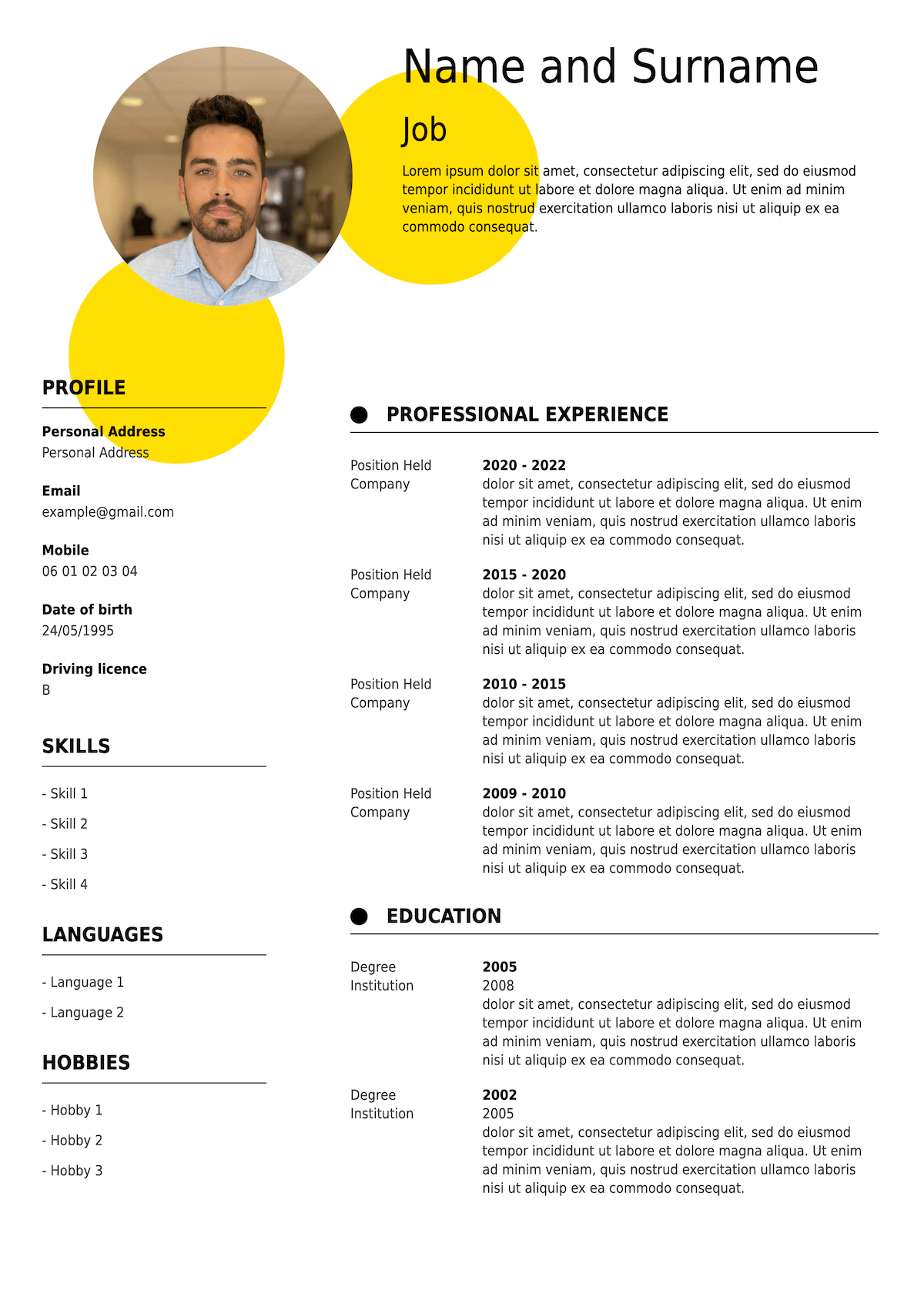
A contemporary approach
Why choose a modern CV template?
A modern CV sits between a traditional document and a more expressive application. It keeps the professional structure recruiters recognise while using contemporary presentation to make the information clear and approachable.
Give your CV a current look
A modern template avoids an outdated appearance while remaining professional. It gives your application a contemporary feel without requiring an unconventional format.
Make information easy to find
Clearly separated sections and a strong hierarchy help recruiters move quickly between your profile, recent experience, education and relevant skills.
Adapt to different careers
Modern CVs work across a broad range of professions because they add a contemporary touch without tying the document to one particular industry or career level.
Balance personality and professionalism
A modern template can introduce subtle visual accents while keeping your professional history at the centre of the application.
Modern CV Examples
See modern CV examples for different career stages
A modern CV can work whether you’re entering the job market or presenting an established career. Explore three modern CV examples to see how the emphasis changes as your experience develops.
Emily Carter
Business Graduate
Business Management graduate with practical experience in project support, customer research and data analysis gained through an industry placement and university projects. Organised, commercially aware and confident working with teams to turn information into practical recommendations.
Work Experience
Business Operations Intern
Vertex Solutions, Manchester
- Supported weekly operational reporting and prepared performance data for management meetings
- Assisted with a customer feedback project involving more than 500 responses
- Created Excel reports that reduced the time required to prepare recurring team updates
- Worked with colleagues across sales, operations and customer service on improvement projects
Customer Assistant
John Lewis, Manchester
- Provided customer service alongside university studies in a busy retail environment
- Worked with colleagues to resolve customer queries and maintain service standards during peak periods
Education
BSc (Hons) Business Management
University of Manchester
Key Skills
- Data analysis
- Microsoft Excel
- Project support
- Customer research
- Presentation skills
- Teamwork
Interests
- Running
- Business podcasts
- Volunteering
Oliver Hughes
Digital Marketing Manager
Digital Marketing Manager with 7 years’ experience planning and delivering acquisition campaigns for consumer and e-commerce brands. Experienced across paid media, SEO, email and analytics, with a strong record of improving campaign performance through data-led optimisation.
Work Experience
Digital Marketing Manager
Bright Retail, London
- Manage multi-channel acquisition campaigns across paid search, social, email and organic search
- Lead an annual digital marketing budget of more than £600,000
- Reduced average customer acquisition cost by 18% through campaign restructuring and audience testing
Digital Marketing Executive
Northstar Media, London
- Managed paid search and social campaigns for a portfolio of consumer clients
- Produced monthly performance reports and recommendations using Google Analytics and advertising data
Education
BA (Hons) Marketing
University of Nottingham
Key Skills
- Digital strategy
- Google Ads
- Paid social
- SEO
- Google Analytics
- Team management
Interests
- Cycling
- Technology
- Travel
Sarah Mitchell
Head of Operations
Head of Operations with 12+ years’ experience leading teams, improving business processes and delivering operational change across growing organisations. Combines strategic planning with hands-on leadership and a strong record of improving efficiency, service quality and team performance.
Work Experience
Head of Operations
Westbridge Group, Bristol
- Lead operations across four UK locations with responsibility for more than 60 employees
- Introduced new planning and reporting processes that reduced operational costs by 14%
- Built a management structure to support company growth from two to four locations
- Work with the executive team on budgets, recruitment, performance and operational strategy
Operations Manager
Horizon Services, Bristol
- Managed daily operations and a multidisciplinary team of 25 employees
- Improved service response times by redesigning workflows and team responsibilities
- Led implementation of a new CRM and internal reporting system
Education
BA (Hons) Business and Management
University of the West of England
Key Skills
- Operational strategy
- Team leadership
- Change management
- Budget management
- Process improvement
- Performance management
Interests
- Mentoring
- Hiking
- Community volunteering
A good modern CV changes with your career. Graduates may give more prominence to education and transferable skills, while experienced candidates should allow recent achievements and career progression to take the lead. The template provides the structure; the emphasis should reflect your own experience.
A CV that feels current
What does a modern CV look like?
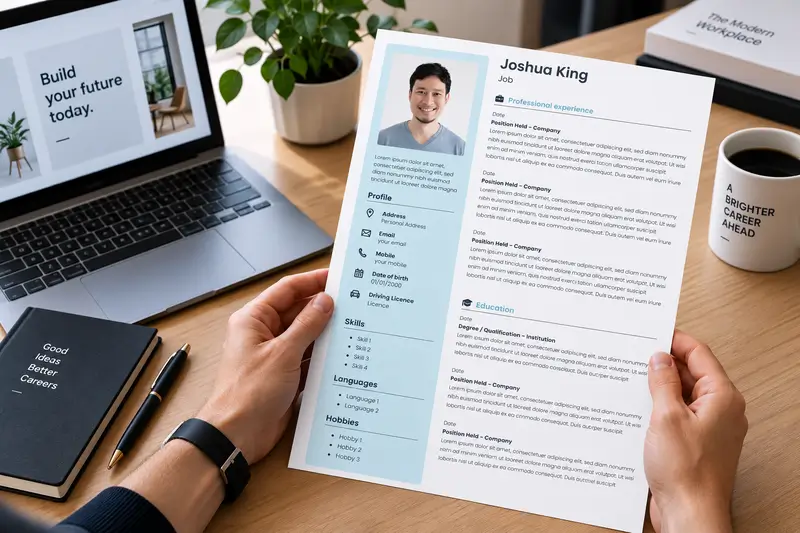
A modern CV combines current presentation with the structure employers already know how to navigate. It should feel up to date without making the recruiter learn a new way to read your professional history.
That usually means clearly defined sections, readable typography, consistent spacing and an obvious hierarchy between your name, profile, employment history and supporting information. Subtle visual accents can give the document a contemporary character, but they shouldn’t become the main attraction.
The content should feel current too. Prioritise recent and relevant experience, use concise achievement-focused descriptions and remove information that no longer helps the employer assess your suitability.
- Current presentation
- Clear hierarchy
- Relevant content
- Professional structure
A versatile choice
Who should use a modern CV template?
Modern CVs are versatile because they update the presentation without radically changing the familiar structure of a CV. That makes them suitable for candidates at different stages of their careers and across many industries.
Graduates & early careers
A contemporary template gives graduates a professional starting point while allowing education, placements, projects and transferable skills to take appropriate prominence.
Experienced professionals
Professionals with an established career can use a modern CV to organise several years of experience clearly while giving recent achievements and progression the strongest emphasis.
Managers & senior candidates
Managers can present leadership scope, business impact and career progression in a current format without making a senior application feel overly traditional.
Digital & growing businesses
A modern style can feel particularly natural when applying to technology, digital, marketing, start-up and other organisations with a contemporary working environment.
Modern CV format
How should you structure a modern CV?
A modern CV doesn’t require an unconventional format. For most UK applications, a familiar structure remains effective — the difference comes from how clearly you organise and prioritise the information.
Start with a clear introduction
Place your name and contact information where they are immediately visible, followed by a concise professional profile. Use the profile to summarise your experience, strongest relevant qualities and career direction.
Put recent experience first
For most candidates, use reverse chronological order and begin with your latest position. Give recent and relevant roles more detail while reducing older experience that adds little to the application.
Focus on achievements
Go beyond listing routine responsibilities. Where possible, explain what you improved, delivered, managed or achieved, using numbers when they provide meaningful evidence.
Keep supporting sections relevant
Education, skills, certifications, languages and other sections should earn their place on the page. Prioritise information that helps the employer assess you for the specific position.
Edit outdated information
A modern CV should reflect where your career is now. Remove unnecessary personal details, very old qualifications and generic information when it takes space away from stronger evidence.
Find your style
Compare modern CV templates with other styles
Modern sits between the restrained character of Simple and Classic templates and the more expressive approach of Creative CVs. Compare the styles to decide which direction best suits your application.
| Modern This page | Simple View templates | Classic View templates | Creative View templates | |
|---|---|---|---|---|
| Overall feel | Contemporary | Straightforward | Traditional | Traditional |
| Visual accents | Moderate | Limited | Limited | More prominent |
| Professional roles | Well suited | Well suited | Well suited | Depends on context |
| Digital & tech roles | Particularly suited | Well suited | Suitable | Suitable |
| Traditional sectors | Well suited | Well suited | Particularly suited | Consider context |
| Career levels | All levels | All levels | All levels | Depends on role |
| Easy to scan | Yes | Yes | Yes | When restrained |
ATS compatibility
Can modern CV templates be ATS-friendly?
A contemporary appearance doesn’t prevent a CV from using an ATS-conscious structure. What matters is whether recruitment software can identify your text, recognise the main sections and follow the order of your information.
When applying through an online recruitment system, favour a modern template with recognisable headings, text-based career information and a logical reading sequence. Visual elements shouldn’t be the only way important information is communicated.
No CV template can guarantee that you will pass an Applicant Tracking System. Your experience, skills and the relevance of your content to the vacancy remain essential.
Recognisable sections
Use familiar headings such as Work Experience, Education and Skills so important sections remain straightforward to identify.
Readable information
Keep essential career information as readable text rather than relying on icons, graphics or visual indicators alone.
Logical reading order
Organise your CV in an obvious sequence so your professional history remains easy for software and recruiters to follow.
Relevant content
Tailor your skills and experience to the vacancy where they genuinely match your background rather than relying on formatting alone.
How it works
Create a modern CV in four steps
Choose a contemporary template and build your CV online without having to format the document yourself.
Choose a modern template
Browse the modern CV templates above and choose the one that best suits your experience and target role.
Add your information
Enter your profile, work experience, education and skills, or import an existing CV to save time.
Tailor your CV
Review your content against the vacancy, prioritise the most relevant information and personalise the available template options.
Download as PDF
Check the finished CV and download it as a PDF when you’re ready to submit your application.
Modern UK CVs
How to keep your CV up to date
A modern CV isn’t defined only by its appearance. An application can use a contemporary template and still feel dated if the content includes information that no longer helps a recruiter assess the candidate.
For most UK applications, concentrate on professional information that is relevant to the role. Your name, phone number, professional email address and general location are usually sufficient contact details. A relevant LinkedIn profile or portfolio can also be useful, depending on your profession.
You generally don’t need to include a photograph, date of birth, marital status or other private information that isn’t relevant to your ability to do the job. If you prefer a photo-free presentation, explore our CV templates without a picture.
Your employment history should also evolve with your career. As you gain experience, reduce the space devoted to old or less relevant positions and give greater prominence to recent achievements. Graduates can naturally give more space to education, placements and projects until their professional history grows.
Finally, tailor the CV rather than treating one version as permanently finished. A current CV is one that reflects both your latest experience and the requirements of the position you’re applying for.
Explore more CV resources
FAQ