
ATS-Friendly CV Templates
ATS-Friendly CV Templates for UK Job Applications
Don’t let complicated formatting get in the way of your next job opportunity. Our ATS-friendly CV templates are designed to help recruitment software read your information correctly, while making a great impression on employers.
Choose a professional layout, highlight your skills and experience, and create a job-ready CV in minutes with our easy-to-use online builder.
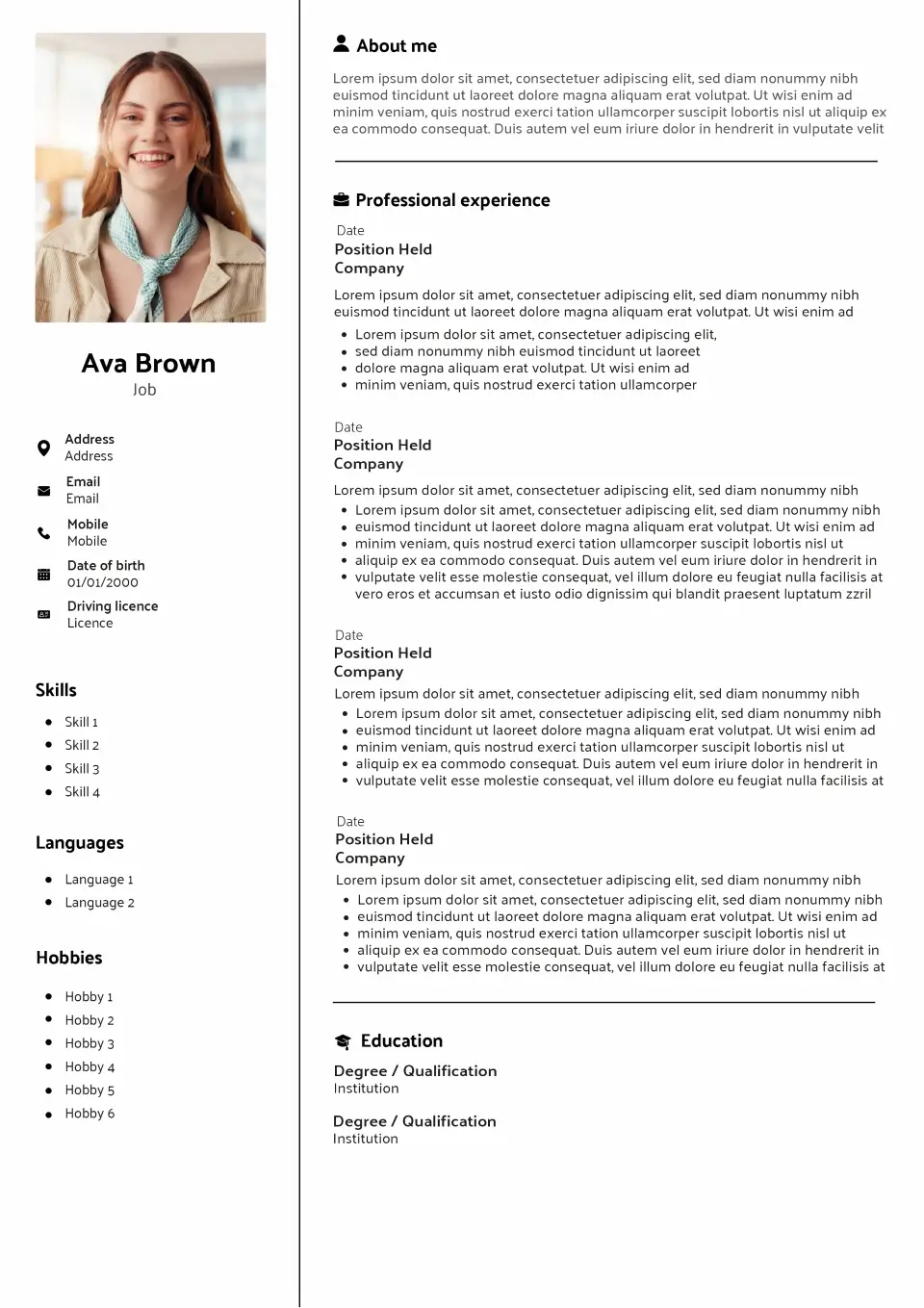
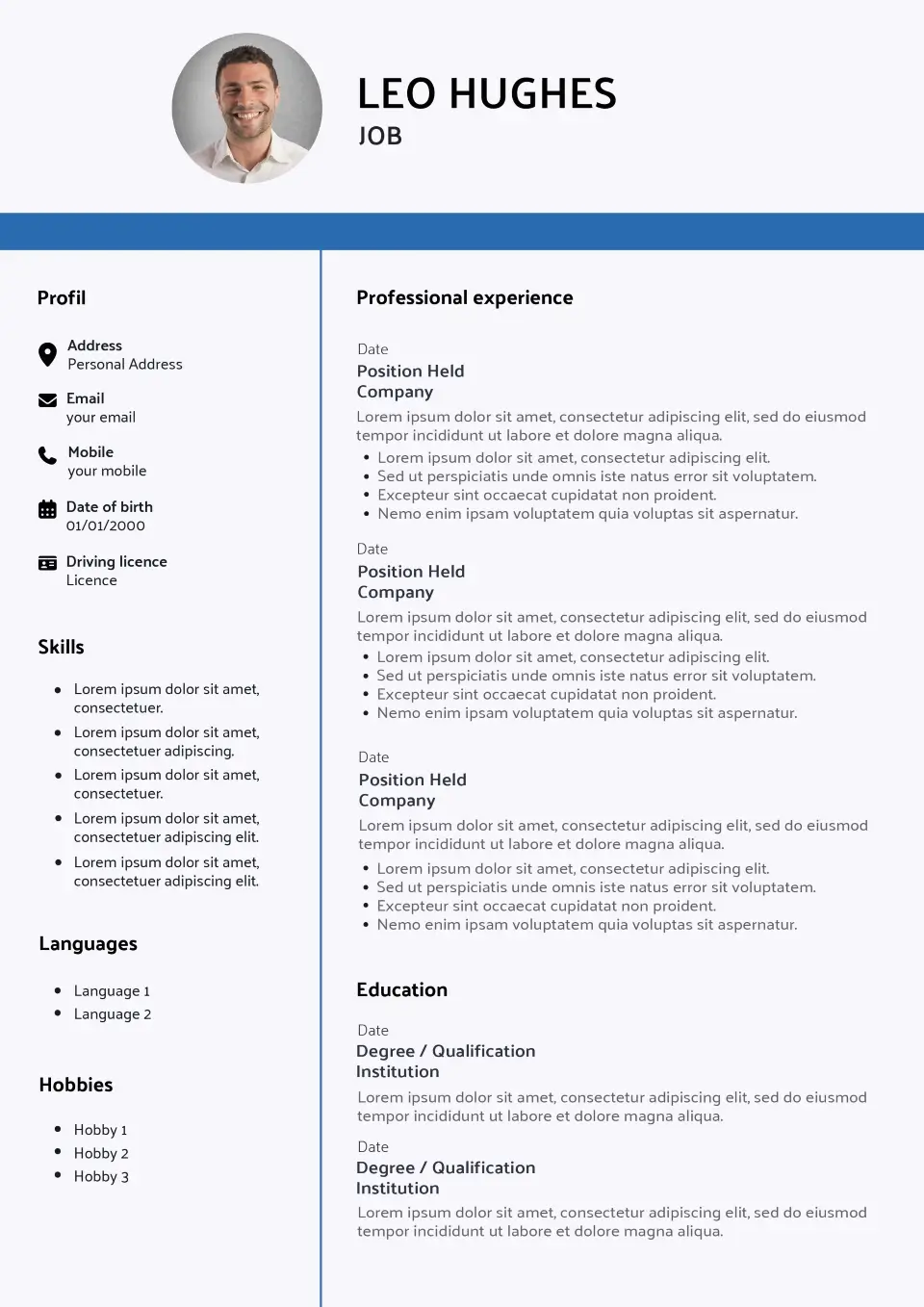
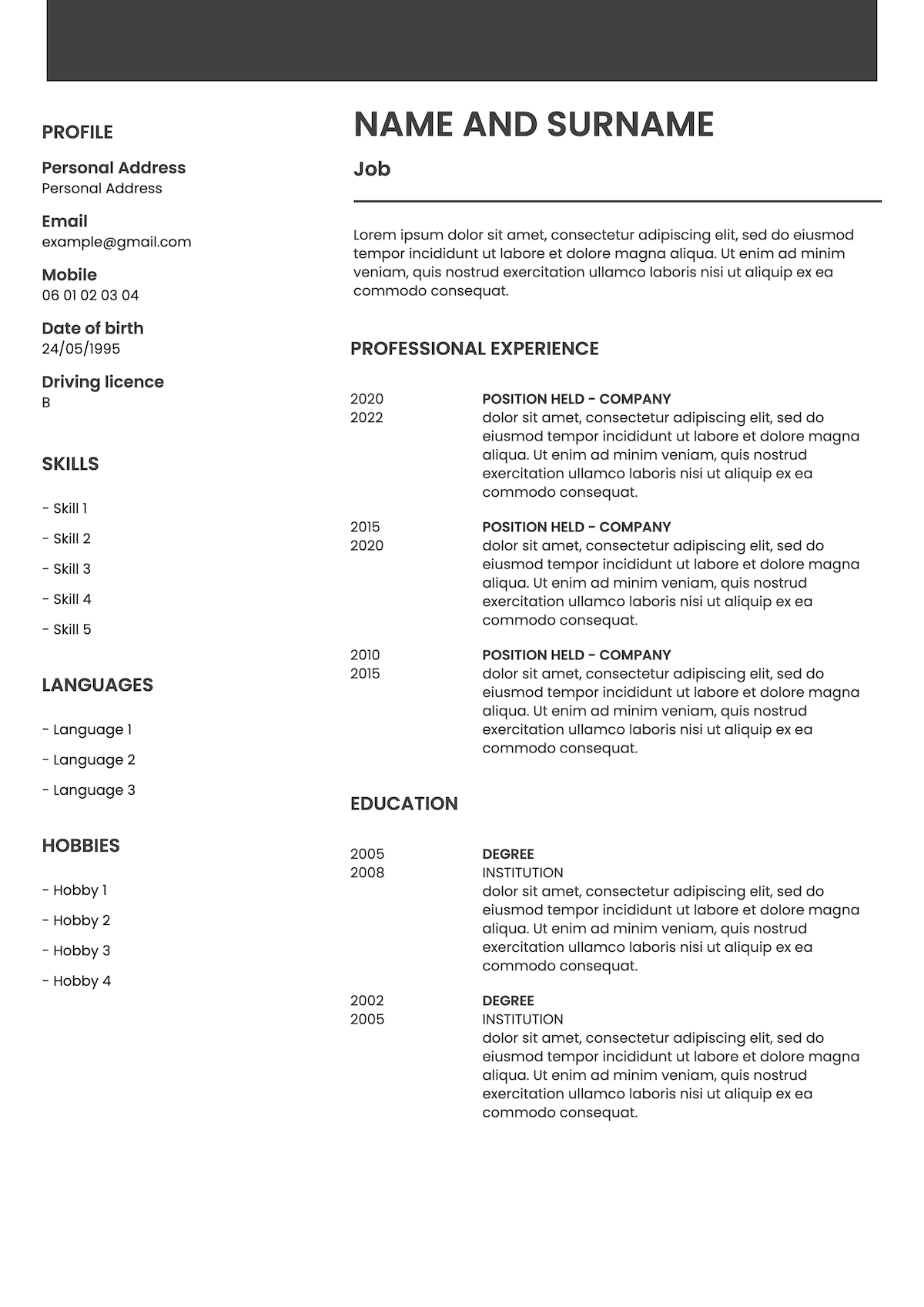
ATS-conscious layouts
Easy to customise
Professional designs
No design skills needed
Explore our templates
ATS-friendly CV templates, ready to customise
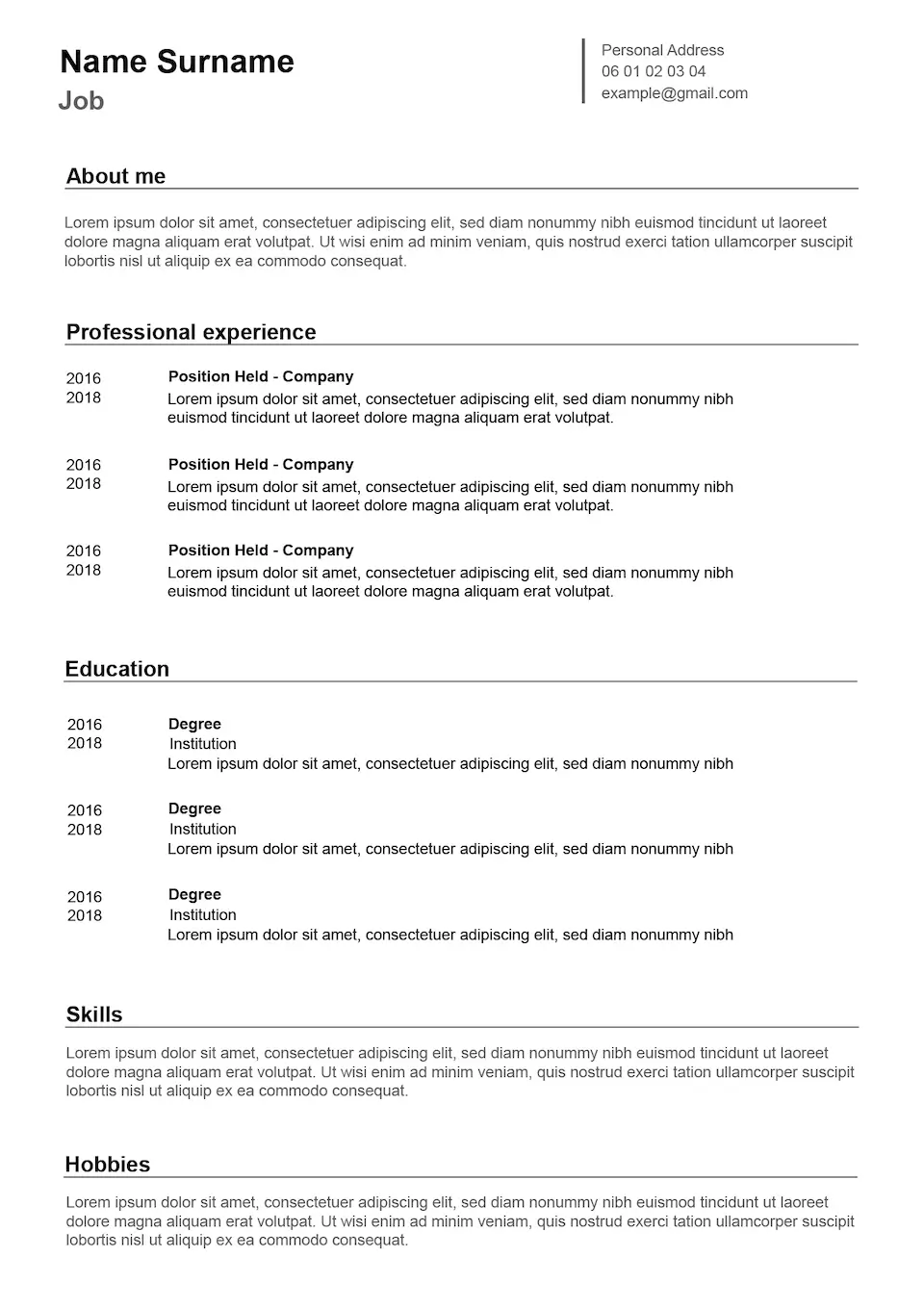
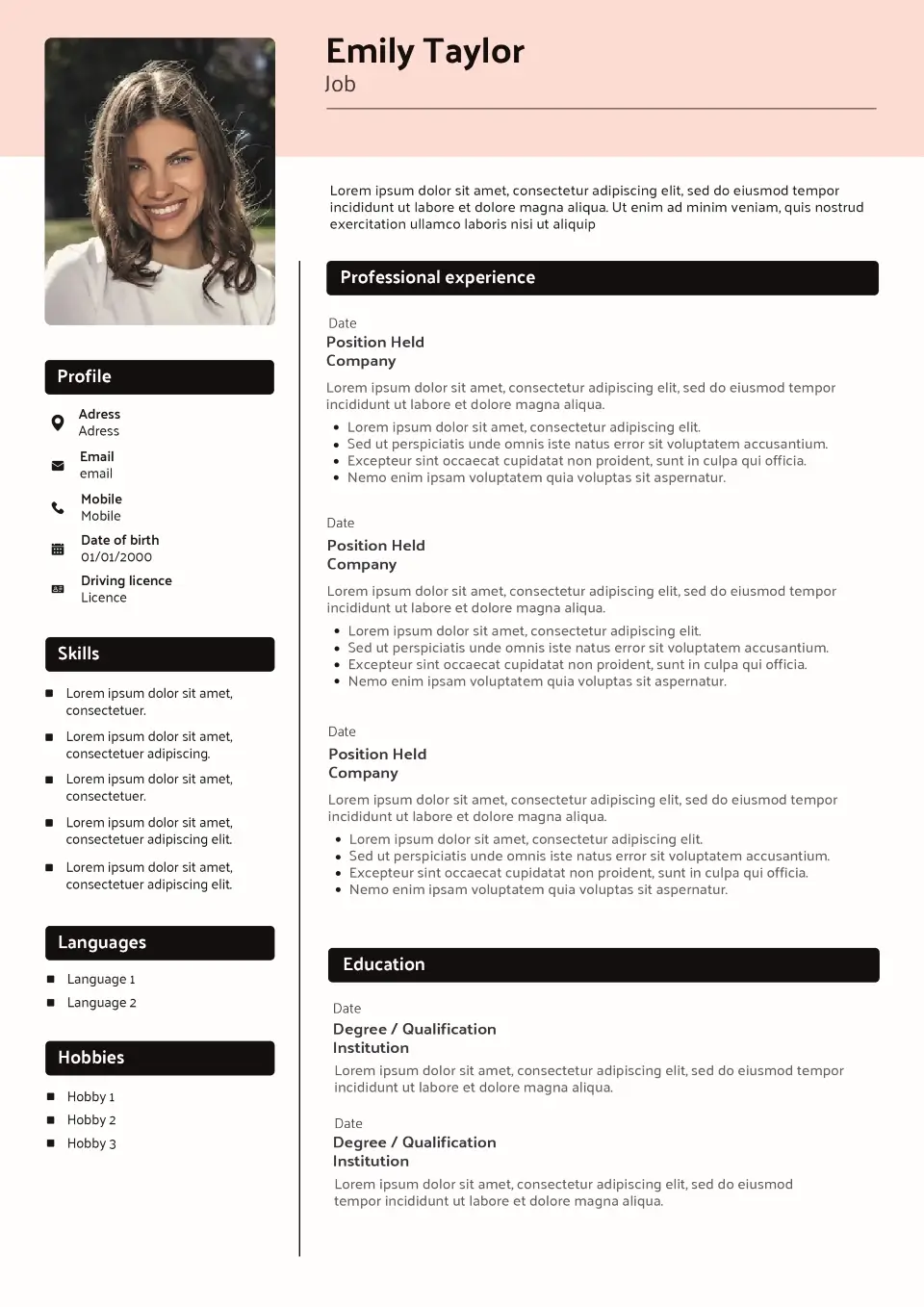
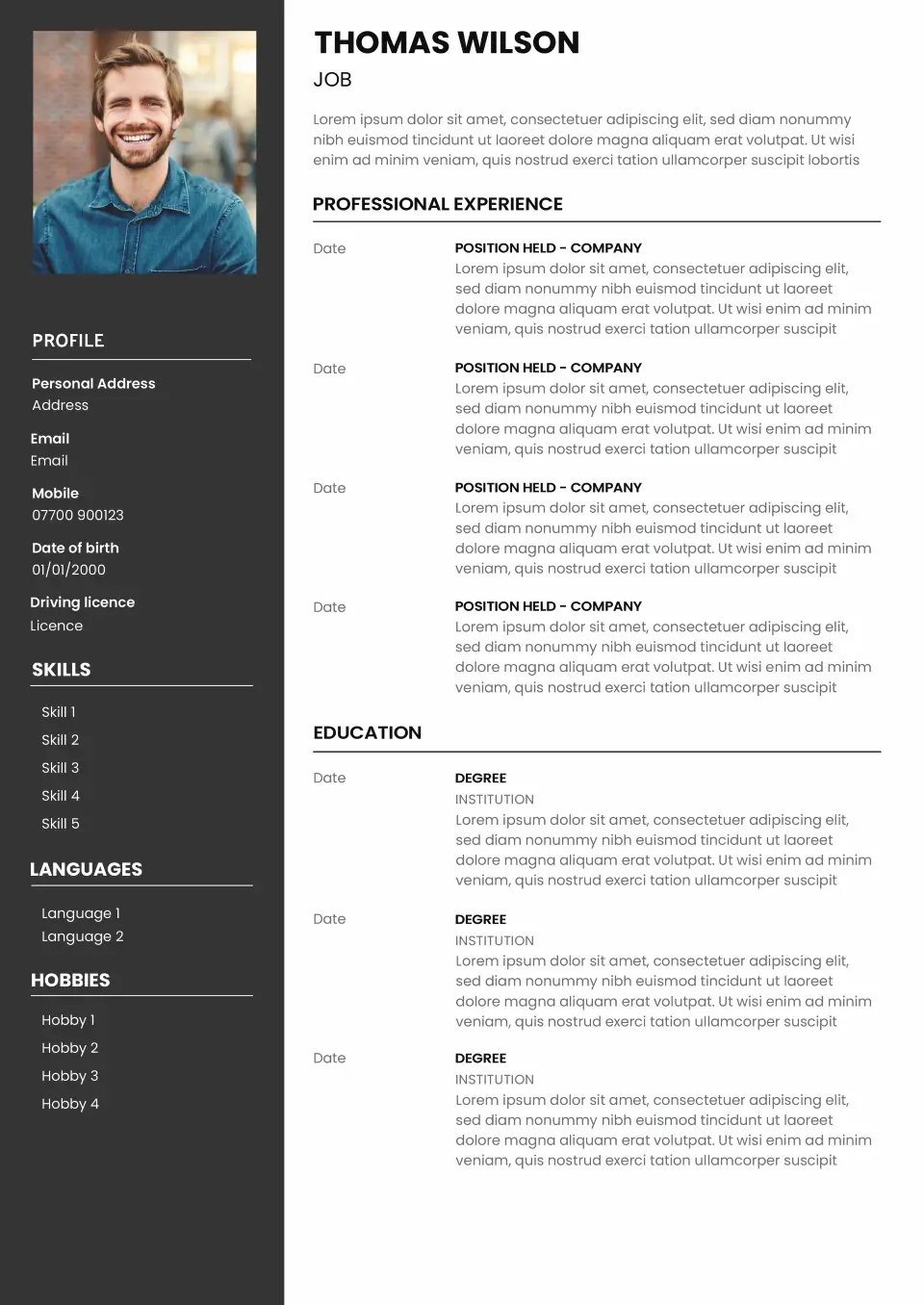
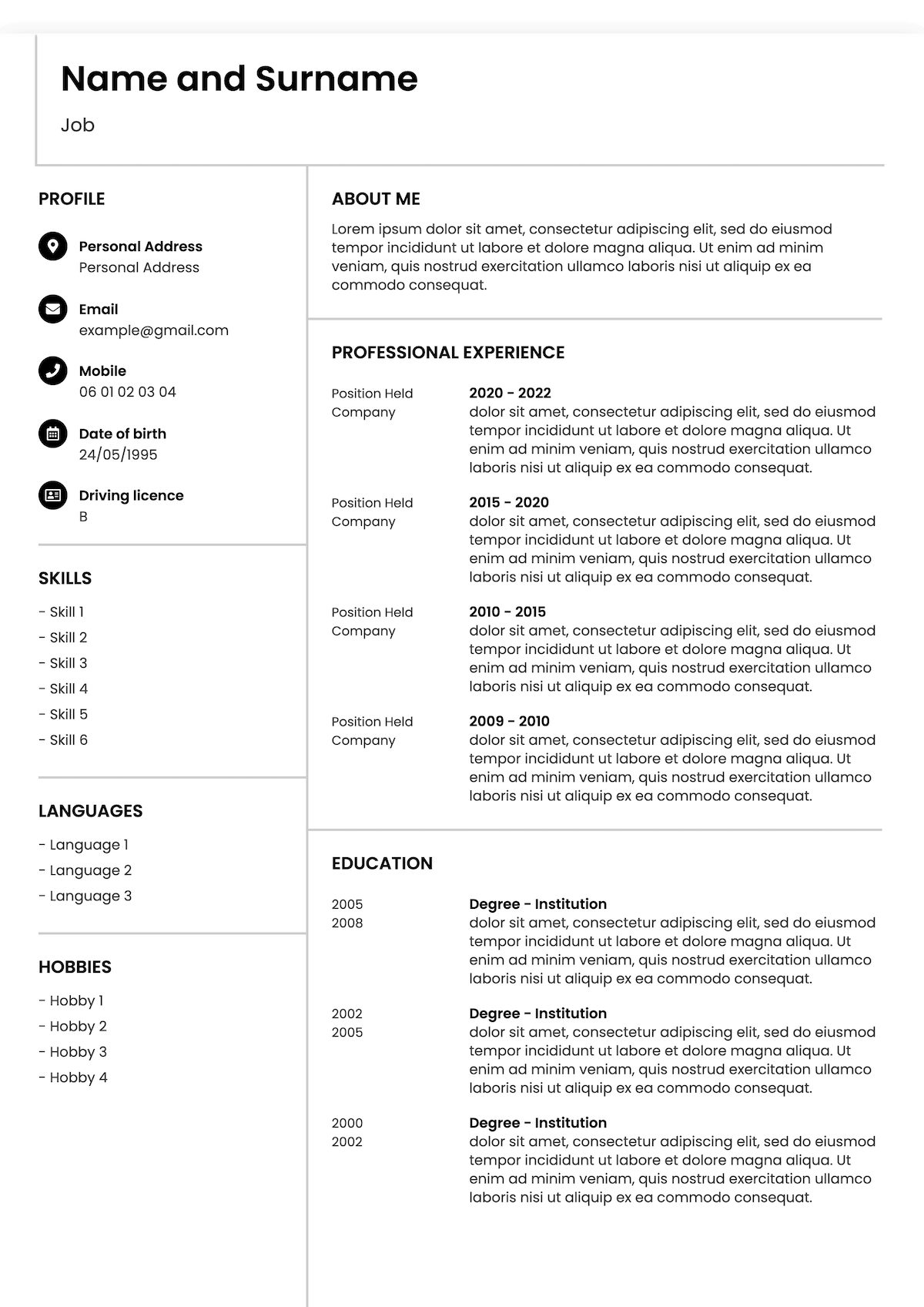
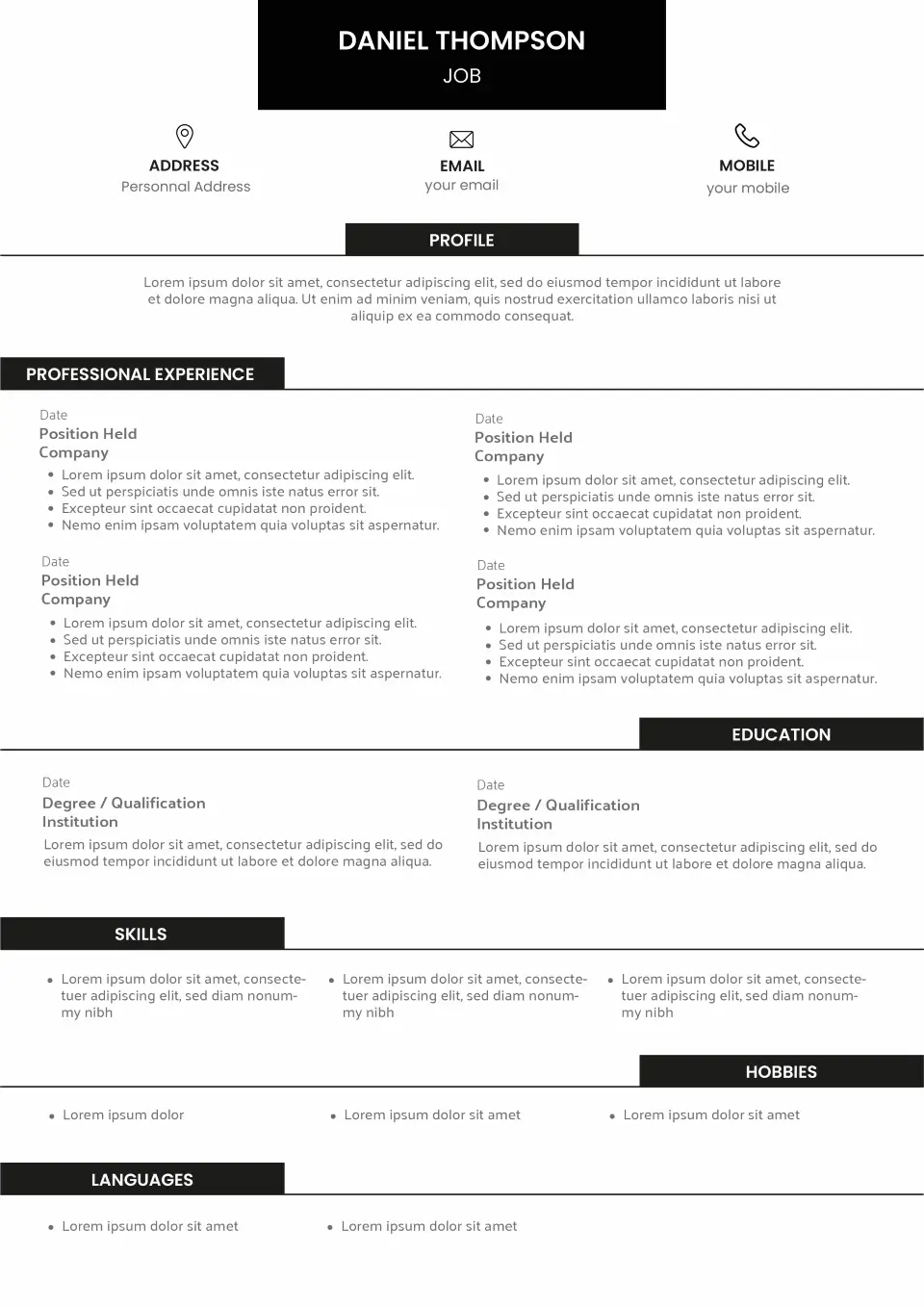
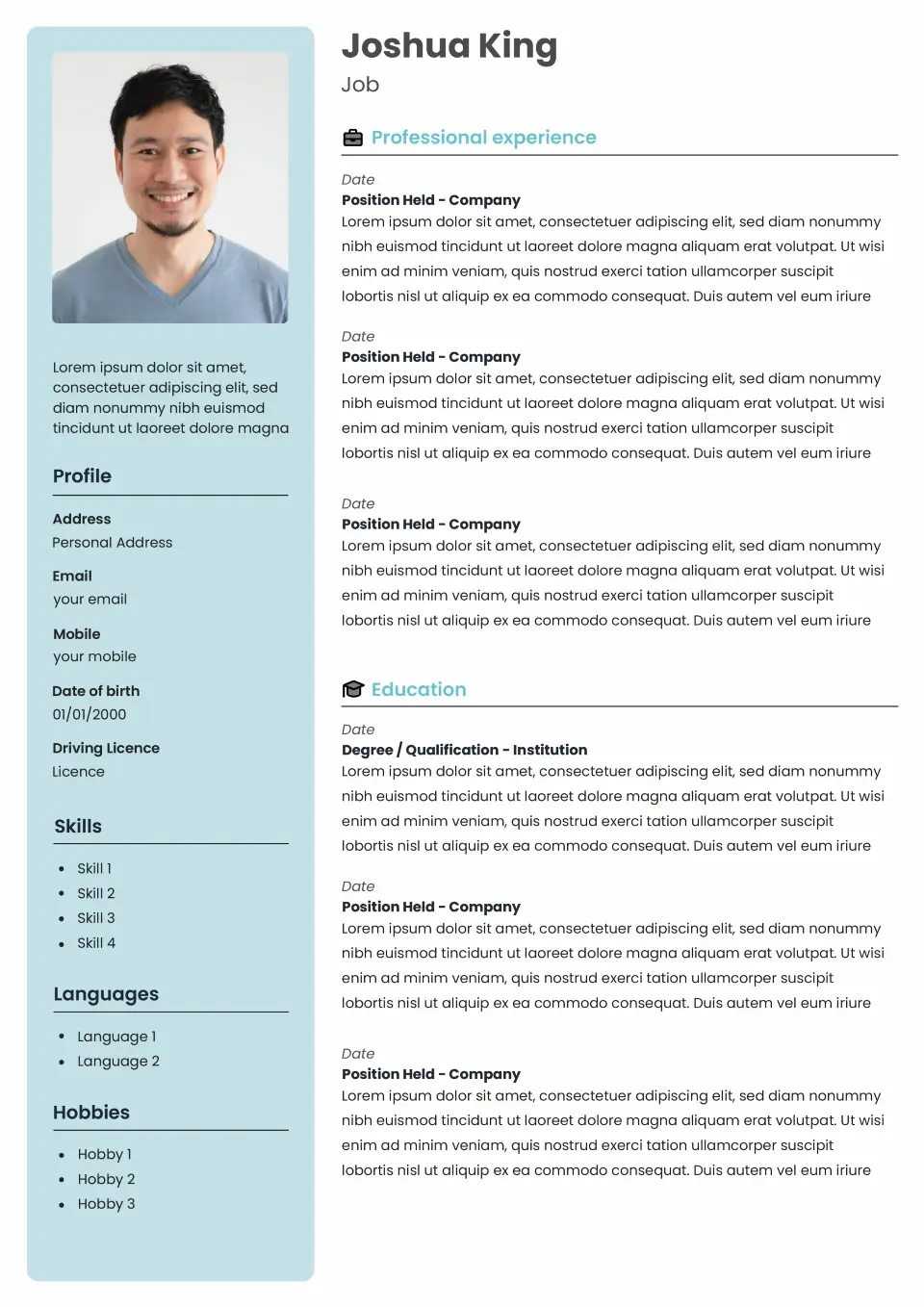
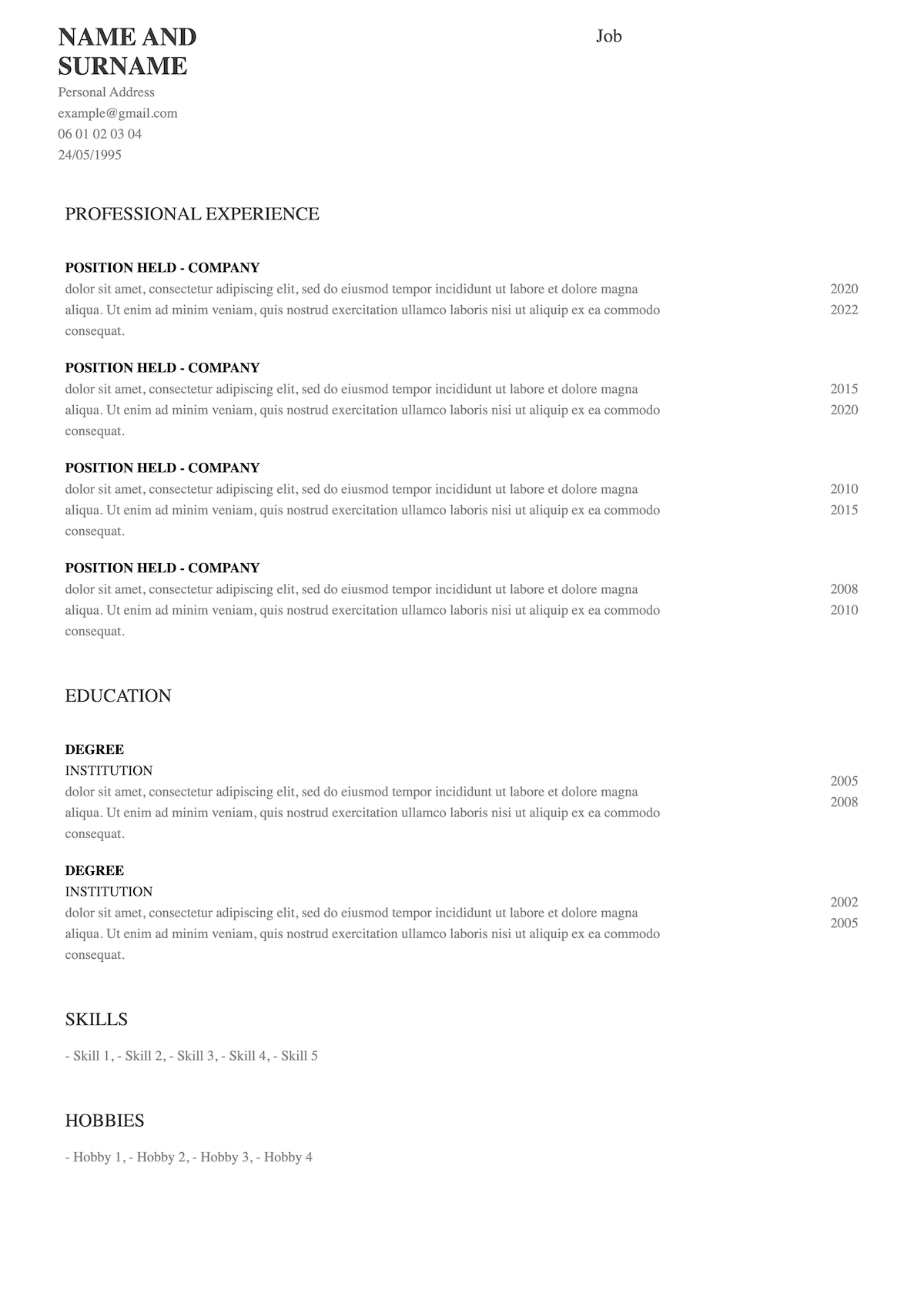
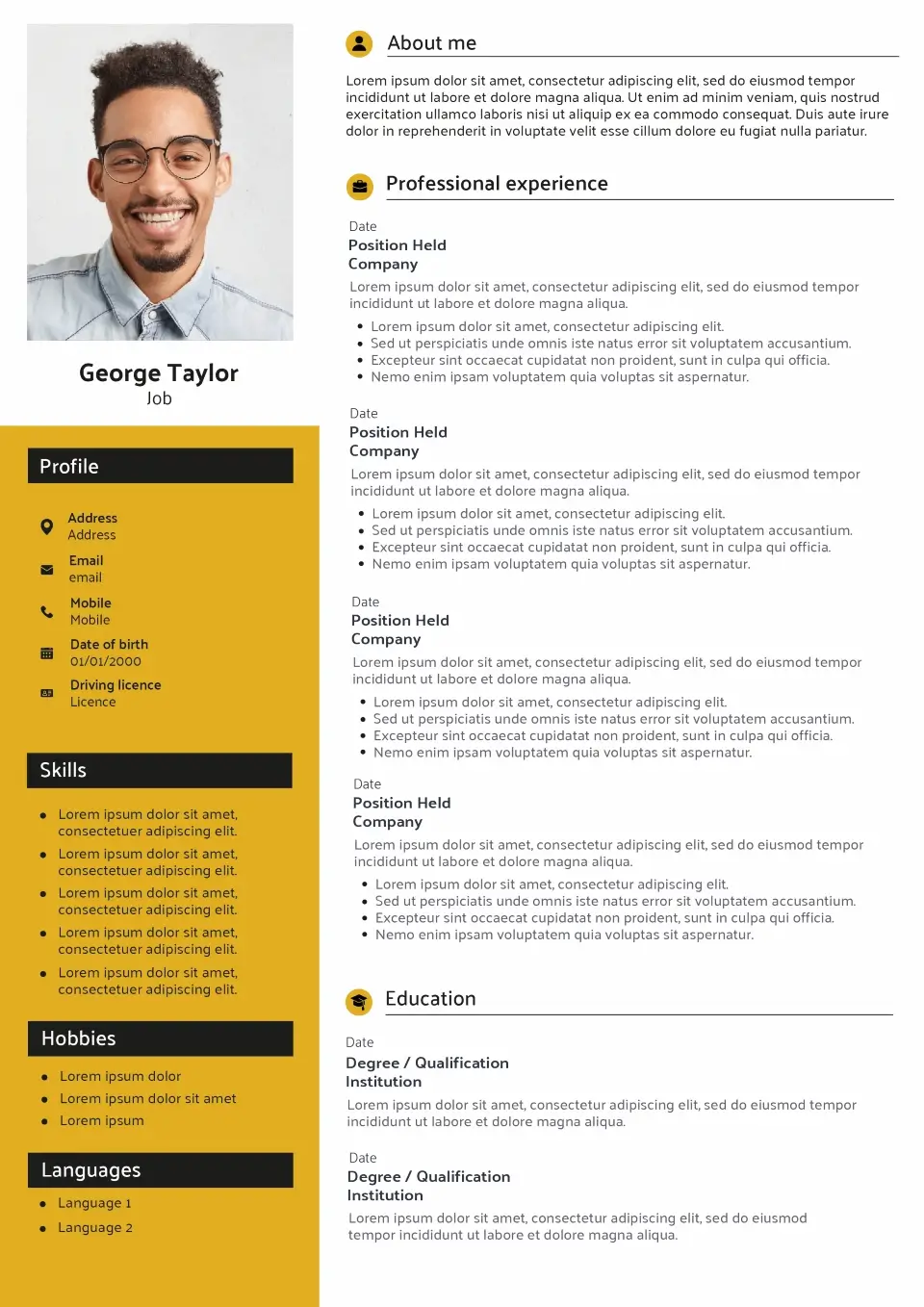
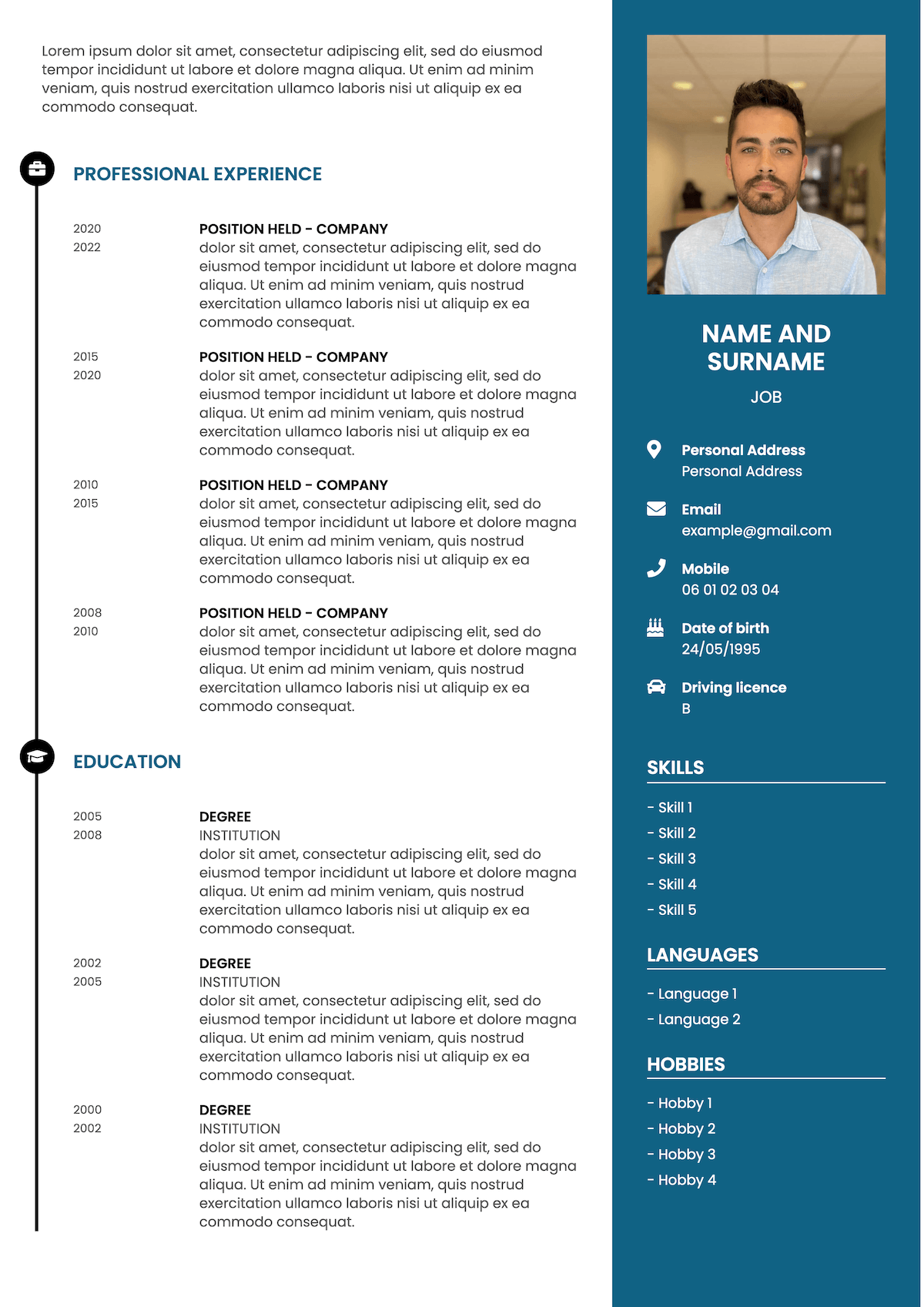
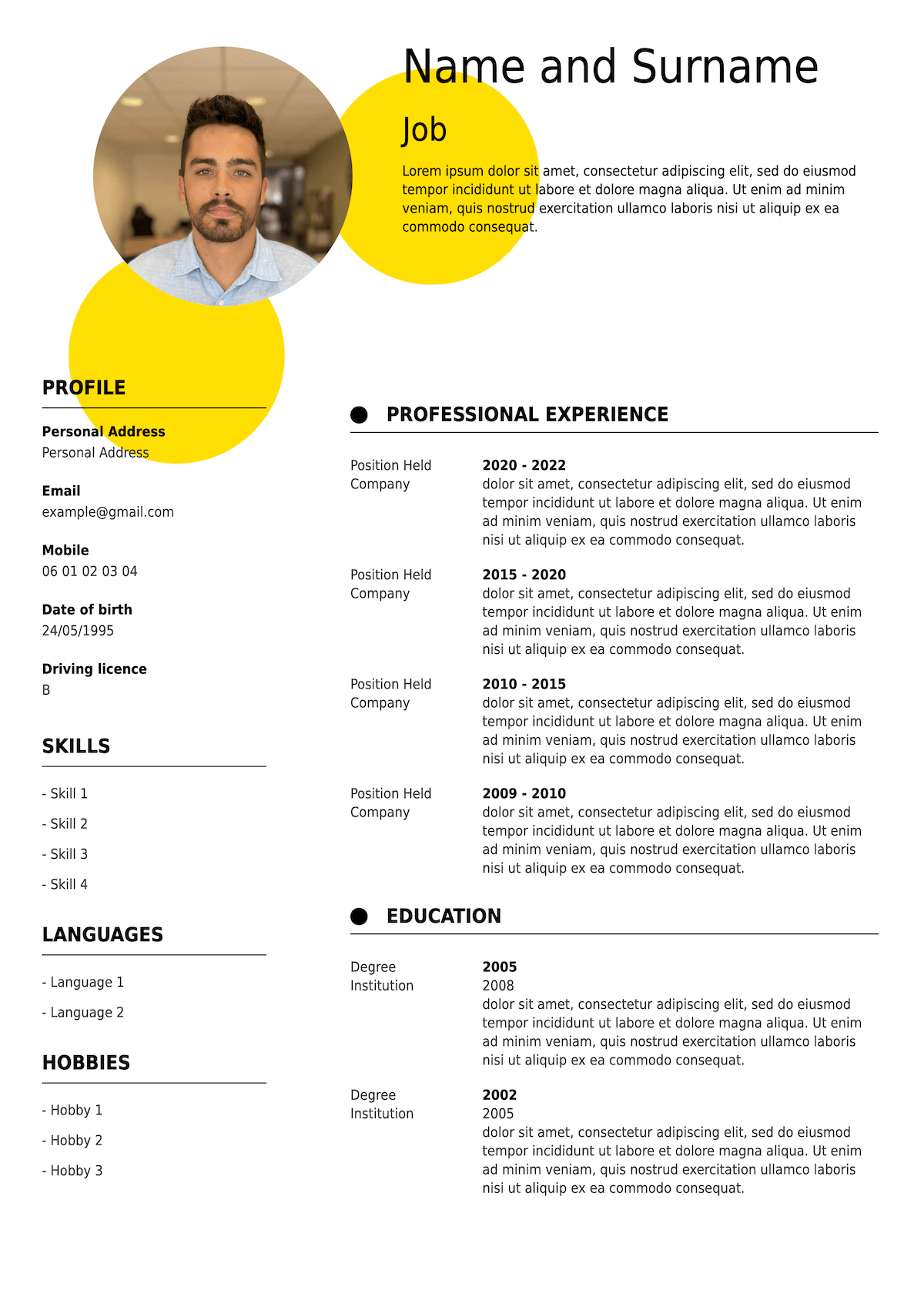
Explore our selection of ATS-friendly CV templates for UK job applications. From straightforward layouts to more contemporary designs, each template prioritises clear headings, readable text and well-organised information.
Find a style that suits your experience, then customise it with our online CV builder. You can adjust your content, organise your sections and create a CV tailored to your next opportunity.
- All
- ATS-friendly
- Without picture
- Simple
- Modern
- Original
-
All CV template categories
By style
By career stage
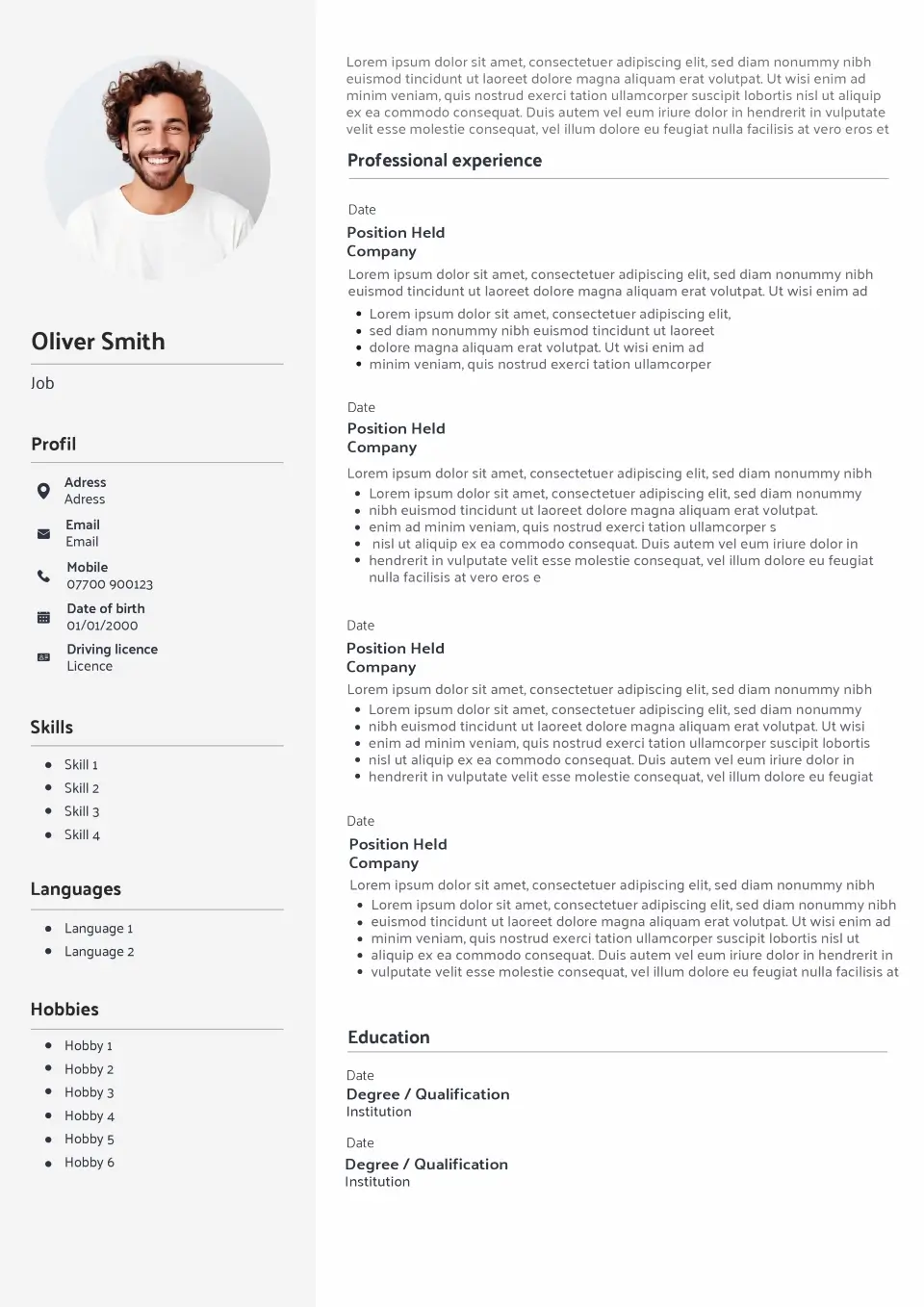
The benefits
Why choose an ATS-friendly CV template?
A well-structured CV makes your application easier to navigate, whether it’s being processed by recruitment software or reviewed by a hiring manager. Our templates focus on the details that matter most.
Clear information structure
Conventional headings and a logical reading order help recruitment systems identify important details such as your work experience, education and skills.
Less formatting uncertainty
Avoid unnecessary design elements that may interfere with text extraction. Our ATS-focused layouts favour straightforward formatting and readable content.
Easy to tailor for each job
Adapt your profile, experience and skills to the vacancy. Include relevant keywords naturally while keeping your CV accurate and persuasive.
Designed for human readers too
An ATS-friendly CV should still look professional. Clear typography, consistent spacing and a balanced layout help recruiters find the information they need quickly.
Real CV Examples
See ATS-friendly CV examples with real content
Wondering what an ATS-friendly CV looks like once completed? Explore realistic examples showing how to present your qualifications, achievements and experience using a clear, professional structure.
James Mitchell
Graduate Marketing Assistant
Business and Marketing graduate with a 2:1 degree from the University of Leeds and practical experience supporting digital campaigns, analysing customer data and creating social media content. Confident using Microsoft Excel, Google Analytics and Canva, with strong communication and organisational skills. Seeking a graduate marketing role where I can contribute to campaign delivery and develop my analytical expertise.
Work Experience
Marketing Intern
Northbridge Digital, Leeds
- Assisted with the delivery of email and social media campaigns across three client accounts.
- Prepared weekly performance reports using Google Analytics and Excel.
- Supported competitor research and audience analysis for new client proposals.
Customer Service Assistant
Tesco, Leeds
- Delivered customer support in a busy retail environment.
- Resolved enquiries and worked collaboratively to maintain service standards.
Education
BA (Hons) Business and Marketing
University of Leeds
Key Skills
- Digital marketing
- Google Analytics
- Social media management
- Content creation
Interests
- Video Games
- Running
Sarah Thompson
Operations Manager
Operations Manager with over eight years of experience improving business processes, managing cross-functional teams and delivering operational efficiencies within the logistics sector. Proven ability to reduce costs, monitor KPIs and lead continuous improvement initiatives. Experienced in stakeholder management, workforce planning and performance reporting, with a practical approach to achieving measurable business results.
Work Experience
Operations Manager
Westfield Logistics, Birmingham
- Manage daily operations across two distribution sites, overseeing a team of 35 employees.
- Reduced operational costs by 14% through process improvements and resource planning.
- Introduced KPI reporting procedures that improved delivery performance from 91% to 97%.
Operations Supervisor
Midlands Distribution Ltd, Coventry
- Supervised a team of 18 warehouse and logistics employees.
- Improved order-processing efficiency by 12% through revised workflows.
Education
BSc (Hons) Business Management
Coventry University
Key Skills
- Operations management
- Process improvement
- KPI reporting
- Team leadership
Interests
- Video games
- Cooking
Emma Roberts
HR Administrator
Organised professional transitioning from retail management into human resources, bringing six years of experience in team supervision, staff onboarding, scheduling and employee support. Recently completed a CIPD Level 3 Foundation Certificate in People Practice and developed a strong understanding of HR processes and employment legislation. Seeking an HR Administrator position where I can combine my people management experience with my HR training.
Work Experience
Assistant Store Manager
Oak & Co Retail, Manchester
- Supported recruitment, induction and training for a team of 20 employees.
- Maintained staff records, rotas and absence documentation.
Sales Supervisor
City Retail Group, Manchester
- Coordinated daily team activities and prepared weekly staff schedules.
- Trained new employees on internal procedures and customer service standards.
Education
CIPD Level 3 Foundation Certificate in People Practice
BA (Hons) Business Studies — Manchester Metropolitan University
Key Skills
- Employee onboarding and induction
- Staff scheduling and workforce coordination
- Confidential record management
Interests
- Hiking
- Travel
Each example demonstrates how to organise your information using recognisable section headings, clearly dated experience and relevant skills. The structure stays consistent while the content adapts to the candidate’s background and career goals.
Designed to work
An ATS-friendly CV doesn't have to look boring
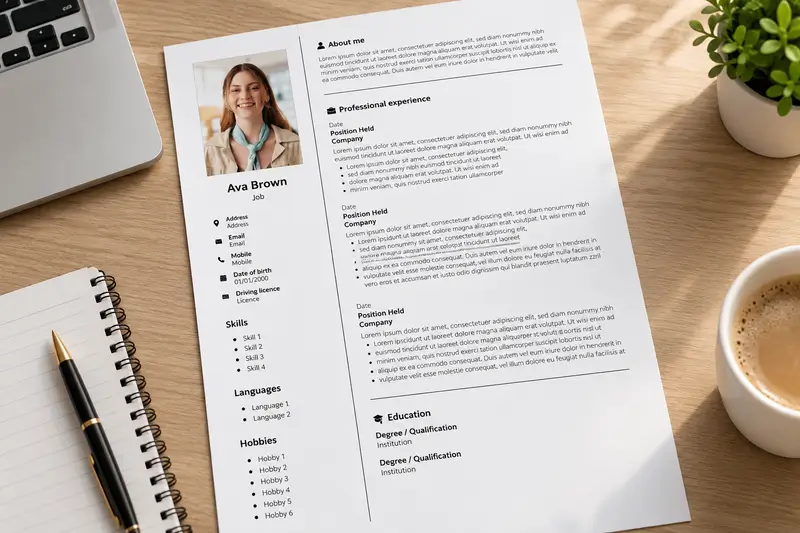
There’s a common misconception that an ATS-friendly CV has to be a plain document with no personality. In reality, good design and ATS-conscious formatting can work together.
The key is to use design elements that support readability rather than interfere with it. A clean font, subtle colour accents and consistent spacing can make your CV more appealing while keeping the information easy to follow.
Instead of filling your document with graphics, icons or elaborate text boxes, focus on presenting your experience in a way that helps employers quickly understand what you bring to the role.
Our ATS-friendly templates give you a professional starting point, so you can spend less time worrying about formatting and more time writing a CV that reflects your strengths.
- Clean typography
- Clear section headings
- Logical reading order
- Professional appearance
Who it's for
Who should use an ATS-friendly CV template?
ATS-friendly formatting is a sensible choice for almost anyone applying for jobs online. It’s particularly useful when submitting your CV through a company’s careers portal or recruitment platform.
Students and graduates
Present your education, placements, part-time jobs and transferable skills clearly, even if you have limited professional experience. A structured layout helps employers identify your potential without unnecessary distractions.
Experienced professionals
Make your career progression easy to follow. Highlight relevant positions, measurable achievements and industry-specific expertise while keeping your employment history organised and readable.
Career changers
Bring attention to your transferable skills and relevant achievements without obscuring your previous experience. Adapt your profile and skills to the requirements of your target industry.
Online job applicants
Applying through an employer’s recruitment portal? A straightforward CV layout can help reduce common text-extraction problems and make your application easier to process.
CV formatting guide
What makes a good ATS-friendly CV layout?
ATS compatibility depends on more than choosing the right template. The way you organise your information, format your document and describe your experience also matters. Here are five principles worth following.
Use standard section headings
Stick to recognisable headings such as Work Experience, Education, Skills and Certifications. Creative alternatives might look interesting, but conventional labels make your information easier for recruitment software and employers to categorise.
Choose a straightforward layout
A single-column layout is generally a reliable choice when ATS readability is your priority. Avoid complex tables, floating text boxes and overlapping elements that could disrupt the document’s reading order.
Include relevant keywords naturall
Use the job description to identify important skills, qualifications and industry terminology. Include the requirements that genuinely match your background, supporting them with relevant examples rather than simply repeating keywords.
Keep essential information as text
Your contact details, job titles, employment dates and qualifications should appear as selectable text, not exclusively inside images or decorative graphics. Avoid placing essential information only in headers or footers, as some systems may not extract it reliably.
Use a suitable file format
Always follow the employer’s submission instructions. A text-based PDF can preserve your formatting, while some employers prefer DOCX files. Neither format is universally compatible with every ATS, so avoid scanned documents and check the requested file type before applying.
Find your style
Compare ATS-friendly CV templates with other styles
Different CV styles suit different applications. If you’re applying through an online recruitment system, a predictable structure and readable formatting should take priority over decorative design. Here’s how the main styles compare.
| ATS-Friendly This page | Simple View templates | Modern View templates | Creative View templates | |
|---|---|---|---|---|
| Main priority | Information clarity | Minimal presentation | Contemporary design | Visual impact |
| Typical layout | Single-column | Straightforward | One or two columns | Variable |
| Decorative elements | Minimal | Limited | Moderate | Often prominent |
| Standard headings | Prioritised | Usually | Depends on design | Varies |
| Online applications | Strong starting point | Often suitable | Check formatting | Review carefully |
| Best suited to | ATS-focused applications | General applications | Modern workplaces | Design-led roles |
| Customisable | Yes | Yes | Yes | Yes |
Before you apply
How to check if your CV is ATS-friendly
Choosing an ATS-friendly template is a good starting point, but it’s worth checking your completed CV before sending it to an employer.
Different recruitment platforms process documents differently. There is no universal ATS score or formatting trick that guarantees your application will reach the interview stage.
Instead, focus on making your CV accurate, readable and relevant to the vacancy. A few practical checks can help you identify potential formatting problems and improve the quality of your application.
Use the checklist opposite before submitting your next CV.
Test the text extraction
Copy the text from your exported CV into a plain-text editor. Check that your information appears in a logical reading order and that nothing important is missing.
Match the job requirements
Compare your CV with the vacancy. Have you included the relevant qualifications, technical skills and experience that you can genuinely demonstrate?
Review dates and job titles
Make sure your employment history is consistent. Use recognisable job titles, clear employer names and straightforward date formats throughout your document.
Follow submission instructions
Check whether the employer requests a PDF, DOCX or another format. Submit the correct file type and avoid scanned documents or password-protected files.
How it works
Create your ATS-friendly CV in four steps
Build a professional CV online without starting from a blank page. Choose your template, add your information and prepare a document tailored to your next application.
Choose your template
Select an ATS-friendly CV template that suits your career stage and the type of position you’re targeting.
Add your information
Enter your contact details, professional profile, employment history, education and relevant skills.
Tailor your content
Adjust your CV to reflect the job description. Highlight your most relevant achievements, qualifications and experience using clear, natural language.
Review and download
Check your spelling, formatting and contact details before downloading your CV in an available format that meets the employer’s instructions.
CV writing advice
ATS-friendly CV templates for UK jobs
Many UK employers use applicant tracking systems (ATS) to collect, organise and manage job applications. When you submit your CV online, the software may extract information such as your contact details, employment history, qualifications and skills.
Using an ATS-friendly CV template can help reduce common formatting issues, but the quality of your content remains just as important. Tailor your professional profile to the vacancy, describe your experience with clear action verbs and highlight achievements that demonstrate your suitability for the role.
Pay particular attention to the terminology used in the job description. Include relevant skills, software, certifications and industry-specific keywords where they accurately reflect your experience. Avoid copying entire phrases unnecessarily or adding qualifications you don’t have.
For most UK applications, a reverse-chronological CV is a reliable choice, with your most recent experience appearing first. Keep your document concise, use consistent formatting and check the employer’s file requirements before submitting it.
Remember that an ATS-friendly CV isn’t about beating recruitment software. It’s about presenting your information clearly so that both technology and hiring managers can understand your professional background.
Explore more CV resources
FAQ