CV Creator » CV advice »
How to Write a CV
Writing a CV can feel overwhelming, but it’s easier when you follow a clear structure.

Get the layout right (easy to scan + ATS-friendly)
Recruiters skim CVs quickly, so make yours effortless to read. A clean layout also helps Applicant Tracking Systems (ATS) parse your CV correctly.
Best practices
- Font: stick to readable fonts (e.g. Arial, Calibri, Helvetica) and keep body text around 10–12pt.
- Spacing: use consistent spacing and clear section breaks.
- Headings: use simple titles like “Work Experience”, “Education”, “Skills”.
- Bullet points: use bullets instead of long paragraphs.
- Length: aim for 1–2 pages (one page for early-career, two pages if you have relevant experience).
- File format: follow the job advert — PDF is usually safest for formatting, but send Word if requested.
ATS-friendly formatting tips
- Avoid complex tables, heavy graphics, and confusing text boxes.
- Keep section titles standard (so software recognises them).
- Use a simple, consistent structure from top to bottom.
Need help with spacing, fonts and section order? See our guide on CV layout.
Choose the best CV format for your situation
The most common UK format is reverse chronological: it shows your latest experience first — exactly what recruiters want to see.
Option A: Chronological CV (best for most people)
- Ideal if you have steady experience in the same field.
- Simple to scan and easy for recruiters to compare.
Learn more: Chronological CV and CV format.
Option B: Skills-based (functional) CV
- Useful if you are changing careers or have limited experience.
- Focuses on transferable skills + evidence (projects, volunteering, achievements).
Best for: Career changers / limited experience.
Option C: Combination CV
- A balanced approach: highlights key skills, then proves them in work experience.
Best for: Experienced candidates.
How to write each section of your professional CV?
Once your layout and format are sorted, the next step is filling in each section the right way. Below, you’ll find clear, practical tips for every part of a professional UK CV—what to include, what to avoid, and how to write it so recruiters can spot your value quickly.
Write a strong CV header (contact details)
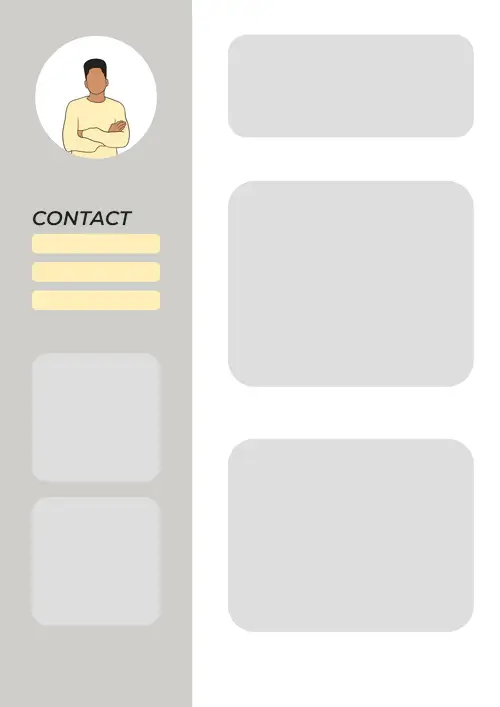
Your header should help an employer contact you instantly — nothing more.
You should include a few essential details so recruiters can scan your CV in seconds.
- Full name
- Phone number
- Professional email address
- Location (city / region is enough)
- LinkedIn URL or portfolio link (if relevant)
It’s best to avoid certain details that can distract recruiters or hurt your chances.
- Photo (generally best to leave it out unless the role asks for it)
- Date of birth / age
- Marital status
- Nationality
- Full postal address (optional — keep it minimal)
More detail: personal details on a CV.
- Emily Johnson
- Manchester, United Kingdom
- +44 7700 900123
- mail@example.com
- LinkedIn: linkedin.com/in/linkedin
Write your personal statement (personal profile)
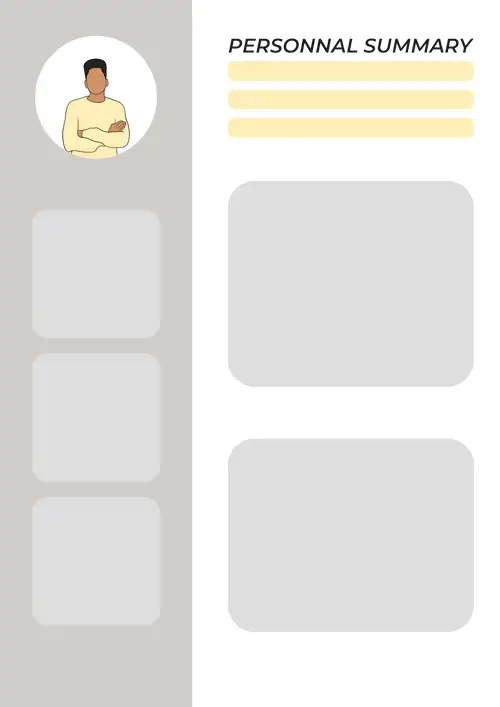
This is a short paragraph (3–5 lines) that answers: who you are, what you’re good at, and what you’re targeting. Here, a simple structure that works:
- Role + experience: “Customer-focused Retail Assistant with 3 years’ experience…”
- Proof: “Known for improving conversion and handling high-volume queues…”
- Target: “Now looking for a role in…”
Tip: Pull 5–10 keywords from the job advert (skills, tools, job title) and reuse them naturally in your personal statement and experience.
Deep dive: CV personal statement.
Experienced candidate
Detail-oriented Operations Coordinator with 5+ years’ experience improving processes across busy logistics teams. Reduced order delays by 18% by introducing a simple tracking workflow and clearer handovers. Looking for an operations role where I can streamline delivery performance and support continuous improvement.
No experience / student
Motivated undergraduate studying Business Management, with strong teamwork and customer service skills built through part-time retail work and volunteering. Confident using Excel and presenting ideas clearly. Seeking an entry-level role where I can learn fast, support a team, and contribute from day one.
Write your education section (based on your profile)
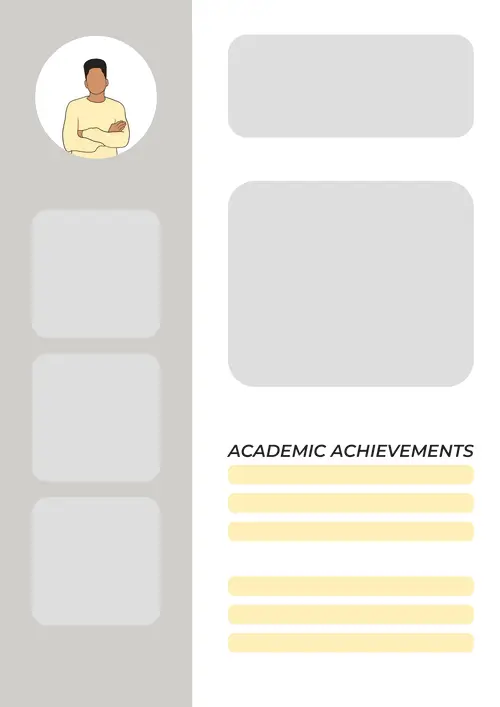
If you’re a school leaver, focus on your strengths, achievements, and potential — not your lack of experience.
- GCSEs / A-Levels (or equivalents)
- Predicted grades (if relevant)
- Projects, clubs or responsibilities that show skills
As an undergraduate, highlight your degree, placements, projects, and transferable skills.
- Degree title + university + expected graduation date
- Relevant modules (only the ones that support the job)
- Projects, placements, societies, competitions
As a graduate, show what you can do by linking your education to real outcomes and relevant experience.
- Highest degree first (include classification if strong)
- Dissertation or final project topic (if relevant)
- Key modules and achievements
As an experienced professional, keep your education section short and relevant.
- Keep it brief: list your highest qualification first, then any key certifications.
- Remove older or irrelevant details (modules, grades, coursework) unless the role requires them.
- Use the space to prioritise recent achievements, projects, and role-specific skills.
Add work experience (achievement-led, not duty-led)
Your work experience is often the most important section. The goal is to show impact, not just responsibilities.
Here the best CV structure depends on the role you’re targeting and the experience you want to emphasise.
- Job Title — Company, Location
- Dates (month/year – month/year)
- 3–6 bullet points focused on achievements
Tip: Focus on your most recent and relevant roles — usually 4–6 entries is enough, and older jobs can be shortened or removed.
Action verb + what you did + how + result (ideally with a number)
Job, Company, City
June 2020 – August 2023
- Improved customer satisfaction by 12% by rewriting help-centre templates and reducing response times.
- Managed weekly stock counts and cut discrepancies by 20% through a clearer checking routine.
- Supported a team of 6 during peak periods, maintaining service targets and queue flow.

List skills employers actually notice
Skills help recruiters match you to the job fast — but they work best when you prove them elsewhere in the CV. Include only what strengthens your application and supports the job you’re applying for.
- Hard skills: tools, software, languages, certifications
- Soft skills: communication, teamwork, organisation (backed by examples)
- Transferable skills: great for career changers and graduates
Tip: Don’t just list skills — prove them by backing each one with a bullet point achievement, project, or real example in your experience.
Use clear, job-specific skills so ATS software and recruiters can spot them instantly.
- Mirror the wording in the job advert (without copy-pasting everything).
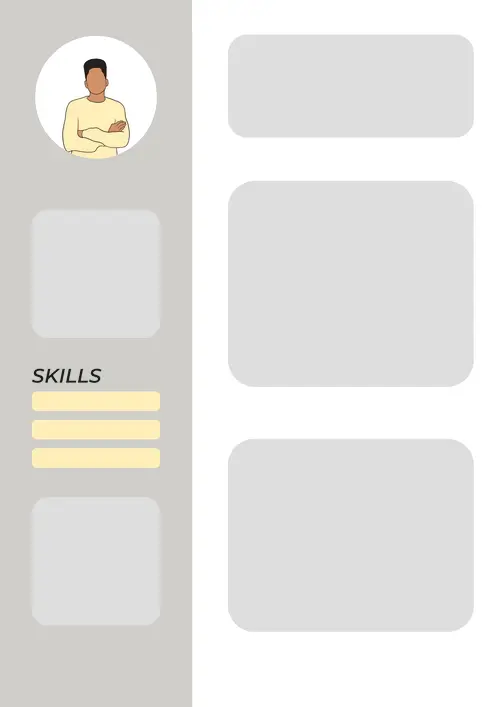
- Use a simple bullet list (avoid fancy graphics).
See examples: soft skills and hard skills.
Optional sections (use only if they add value)
Optional sections can strengthen your CV — but only if they support the role. Keep them short, relevant, and easy to scan, then link to dedicated guides for extra detail.
Languages
Languages are worth adding when the role involves international clients, travel, or multilingual teams.
Do: State your level clearly, show how you’ve used the language professionally, and list the most job-relevant language first.
Avoid: Overstating your level, listing languages without a level or proof, or adding languages that don’t help for this role.
Learn how to list language skills on your CV.
Certifications and training
Add certifications when they prove role-specific knowledge, tools, licences, or regulated training.
Do: Include the certificate name + provider + date, prioritise recognised job-relevant credentials, and mention “in progress” training with an expected completion date.
Avoid: Padding with generic courses, listing outdated or irrelevant certificates, or dumping a long list instead of your strongest few.
Projects / volunteering
Perfect if you’re early-career, changing careers, or want to prove skills beyond your job titles.
Do: Present it like experience (title, dates, bullets), focus on your contribution, and add results or outcomes where possible.
Avoid: Vague descriptions with no impact, long paragraphs, or projects that distract from stronger, more relevant experience.
Hobbies and interests
Hobbies are optional, but they can help you stand out — especially on entry-level CVs — when they show strengths.
Do: Pick hobbies that signal useful traits, add a detail to make them credible, and keep the list short.
Avoid: Generic fillers, anything controversial or too personal, or letting hobbies take space from skills and achievements.

Key takeaways for writing a UK CV
In a rush? Here are the key points to remember if you want a UK CV that’s easy to scan, ATS-friendly, and tailored to the job you’re applying for.
- Keep it scannable: clear headings, consistent spacing, bullet points, and plenty of white space.
- Stay ATS-friendly: avoid complex tables/graphics and use standard section titles (Work Experience, Education, Skills).
- Use the right format: a reverse-chronological CV is the UK standard for most candidates.
- Write a targeted personal statement: 3–5 lines showing your role, strengths, proof, and job goal.
- Prove impact in work experience: achievements and results (numbers) beat duty-only bullet points.
- Match skills to the advert: mirror key terms naturally and back skills up with evidence elsewhere in the CV.
- Do a final quality check: tailor, proofread, save in the requested format (PDF/Word), and use a professional filename.
FAQ about writing a UK CV
How long should a UK CV be?
Should I include a photo on my CV in the UK?
Do I need to include my date of birth or nationality?
What’s the best CV format for most candidates?
What if I have no work experience?
Should I include references on my CV?

Ready to create your CV online in minutes
Choose a professional template, fill in each section step by step, and download your CV in PDF—ready to apply today.
Got it – create my CV