
Professional CV templates
Professional CV templates for UK job seekers
Choose from professional CV templates designed for UK job applications. Find a layout that suits your experience and industry, customise your CV online and download the finished version as a PDF.
Whether you need a clean classic layout or a more modern CV template, you can start with a ready-made design and focus on what matters most: your experience, skills and achievements.
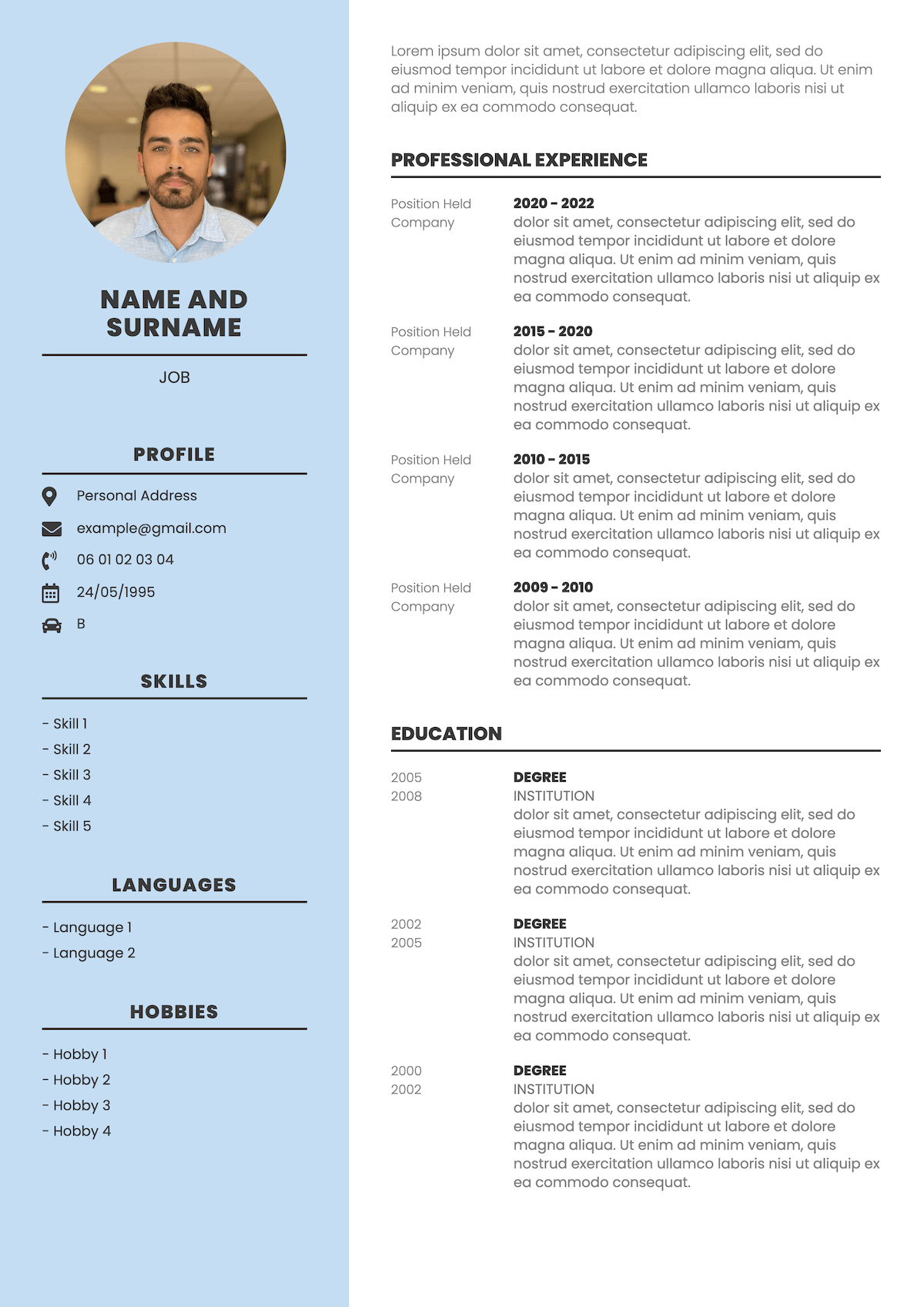
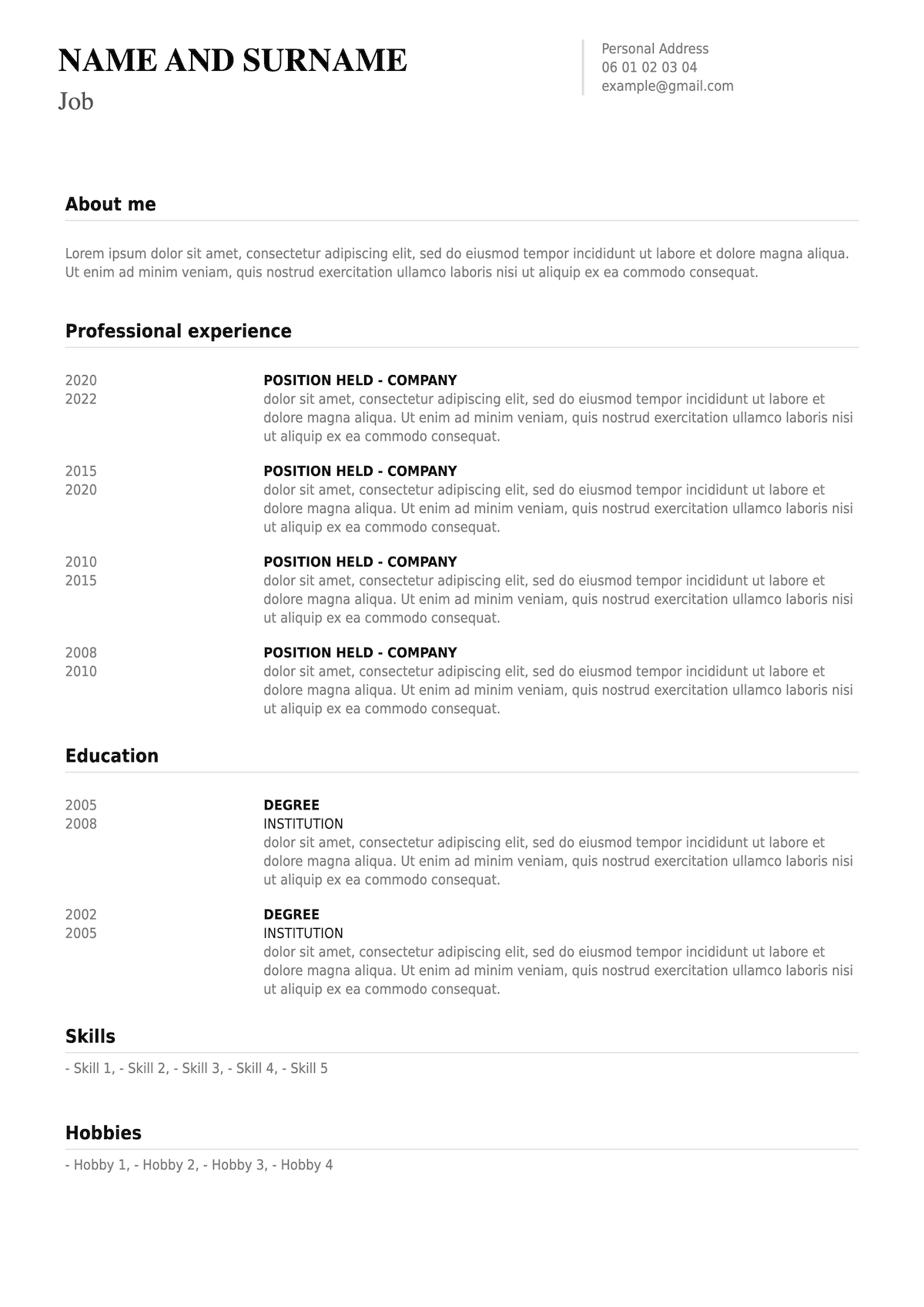
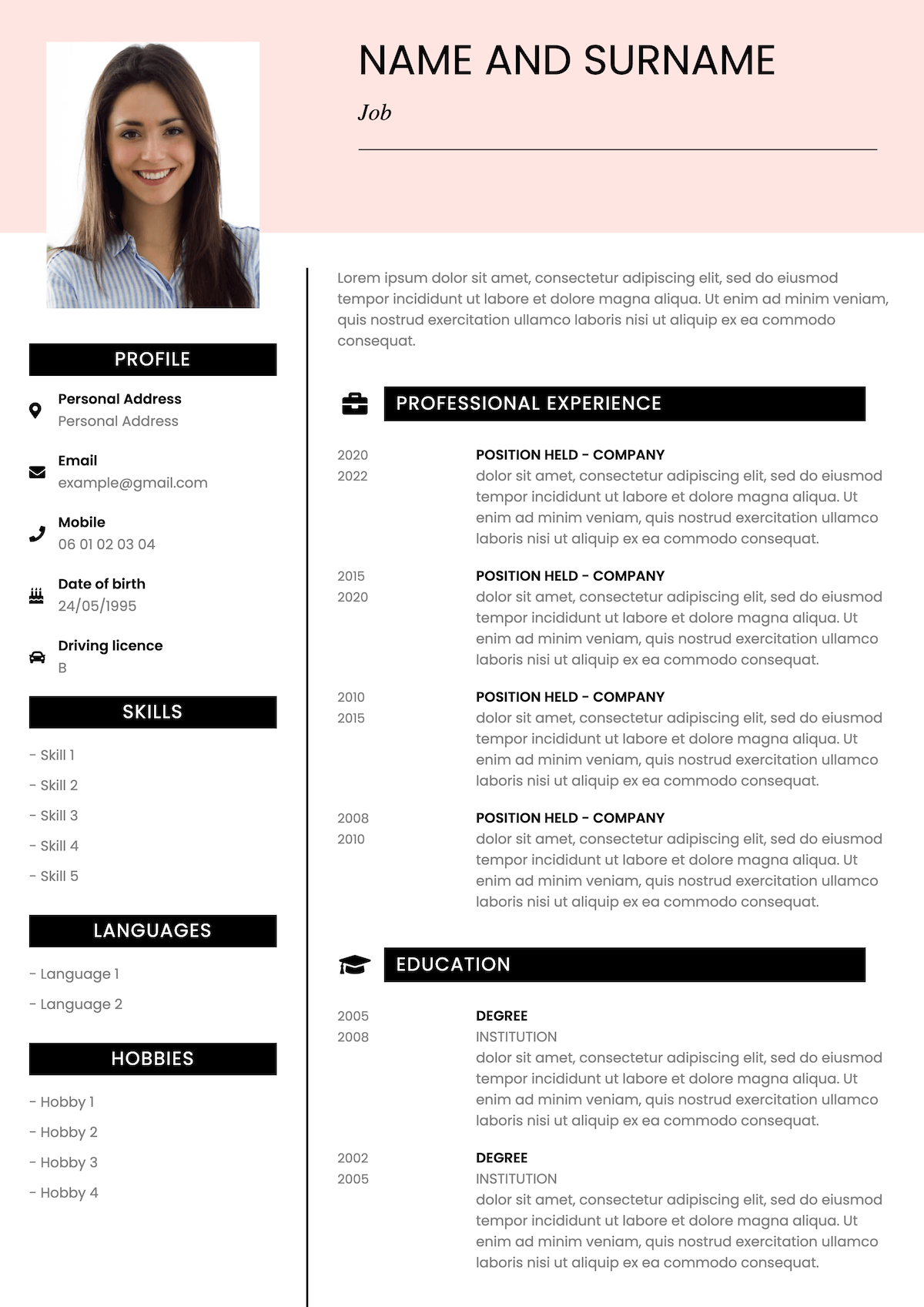
ATS-friendly templates
UK CV format
Easy to customise
CV templates
Choose your CV template
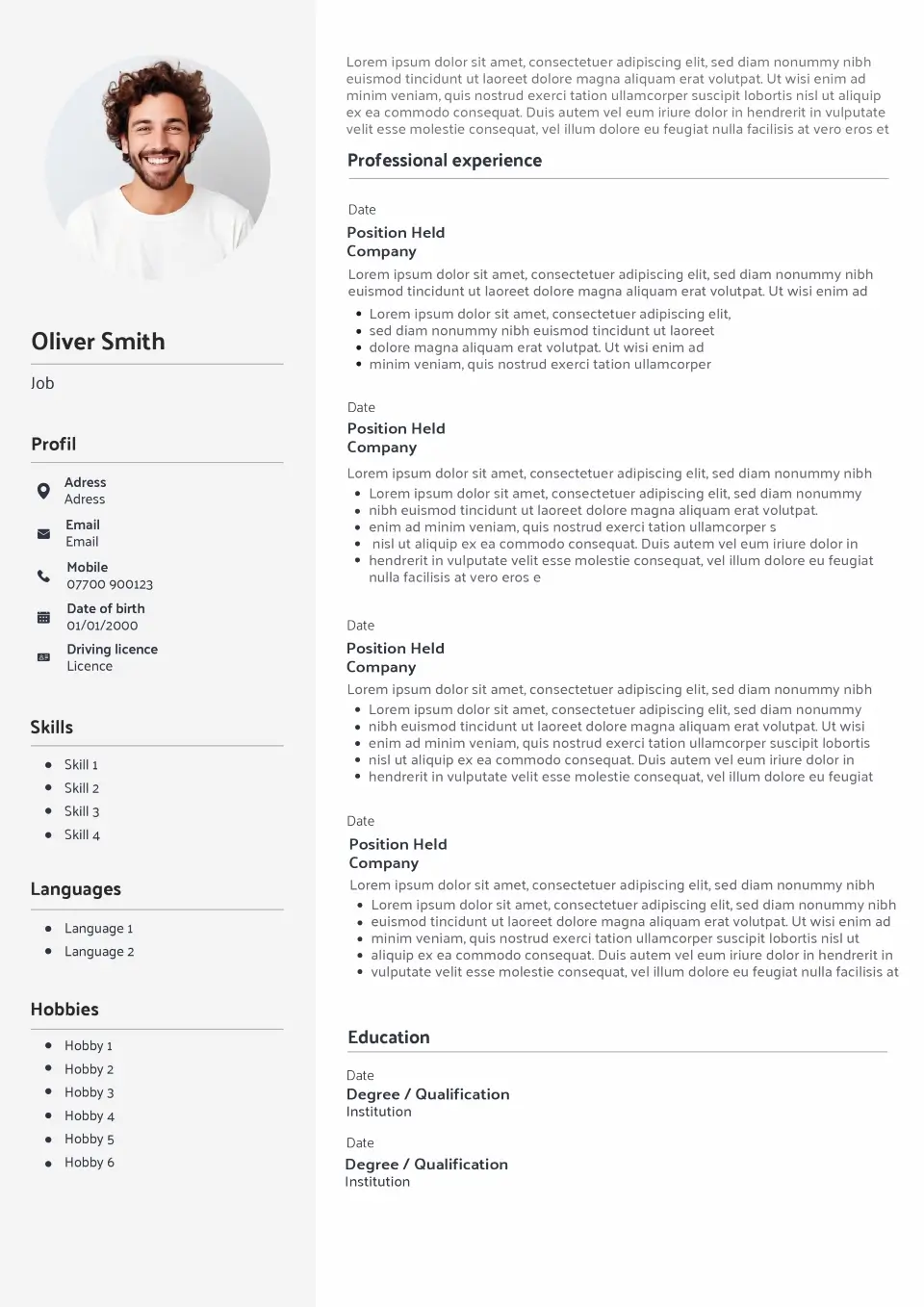
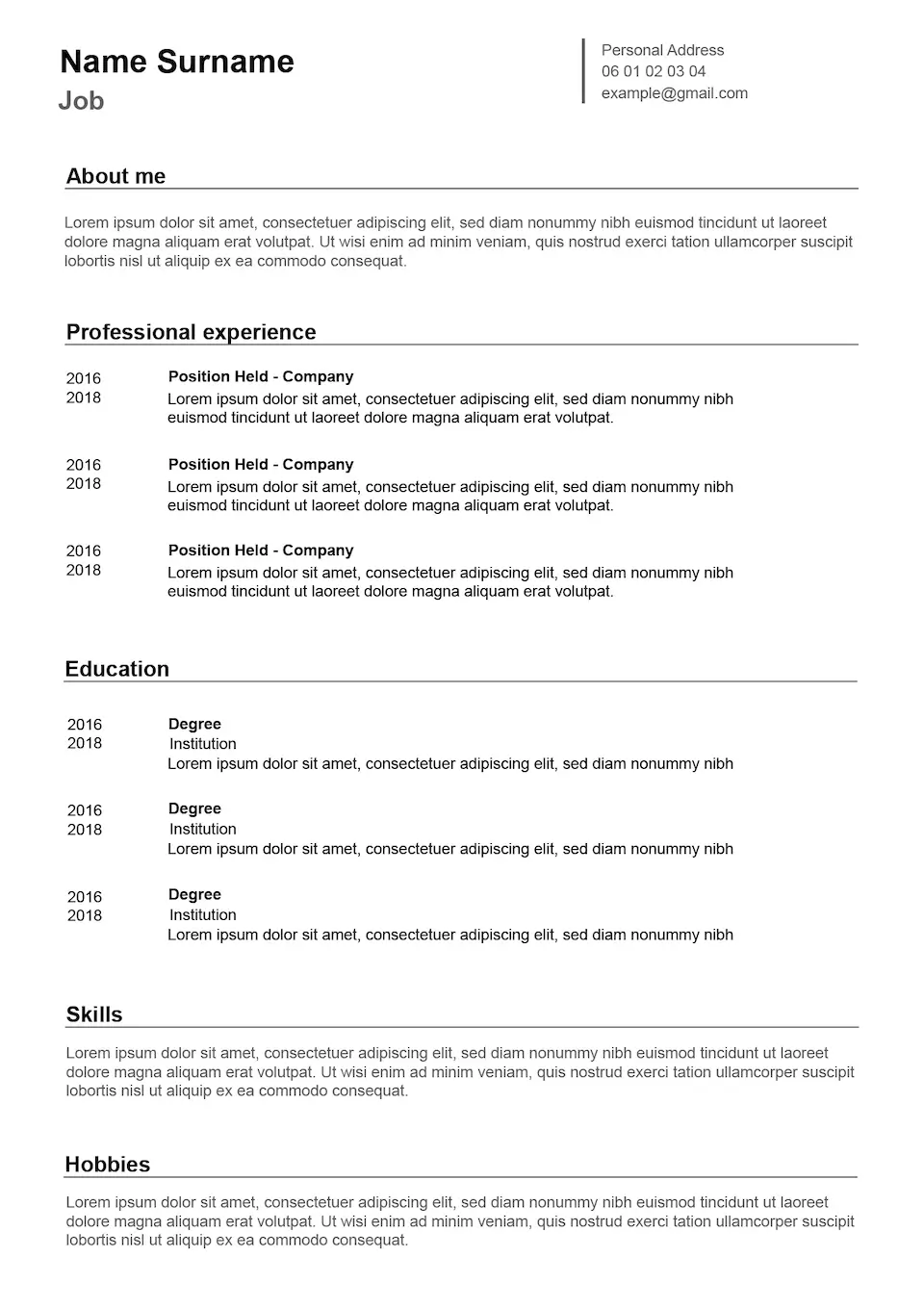
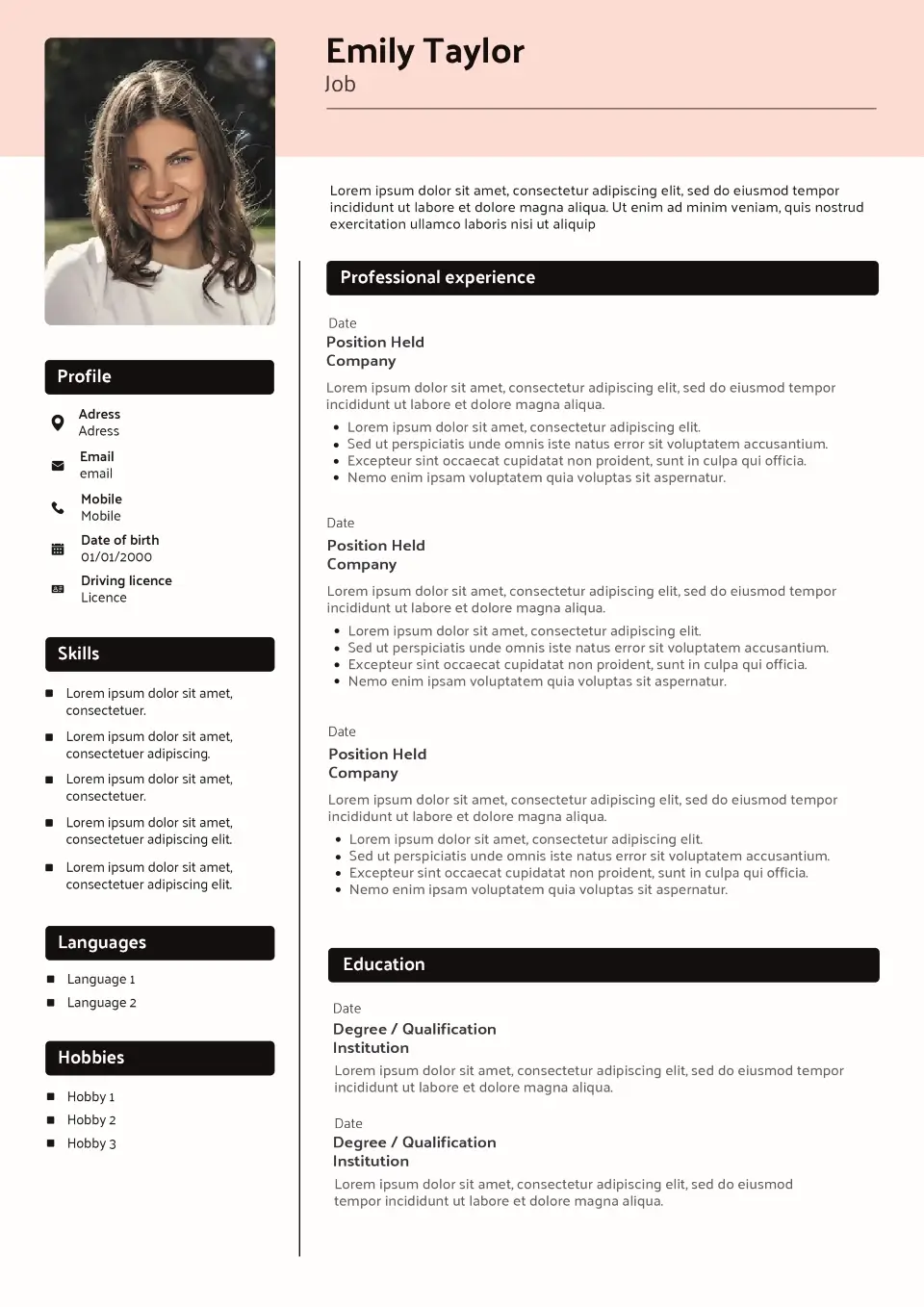
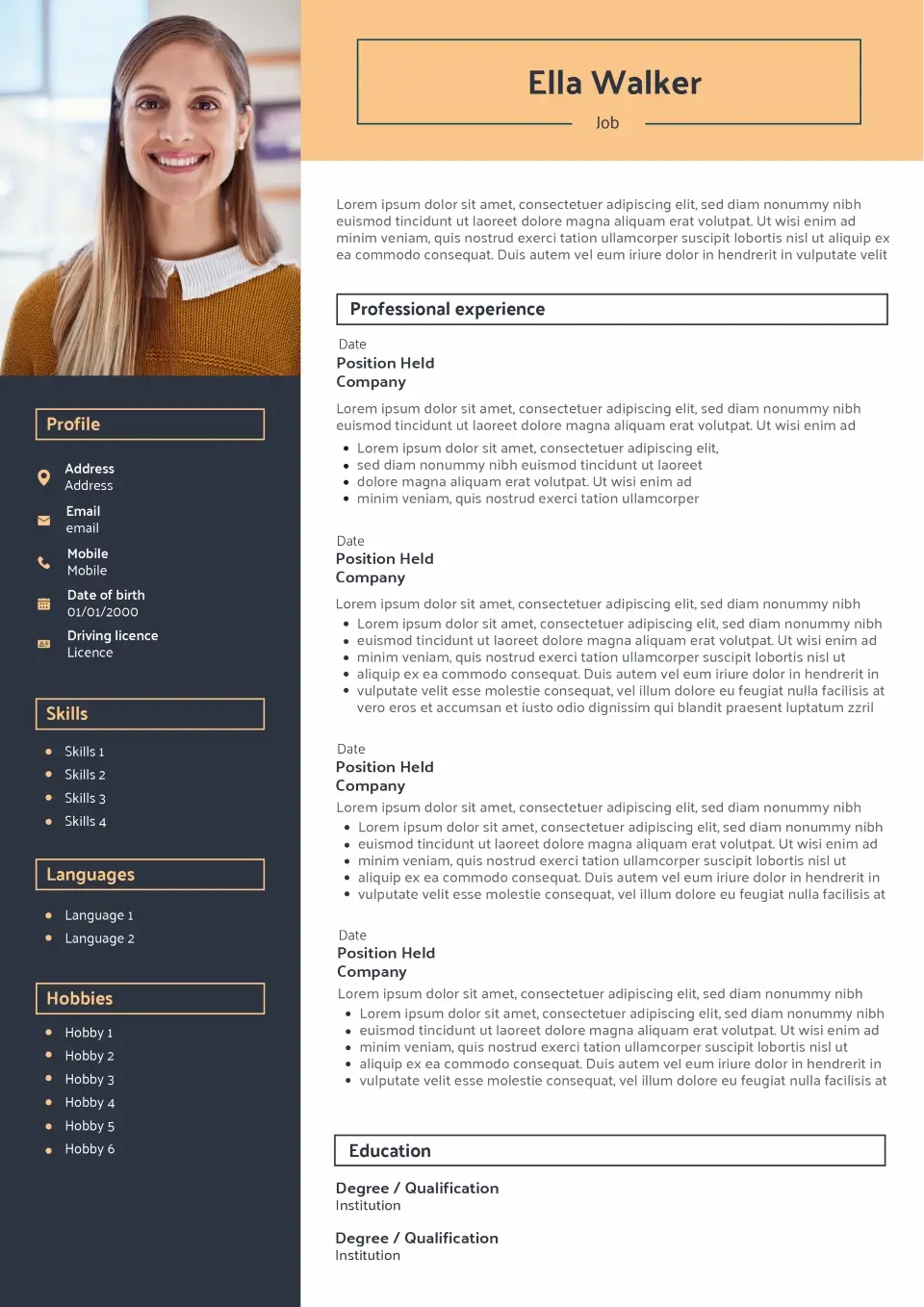
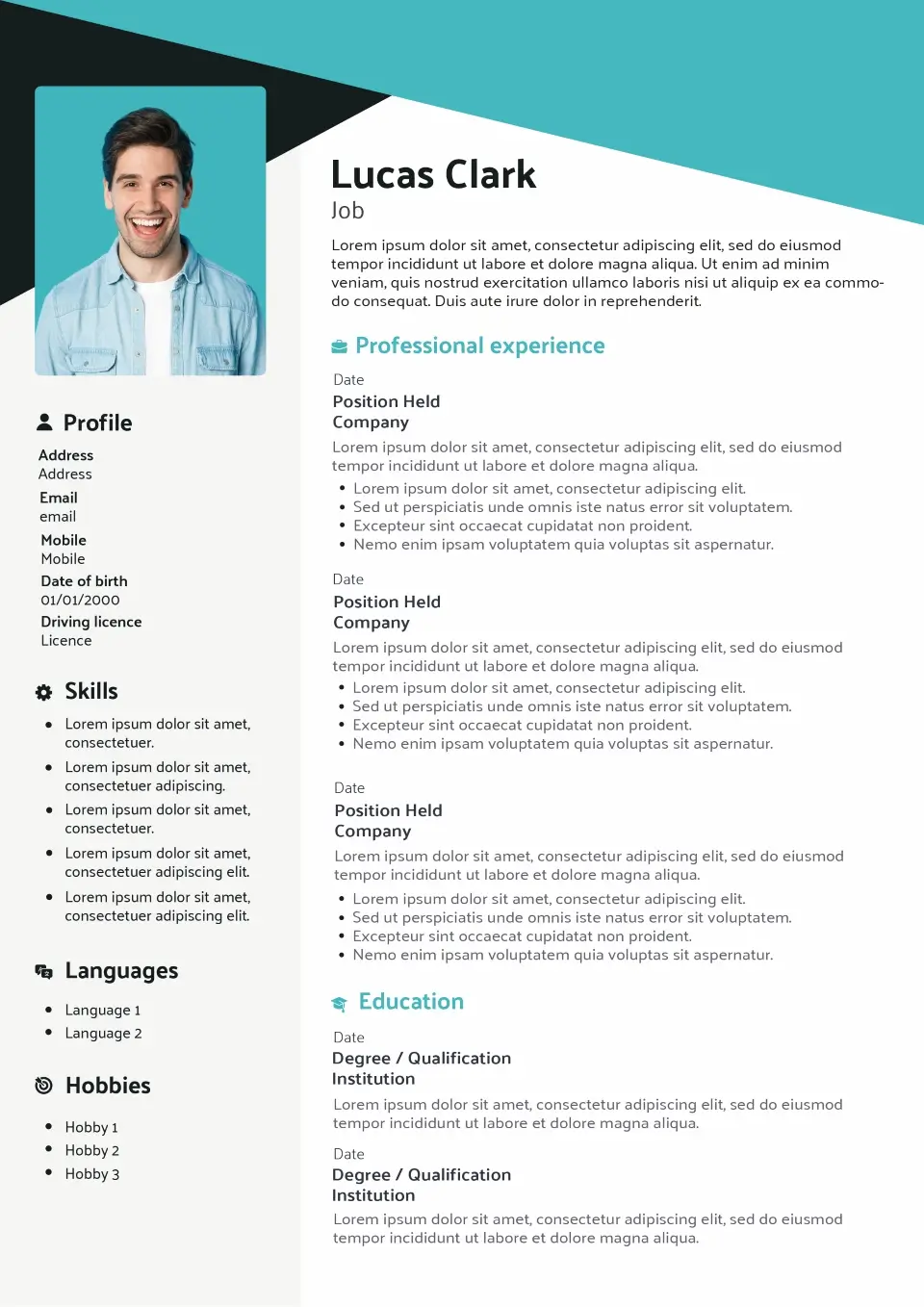
Explore our selection of UK CV templates and choose a design that matches your profile. From simple and classic layouts to modern, creative and original designs, each template is built to keep your experience, education and skills clear and easy to scan.
Browse the templates below or use our Template Finder if you’re not sure which CV style is right for your experience, industry or next job application.
Browse the templates below or use our Template Finder if you’re not sure which style is right for you.
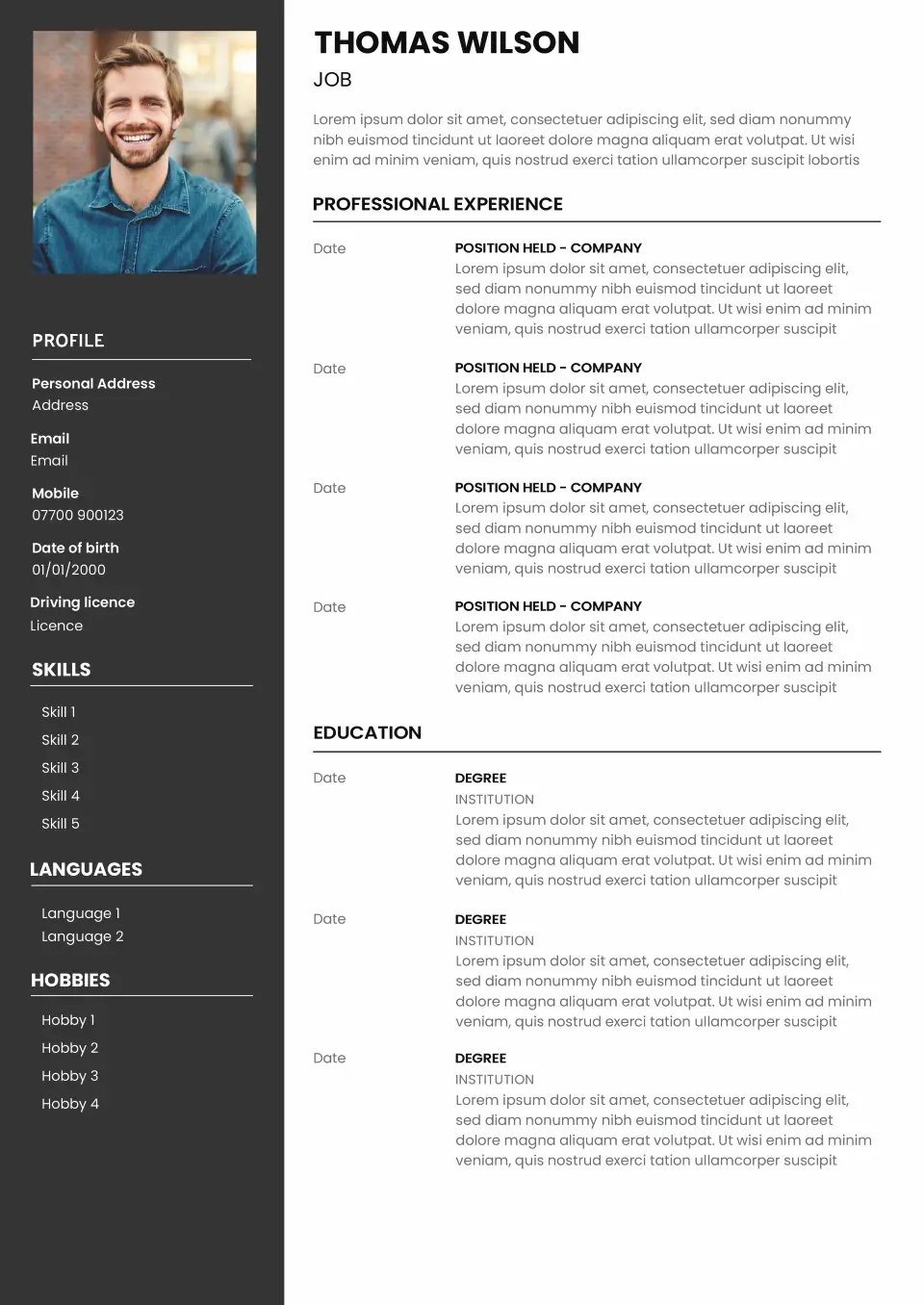
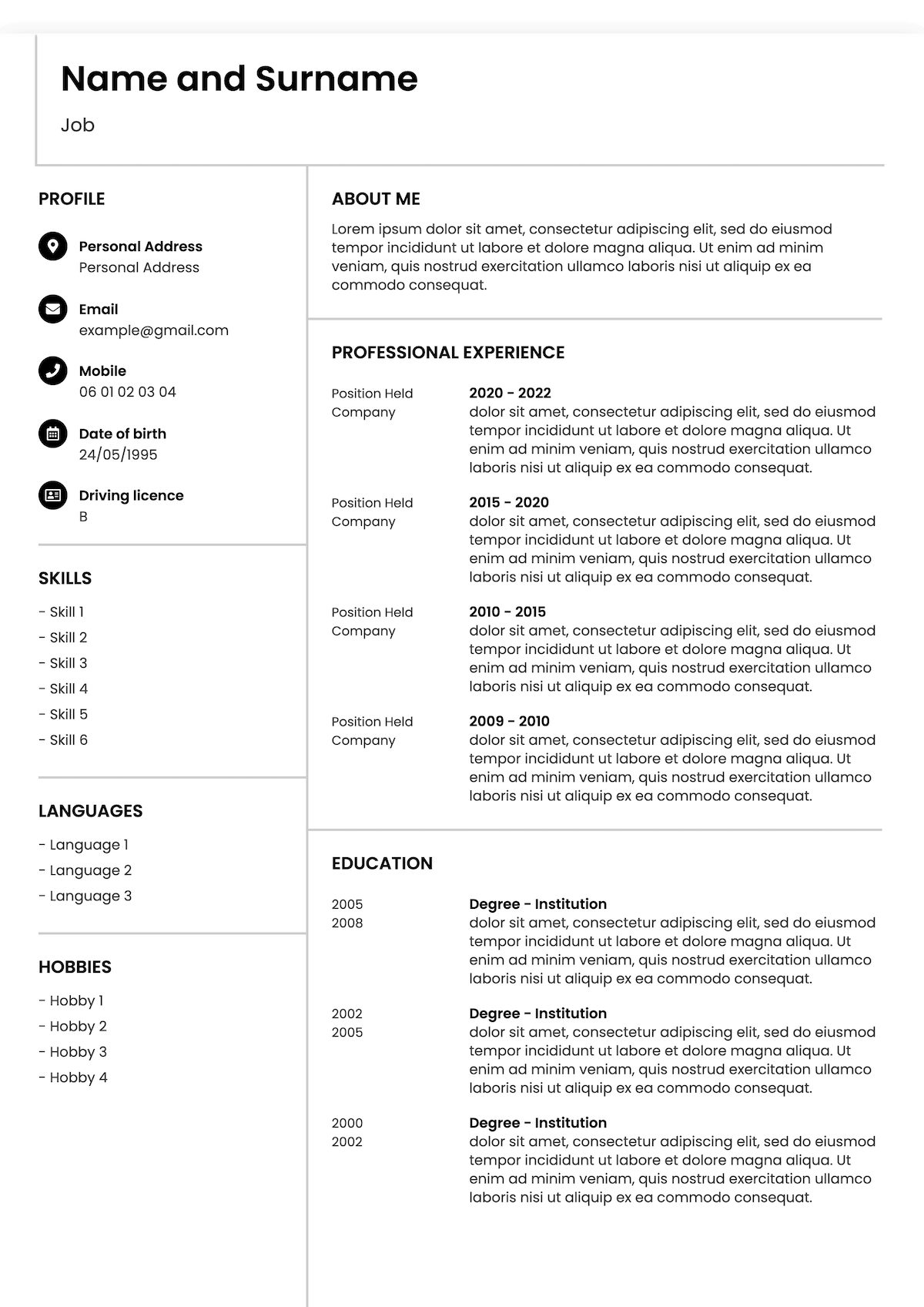
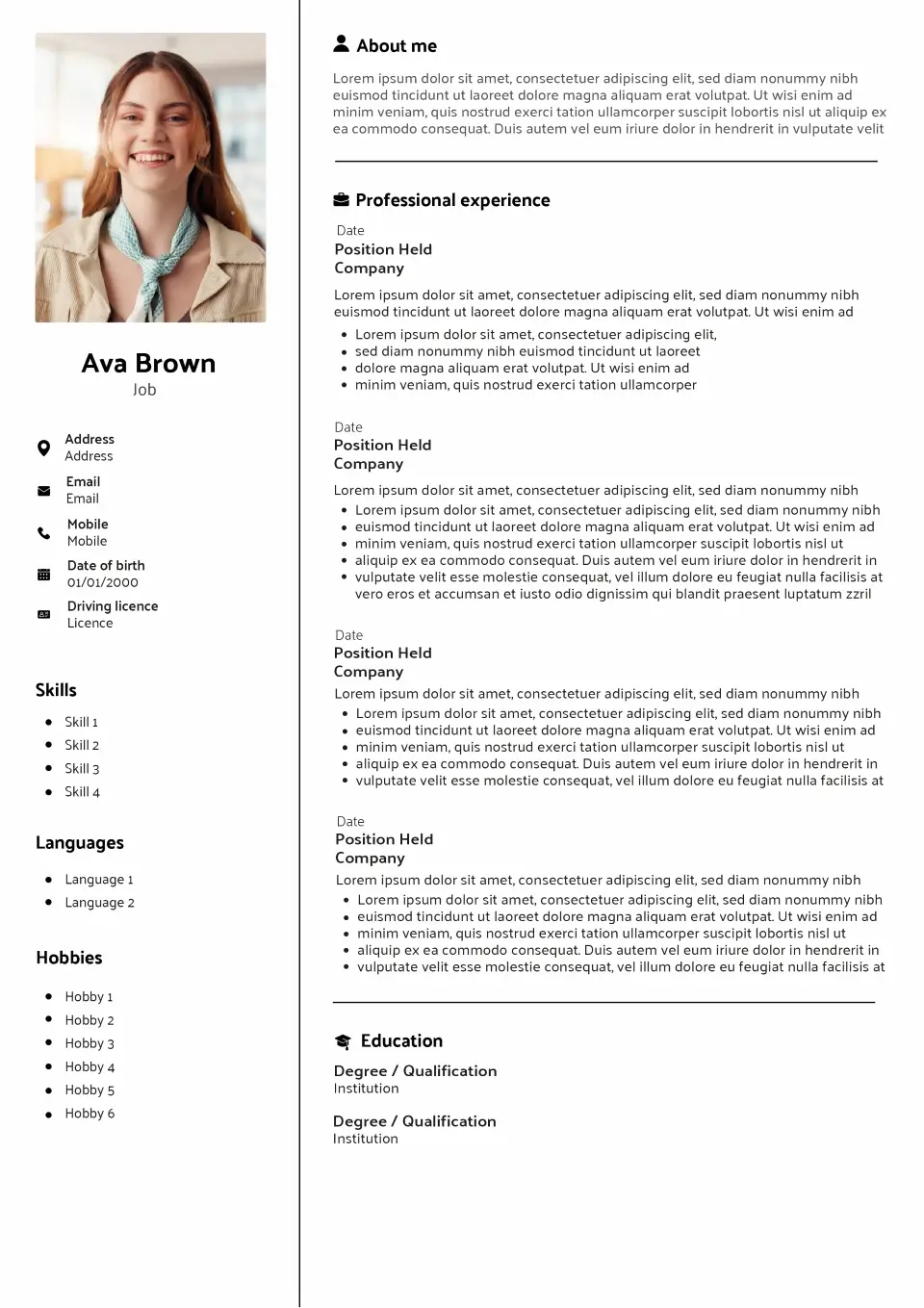
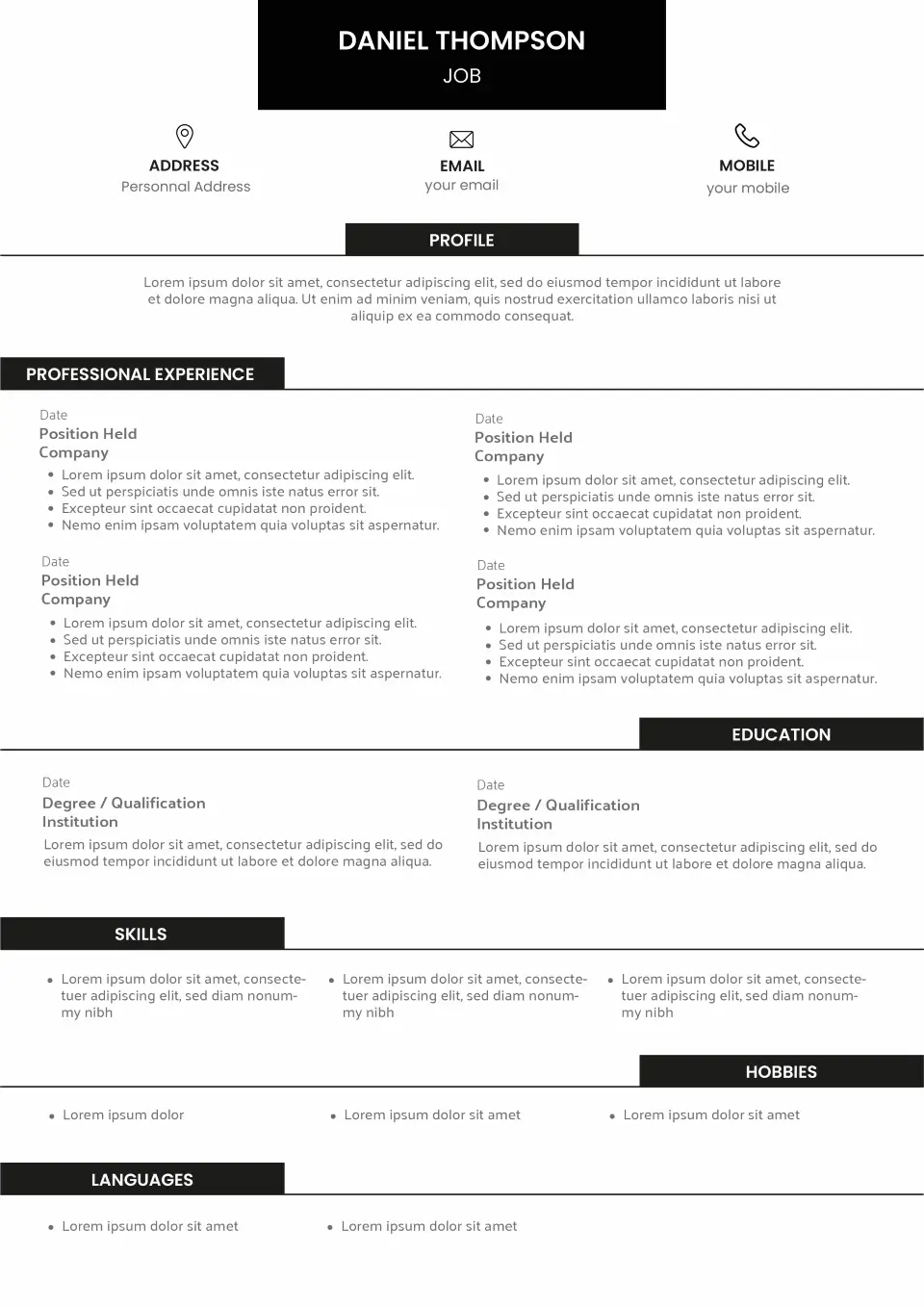
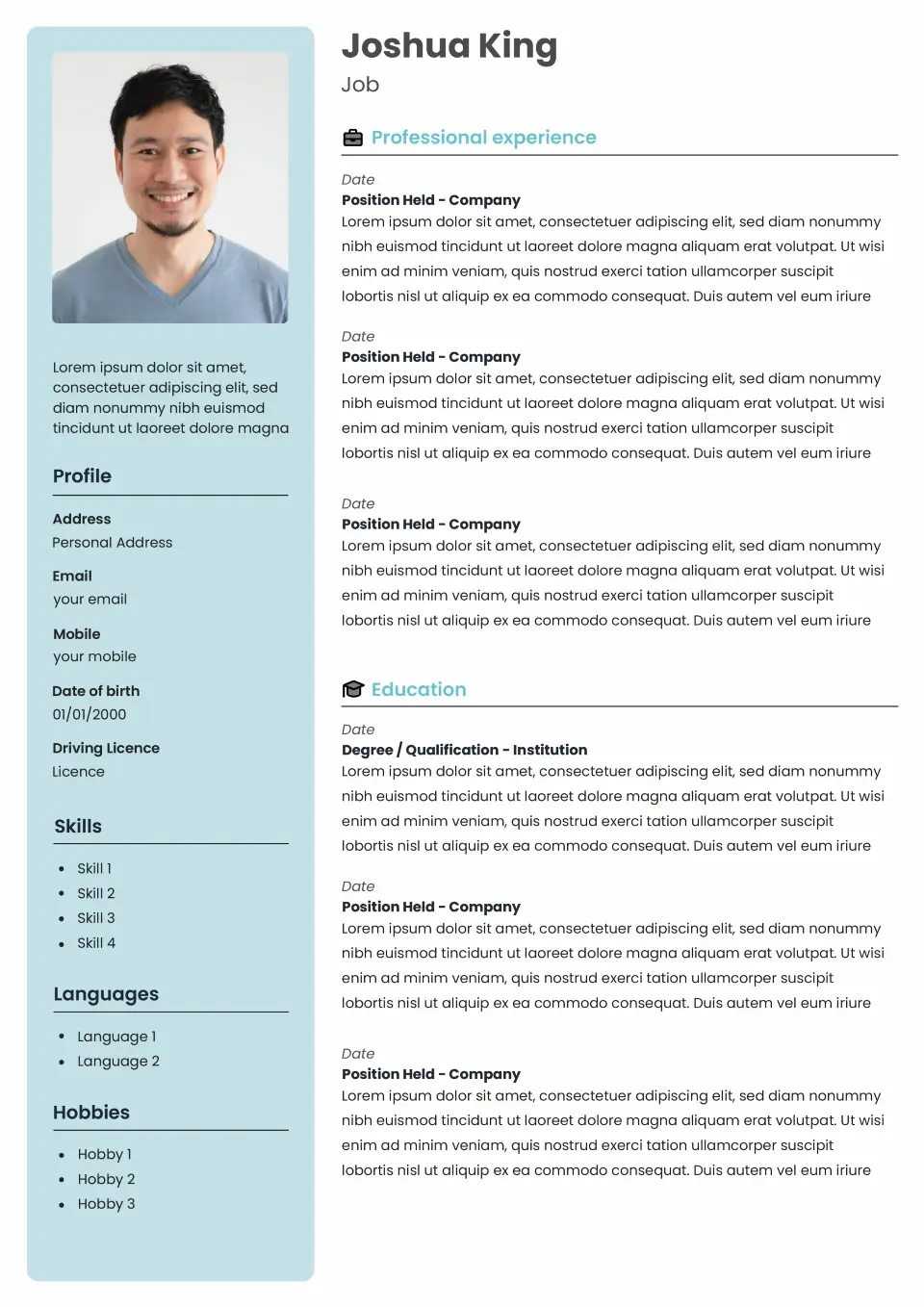
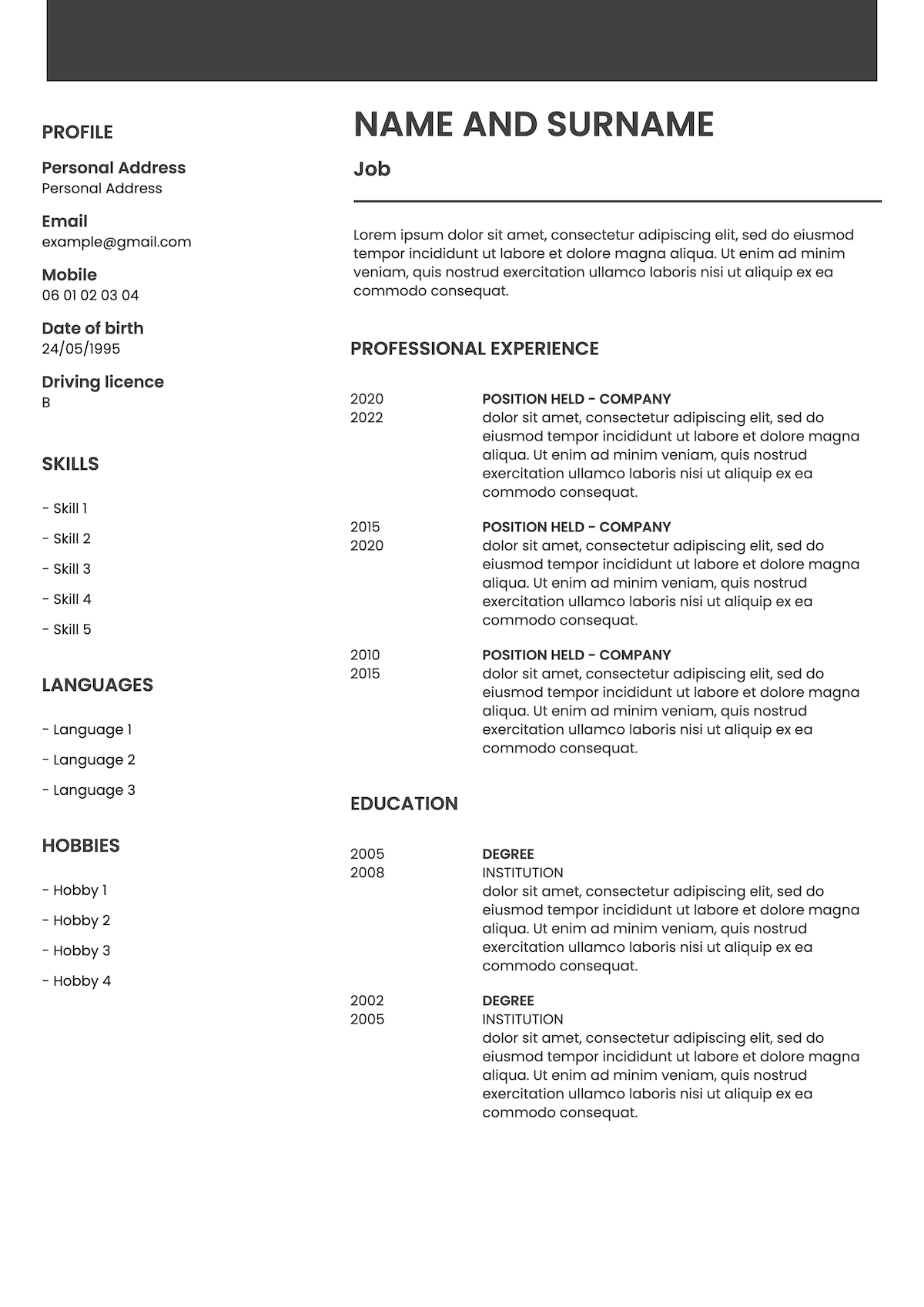
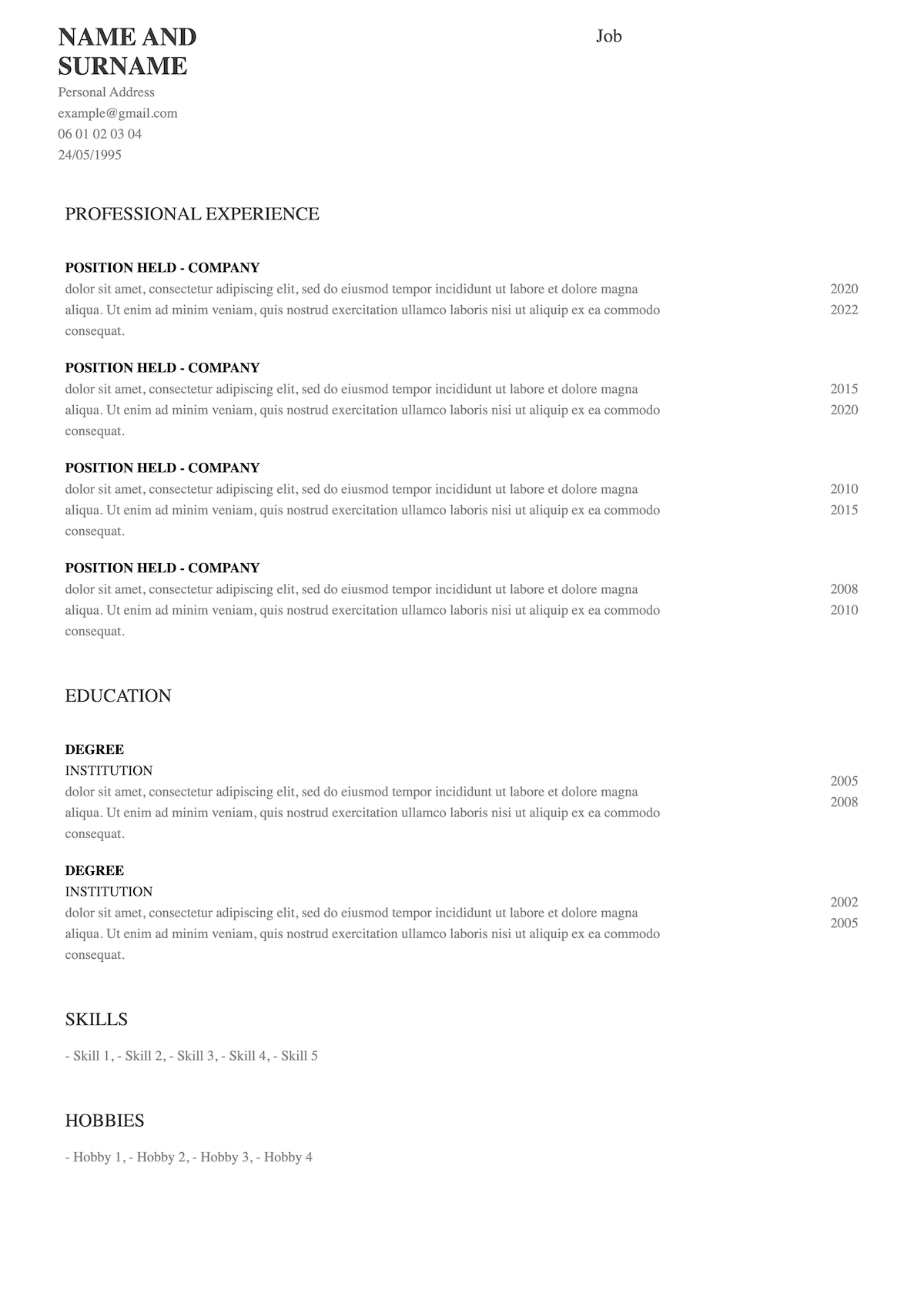
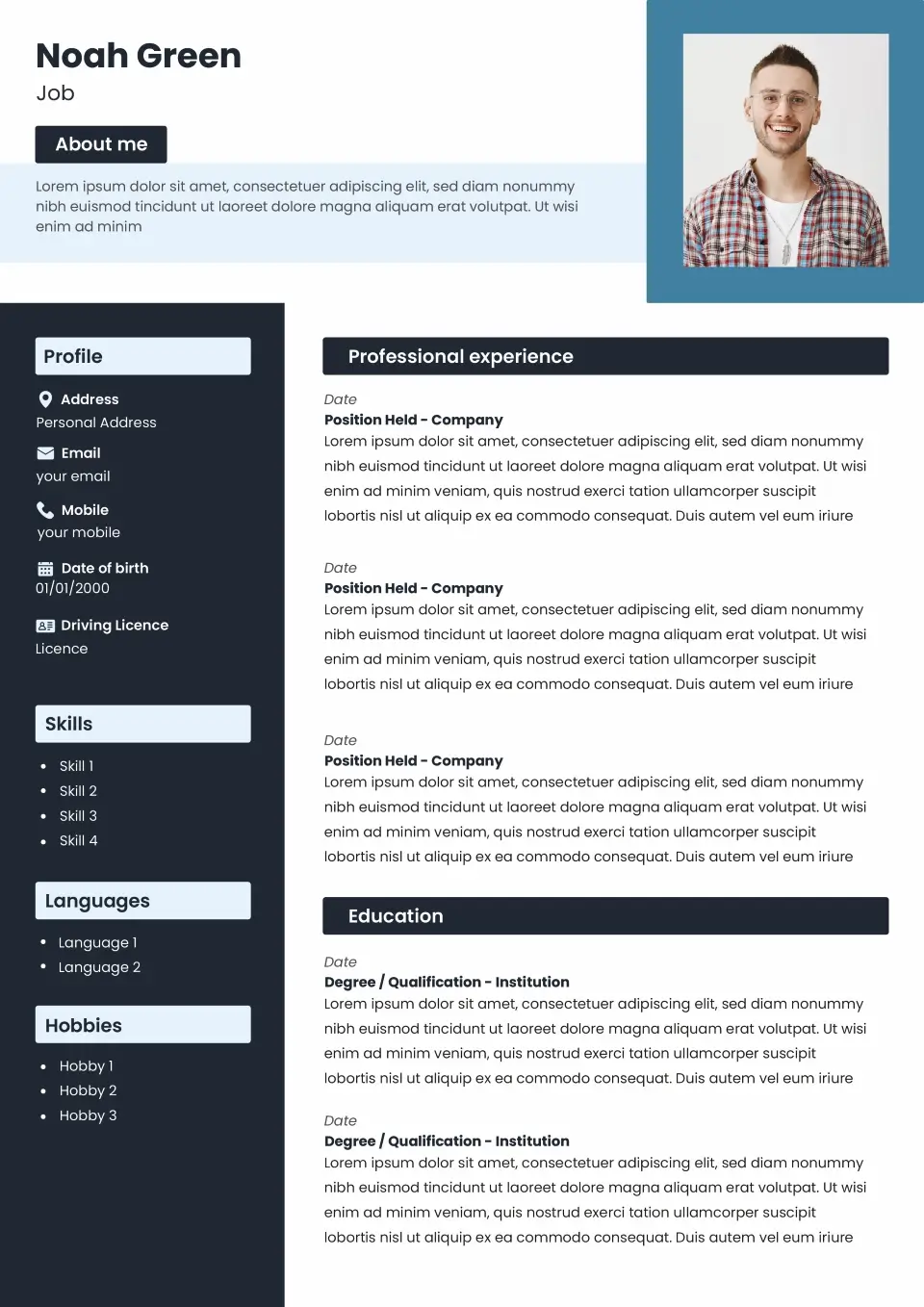
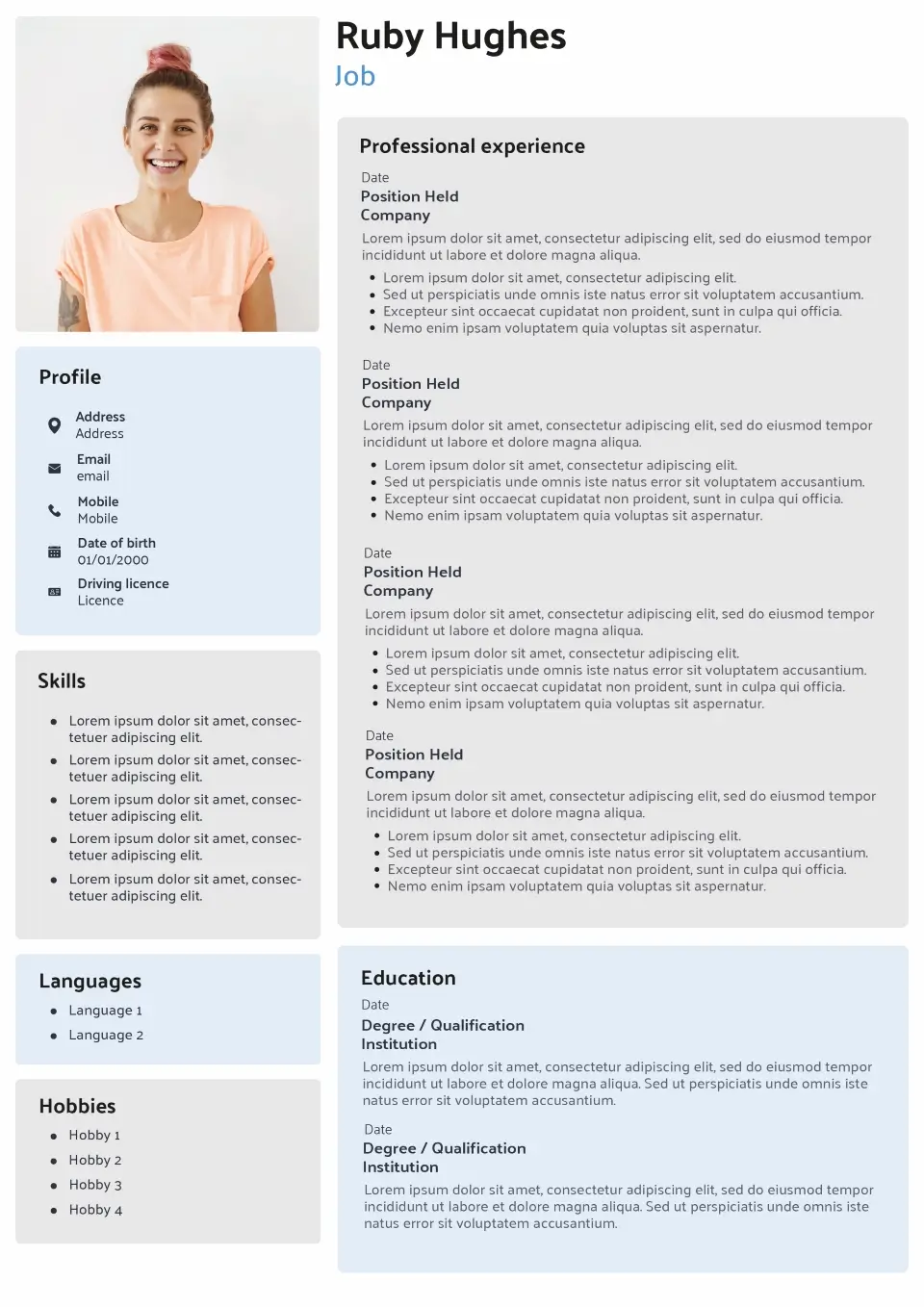
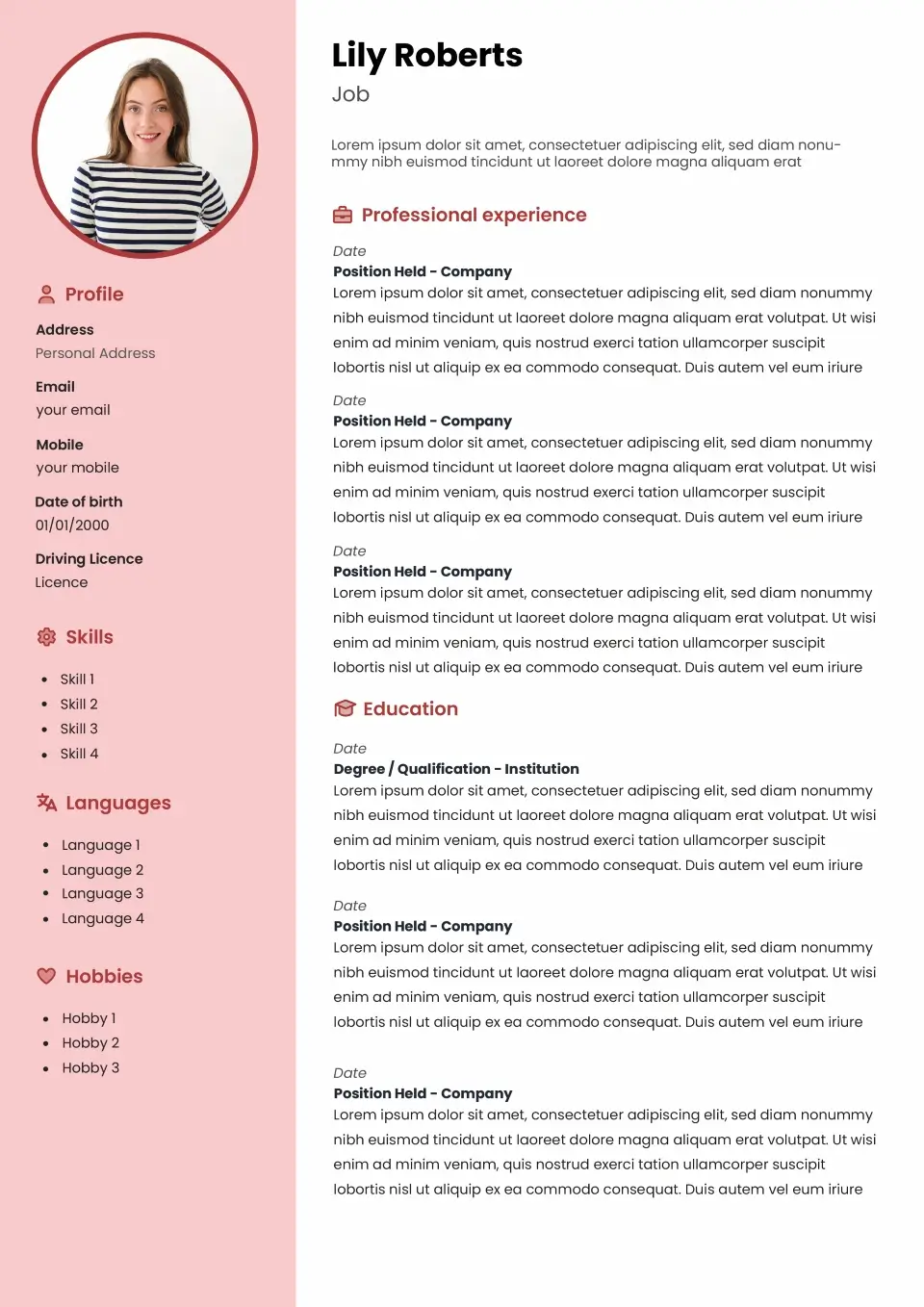
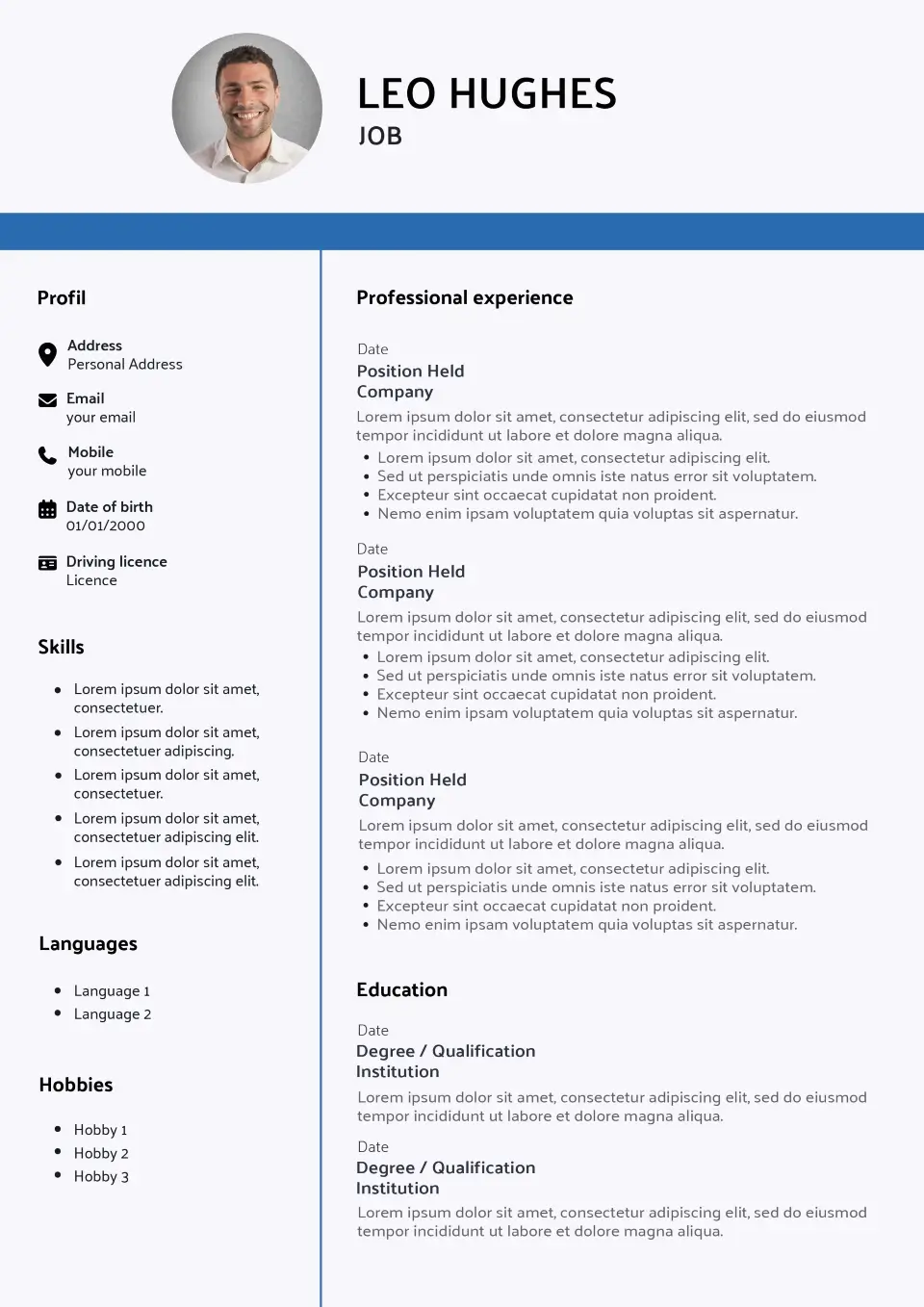
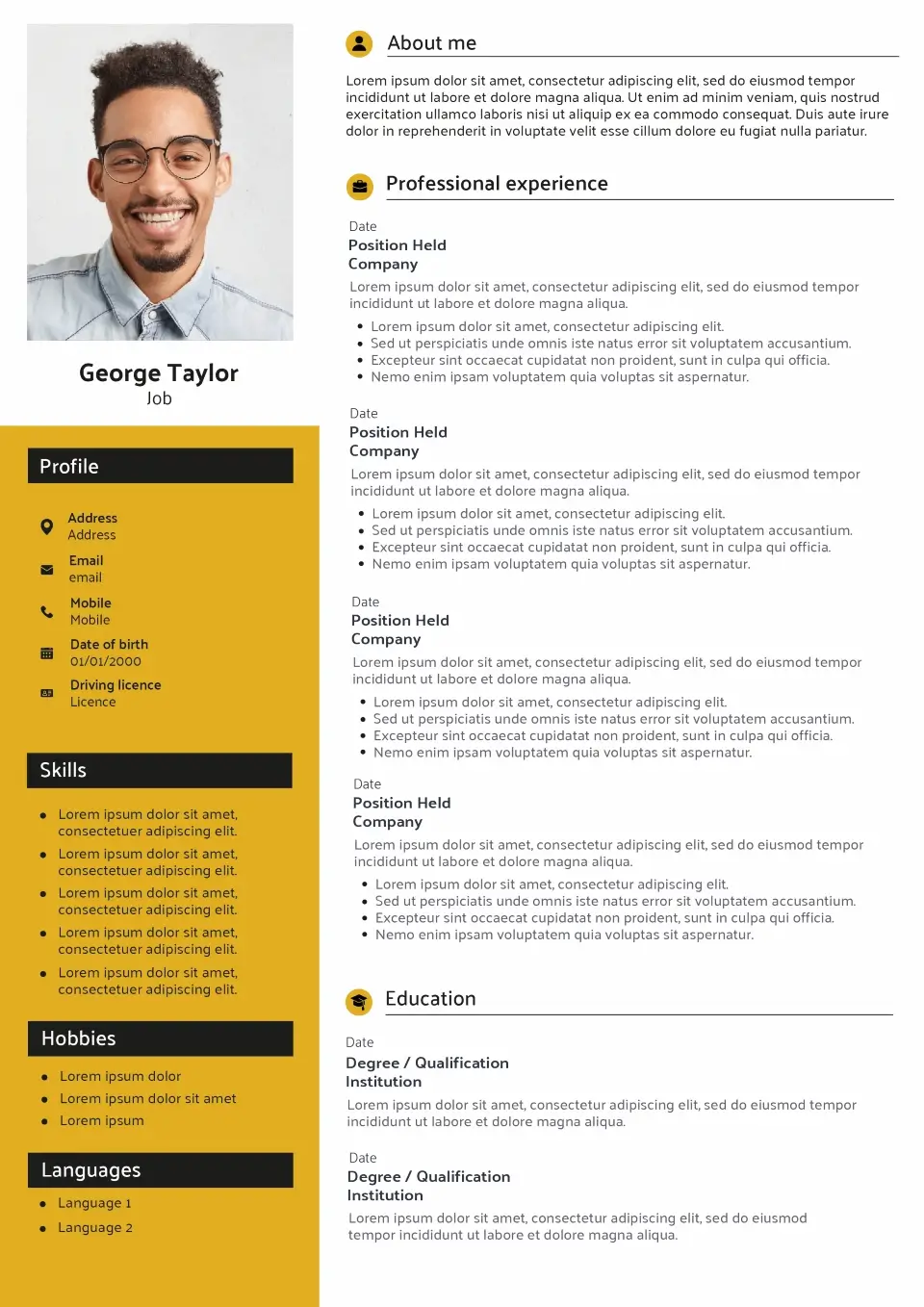
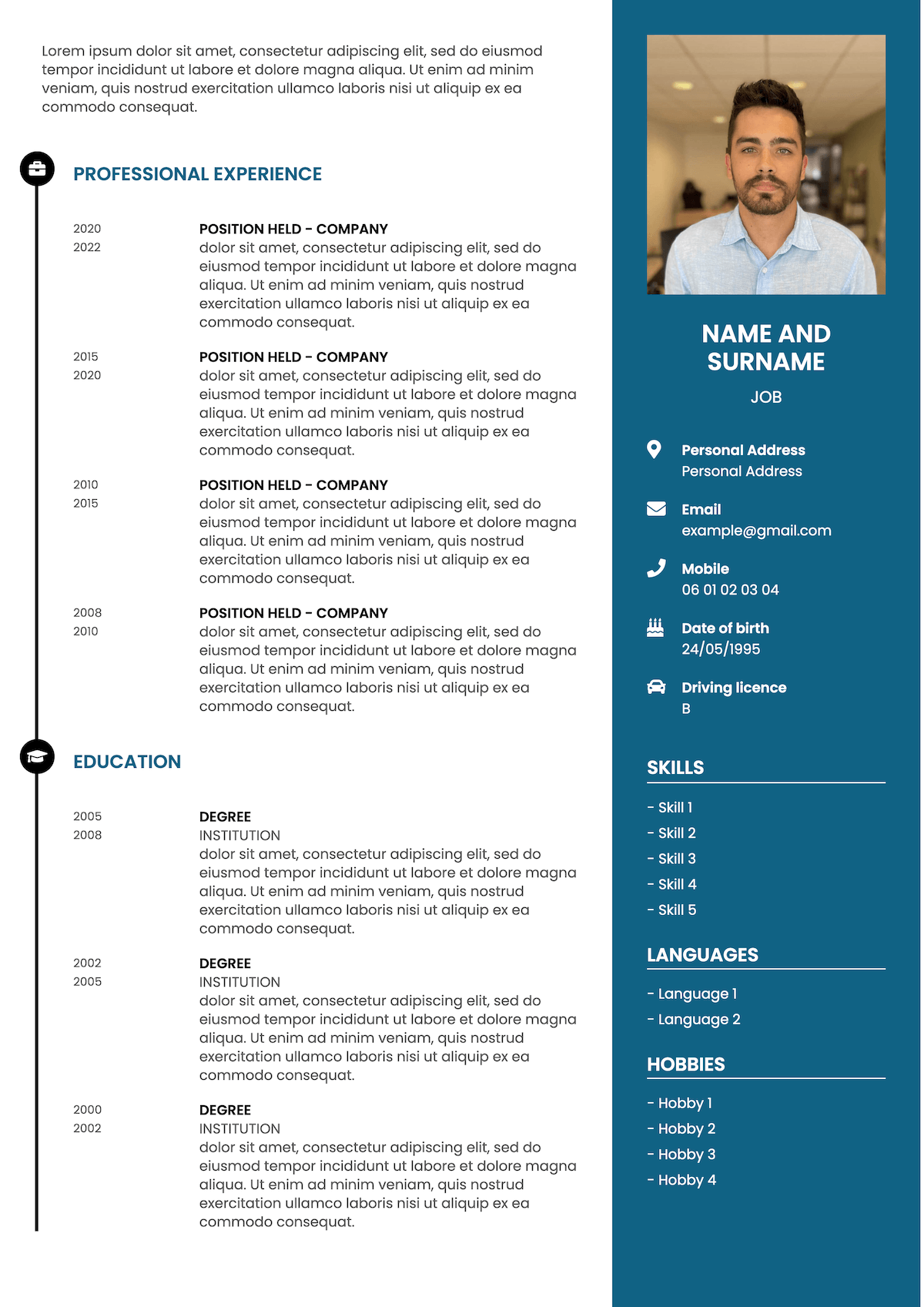
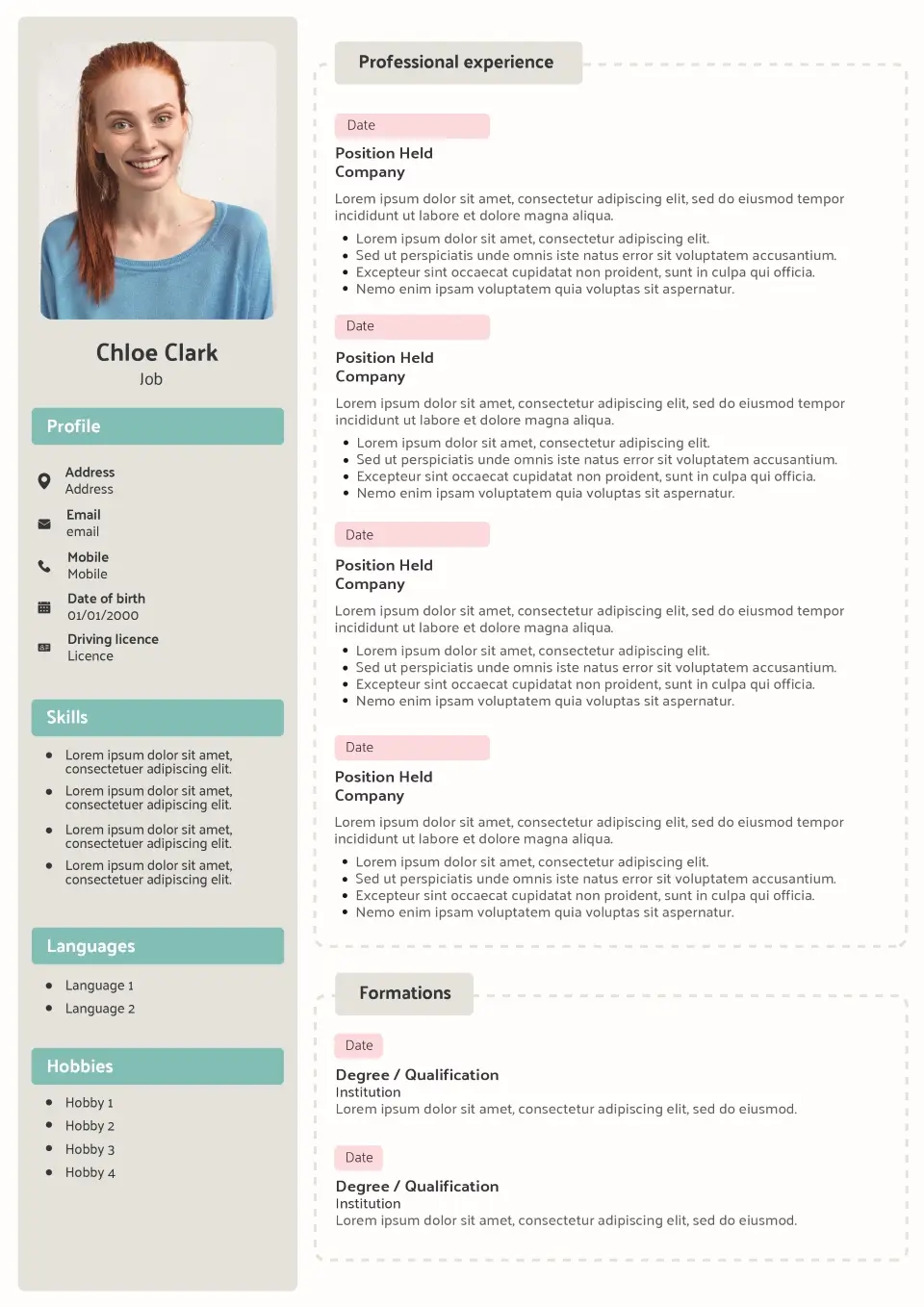
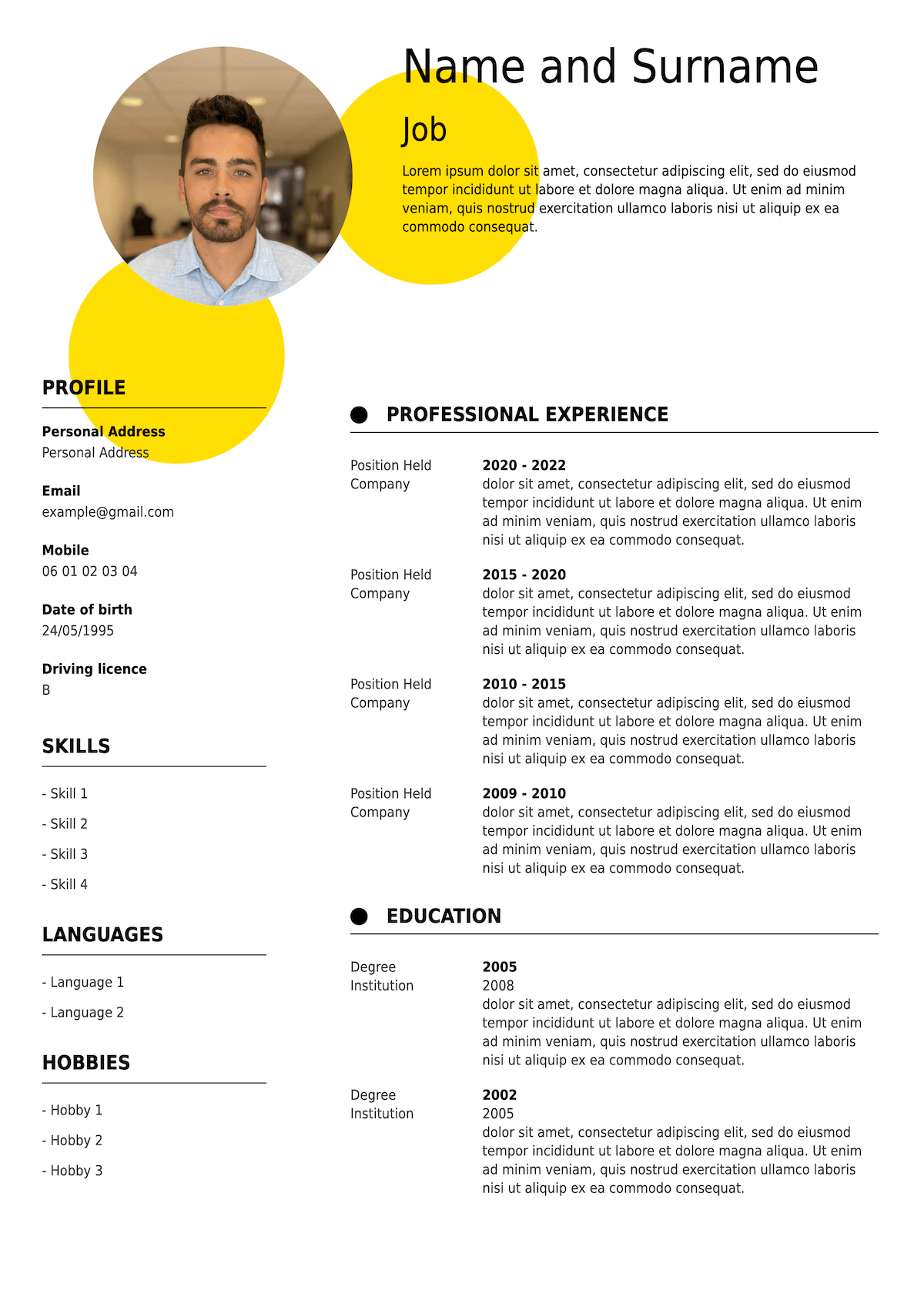
Template finder
Not sure which template to choose?
Answer three quick questions about your experience, target role and preferred style. We’ll recommend the CV templates that best match your profile.
Step 1 of 3
What stage are you at in your career?
Step 2 of 3
What type of role are you applying for?
Step 3 of 3
What kind of CV do you prefer?
Your results
Your recommended CV templates
Based on your answers, these templates are a great match.
Real CV examples
See what your CV could look like
A good CV template should work with real content, not just look good when it’s empty. Explore realistic CV examples for different careers to see how experience, education and skills fit naturally into the layout.
James Whitfield
Marketing Graduate
Ambitious marketing graduate with hands-on experience in digital campaigns, content creation and market research. Looking to bring strong analytical and creative skills to a growing marketing team.
Work Experience
Marketing Assistant Intern
Bright Digital
- Supported social media campaigns reaching more than 50,000 users.
- Created weekly performance reports using Google Analytics and Excel.
- Helped produce email and website content for product launches.
Student Marketing Ambassador
University of Manchester
- Promoted university events across social media and campus channels.
- Worked with a team of 8 ambassadors to increase event registrations by 20%.
Education
BA Marketing
University of Manchester
A Levels – Business, English & Economics
Manchester Sixth Form College
Key Skills
- Digital Marketing
- Social Media
- Google Analytics
- Content Creation
- Microsoft Excel
- Market Research
- Communication
Interests
- Photography
- Travel
- Running
- Volunteering
James Whitfield
Senior Sales Executive
Results-driven sales professional with 8 years of experience developing client relationships, exceeding revenue targets and winning new business across competitive B2B markets.
Work Experience
Senior Sales Executive
Vertex Solutions
- Generated more than £1.2M in annual new business revenue.
- Consistently achieved between 110% and 125% of quarterly sales targets.
- Managed a portfolio of 45 key B2B accounts across the UK.
Account Executive
Northbridge Media
- Developed new client accounts through prospecting and consultative selling.
- Increased account renewal rates from 78% to 91%.
Education
BSc Business Management
University of Leeds
Professional Diploma in Sales
Institute of Sales Professionals
Key Skills
- B2B Sales
- Business Development
- Negotiation
- Account Management
- CRM
- Lead Generation
- Forecasting
Interests
- Golf
- Cycling
- Travel
- Business networking
James Whitfield
Digital Marketing Manager
Creative and data-led marketing professional with 7 years of experience delivering integrated digital campaigns, growing online audiences and improving customer acquisition.
Work Experience
Digital Marketing Manager
Bloom & Co.
- Managed annual digital marketing budgets exceeding £600K.
- Increased qualified website leads by 42% through SEO and paid campaigns.
- Led a team of 5 across content, social media and performance marketing.
Digital Marketing Executive
Studio North
- Delivered multi-channel campaigns across Google Ads, email and social media.
- Improved email conversion rates by 24% through segmentation and testing.
Education
MSc Digital Marketing
University of Birmingham
BA Media & Communications
University of Nottingham
Key Skills
- Digital Strategy
- SEO
- Google Ads
- Content Marketing
- Email Marketing
- Google Analytics
- Campaign Management
Interests
- Design
- Photography
- Travel
- Podcasts
James Whitfield
Financial Analyst
Analytical finance professional with 6 years of experience in financial modelling, budgeting and management reporting. Skilled at turning complex data into clear commercial insights.
Work Experience
Senior Financial Analyst
Westbridge Group
- Prepared monthly forecasts and management reports for a £25M business unit.
- Built financial models supporting strategic investment decisions.
- Identified efficiency opportunities delivering £350K in annual savings.
Financial Analyst
Harrison & Cole
- Supported budgeting and forecasting across six departments.
- Automated monthly reporting processes, reducing preparation time by 30%.
Education
MSc Finance
University of Warwick
BSc Economics
University of Bristol
Key Skills
- Financial Modelling
- Forecasting
- Budgeting
- Microsoft Excel
- Power BI
- Financial Analysis
- Management Reporting
Interests
- Investing
- Running
- Chess
- Travel
James Whitfield
Operations Director
Senior operations leader with 12 years of experience scaling teams, improving processes and delivering sustainable growth across fast-moving businesses.
Work Experience
Operations Director
NorthStar Group
- Led operational transformation reducing annual costs by £800K.
- Managed a 45-person cross-functional team across 3 sites.
- Introduced performance systems that improved productivity by 18%.
Head of Operations
Apex Logistics
- Oversaw £15M P&L and strategic planning cycle.
- Improved on-time delivery performance from 89% to 97%.
Education
MBA
Warwick Business School
BSc Business Management
University of Manchester
Key Skills
- P&L Management
- Change Management
- Strategic Planning
- Team Leadership
- PRINCE2
- Lean Six Sigma
- Process Improvement
Interests
- Running
- Travel
- Business & technology
- Volunteering
Your content will always matter more than decoration. Use the example as inspiration, then tailor your profile, skills and achievements to the job you’re applying for. If you need help deciding what to write, see our guide to writing a CV.
Create a CV like thisBuilt for applications
Templates designed to get you through the door
The best professional CV template doesn’t just look polished. It makes your information easy for recruiters to find and gives your application a clear structure from the first glance.
Our templates combine professional layouts with the flexibility to adapt your CV to your experience and the role you’re targeting.
Create my CVATS-friendly structure
Clear headings and logical sections help recruiters and applicant tracking systems identify your experience, education and skills. Learn more about CV layout and formatting.
Easy to scan
Balanced spacing and readable typography make the important parts of your CV easier to find quickly.
Professional typography
Clean fonts and a consistent hierarchy keep your CV polished without distracting from your content.
PDF ready
Once you’re happy with your CV, download it as a PDF with the layout and formatting kept in place.
Start your way
Have you already got a CV?
Start from scratch with a new template or use your existing CV as a starting point. Either way, you can move your content into a professional layout and tailor it for your next application.
Create a new CV
Choose a CV template and build your document section by section. Add your profile, work experience, education and skills, then customise the final layout.
Create my CVImport your existing CV
Already have a CV? Import it to save time, then update your content and choose a fresh template instead of entering everything again.
Import my CVHow it works
From template to finished CV in four steps
Choose your template
Browse our professional templates and select the layout that best fits your career and application.
Add your experience
Enter your work history, education and skills, or import an existing CV to get started faster.
Customise your CV
Adjust the design and organise your sections while keeping your document clear and professional.
Download your CV
Review your finished application and download your CV as a PDF, ready to send to employers.
Templates for everyone
CV templates for every stage of your career
The right CV layout depends partly on where you are in your career. A graduate may need to give more space to education and transferable skills, while an experienced professional will usually want recent achievements and work history to take priority.
Student CV templates
Make education, part-time work, volunteering and transferable skills easier to spot when you have limited professional experience.
Graduate CV templates
Present your degree, placements and early career experience in a clear layout that helps employers quickly understand your potential.
Professional CV templates
Give relevant experience and measurable achievements the strongest position with a structured, recruiter-friendly design.
Manager CV templates
Create space for leadership experience, business results, team management and the responsibilities expected at senior level.
Career change CV templates
Bring transferable skills and relevant achievements forward when your previous job titles don’t immediately match your new direction.
No experience CV templates
Build a credible first CV around education, skills, projects, volunteering and other evidence of what you can offer.
Career stage also affects the CV format you choose. Most UK candidates use a reverse-chronological CV, while skills-based or combination formats can work better in certain situations. See our guide to choosing the best CV format for a detailed comparison.
CV template guide
How to choose the right CV template
A CV template gives your application its visual structure, but the best design isn’t necessarily the most eye-catching one. It should suit your industry, make your strongest information easy to find and remain comfortable to read on screen or on paper.
Before choosing, think about what you want the recruiter to notice first.
Choose a template for your industry
Start with the expectations of the jobs you’re targeting. Traditional industries such as finance, law and administration often suit a restrained, classic CV template, while technology, marketing and other fast-moving sectors can work well with a more contemporary design.
This doesn’t mean your CV needs to look like everyone else’s. The aim is to choose a style that feels appropriate while keeping your application professional. If you’re unsure, a simple CV template with a clear hierarchy is usually the safest option.
Compare our classic CV templates and modern CV templates.
Keep your CV easy to scan
Recruiters should be able to identify your job titles, employers, dates, qualifications and key skills without searching through the page. Look for clear section headings, consistent spacing and enough white space to separate information.
Avoid choosing a design purely because it looks impressive in a thumbnail. Once your own content is added, readability matters much more than decorative elements.
Pick the right CV format
The template controls the appearance of your CV; the CV format controls how your information is organised. For most UK candidates, a chronological or reverse-chronological format works well because it puts the most recent experience first.
A skills-based CV can be useful when changing careers or when transferable skills are stronger than your employment history. A combination CV balances a skills summary with a clear work history. Read our CV format guide if you’re unsure which structure fits your situation.
Use a UK-friendly layout
A British CV template should follow the expectations of UK employers while keeping personal information simple and letting your skills and experience do the work. A photograph is generally unnecessary unless an employer or profession specifically asks for one.
If you want the safest option for standard UK applications, browse our CV templates without a picture. They keep the focus on your profile and can also reduce unnecessary visual elements in the document.
Choose readability over unnecessary design
Colour and visual details can give a CV personality, but they shouldn’t make important information harder to understand. Standard headings such as Work Experience, Education and Skills make the document familiar to recruiters and easier for many Applicant Tracking Systems to process.
If you’re applying through online portals or larger employers, favour a straightforward reading order and avoid layouts that depend heavily on graphics, charts or unusual text placement. Our CV layout guide explains ATS-friendly formatting, fonts, spacing and the differences between single- and two-column layouts.
Compare styles
Classic, modern or creative: which CV template should you choose?
All three styles can produce a strong professional CV. The difference is mainly how much visual personality you want and what feels appropriate for the role you’re targeting.
| Best for | Classic | Modern | Creative |
|---|---|---|---|
| Corporate roles | Excellent | Excellent | Limited |
| Creative roles | Good | Very good | Excellent |
| Senior profiles | Excellent | Excellent | Good |
| ATS readability | Excellent | Excellent | Varies by design |
| Visual personality | Low | Medium | High |
FAQ
CV template FAQs
What is the best CV template for the UK?
There isn’t one template that’s best for every candidate. A good British CV template should use a clear structure, readable typography and familiar section headings that suit UK recruitment practices.
A classic layout is a safe choice for traditional or corporate roles, while a modern CV can work well across technology, marketing, sales and other contemporary sectors. Your experience and the job you’re targeting should guide the final choice.
Which CV template is best for ATS?
ATS-friendly CV templates generally use a clear reading order, standard headings such as Work Experience, Education and Skills, and real text rather than important information embedded inside graphics.
Simple layouts are usually the safest choice when applying through recruitment portals. More visual templates can still work, but the underlying structure needs to remain easy for software to interpret. See our guide to ATS-friendly CV layouts for more detail.
Should a UK CV have a photo?
Usually, no. Photos aren’t normally expected on UK CVs, and leaving the picture out keeps attention on your skills, experience and qualifications.
There are exceptions for certain professions where appearance is directly relevant or a headshot is specifically requested. Otherwise, a CV template without a picture is generally the better option for a UK application.
How many pages should a CV be?
One or two pages is appropriate for most UK candidates. Students, graduates and applicants with limited experience can often use a one-page CV template effectively, while experienced professionals may need two pages to show relevant achievements and career progression.
Don’t add content simply to fill space. Your CV should be long enough to demonstrate your suitability for the job and short enough to remain easy to scan.
Can I customise my CV template?
Yes. A template gives you the starting layout, but you should adapt the CV to your own profile. Add your experience, education and skills, adjust the presentation where available and tailor the content to the job you’re applying for.
The most important customisation isn’t cosmetic: your profile, skills and achievements should reflect the requirements in the job advert.
Can I use a CV template for free?
You can start using a CV template for free with CV Creator. Choose your design, add your information and customise your CV online before deciding whether you’re ready to download it.
Payment is required to activate access and download the finished CV. This means you can explore the templates and start building your CV before paying.
Can I change templates after creating my CV?
Yes. You can update the presentation of your CV without having to rewrite your professional history from scratch. This makes it easier to compare different layouts and choose the one that presents your information most clearly.
Can I download my CV as a PDF?
Yes. Once your CV is finished, you can download it as a PDF ready to use for job applications. PDF is a practical choice because it preserves the layout across different computers and devices.
If an employer specifically asks for another file format, always follow the instructions in the job advert.
What’s the difference between a CV template and a CV format?
A CV template is the visual layout and design of the document. CV format usually refers to the way your content is organised.
The three common structures are chronological, skills-based (functional) and combination. Most UK candidates use a reverse-chronological format, with their latest experience first. You can compare all three in our CV format guide.
What should I include in a UK CV?
Most UK CVs include contact details, a short personal profile, work experience, education and relevant skills. Depending on your background, you can also add certifications, languages, projects, volunteering or interests.
What matters is relevance: give more space to the sections that best demonstrate why you’re suited to the role. For a complete section-by-section walkthrough, read our guide to writing a CV.