Original CV template to download
Sometimes you need a CV that feels more polished than a Classic layout, but more discreet than a Creative or Design CV. An Original CV template gives you that middle ground: a clean, professional structure with just enough visual detail to stand out in a stack of applications.
It’s especially suited to office-based and corporate roles, internships and graduate positions where clarity, structure and a serious tone matter. With a simple layout, subtle colour accents and well-defined sections, an Original CV makes it easy for recruiters to scan your profile in seconds while still showing that you’ve invested in your presentation.
Examples of original CVs
Choose an original CV from our selection of templates

Framed nameplate with a warm accent block for a confident original CV style; clear, ATS compliant, and simple to export as PDF.
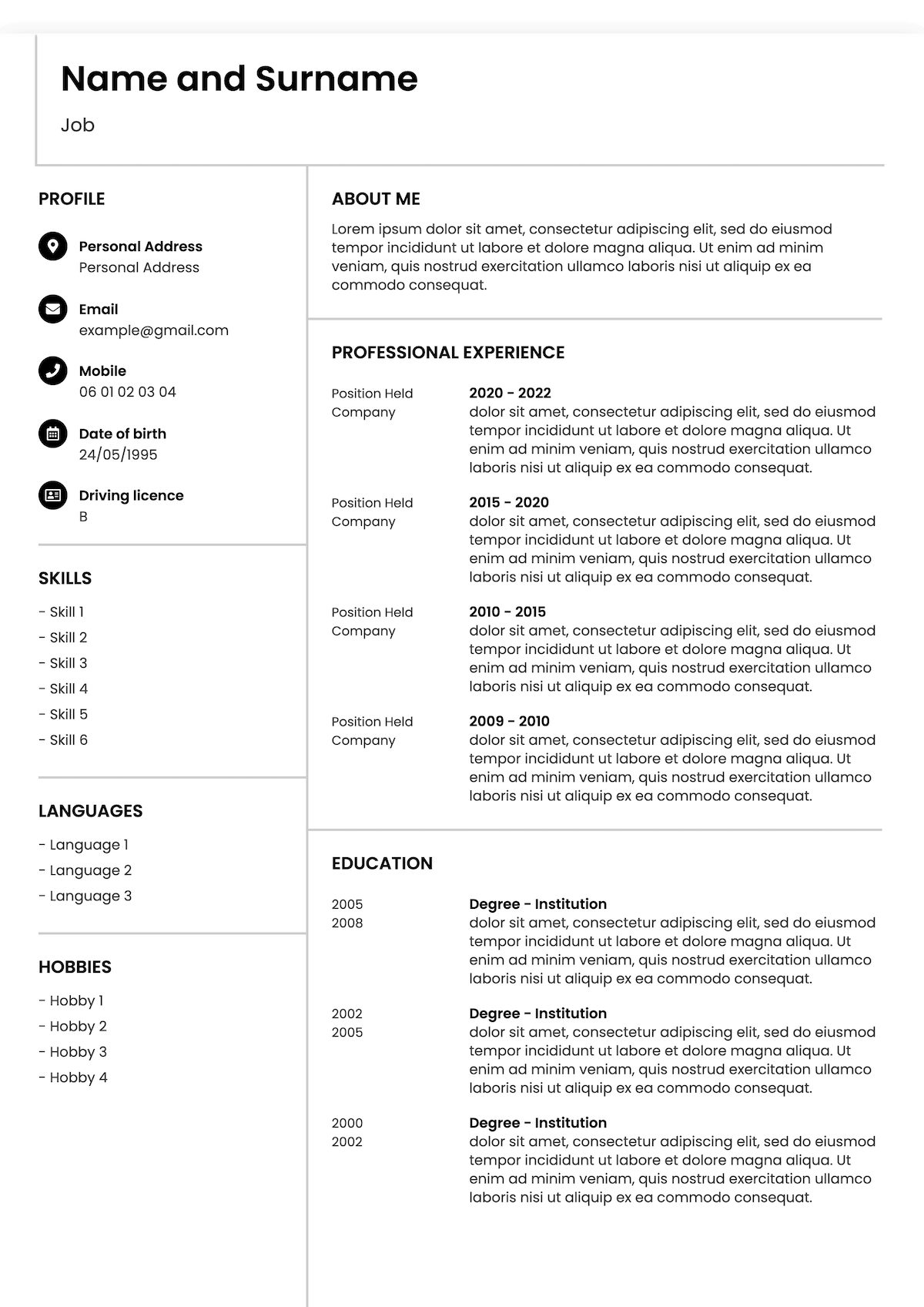
Balanced two-column grid with bold dividers for an original CV look; built for clarity and ATS compatibility—edit online and save instantly.

Beautiful header and rounded tags deliver an original CV without sacrificing readability; customise in minutes and print or download.
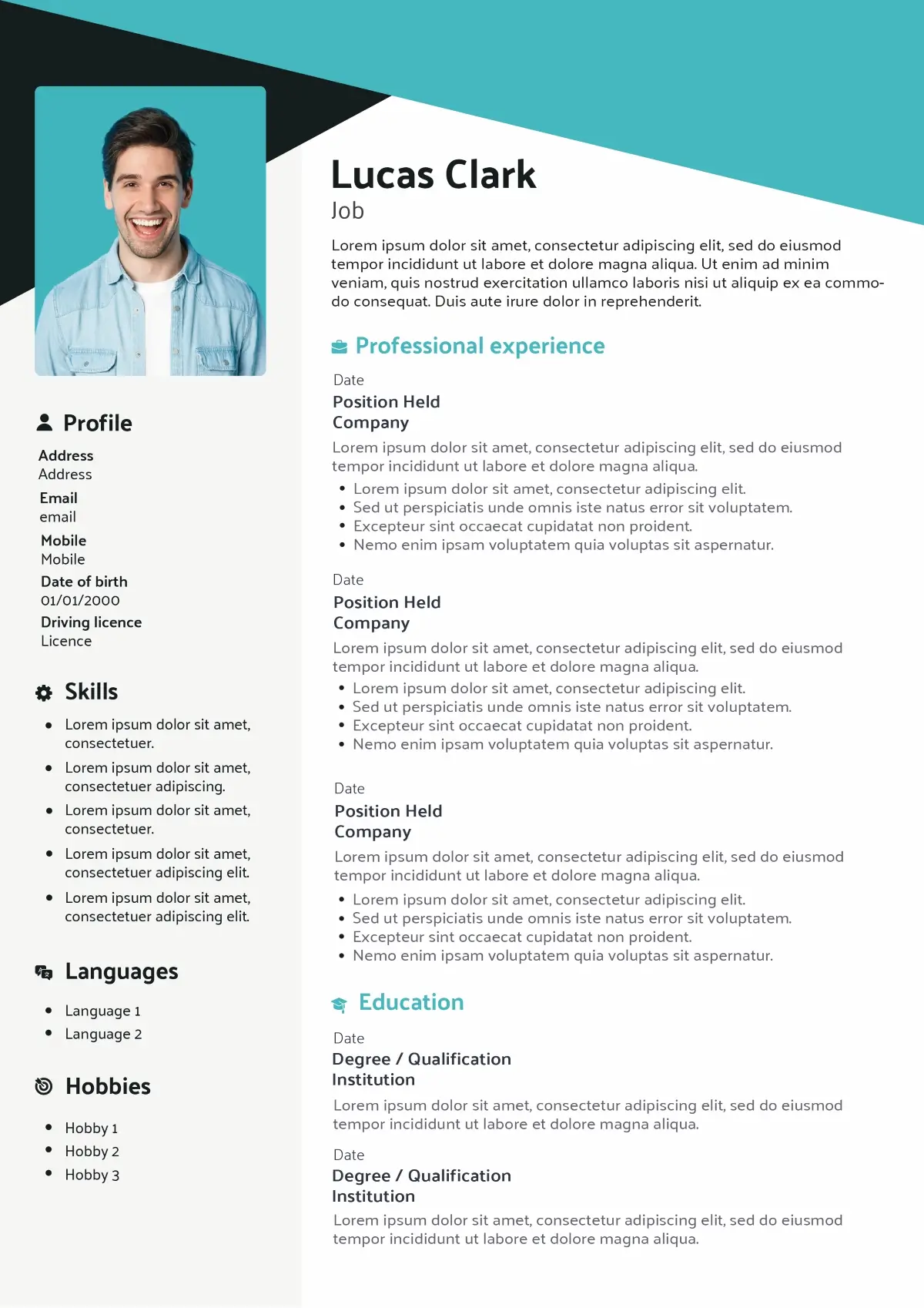
Diagonal colour banner and clean type for an original CV that stands out yet passes ATS checks; ready to personalise in minutes.
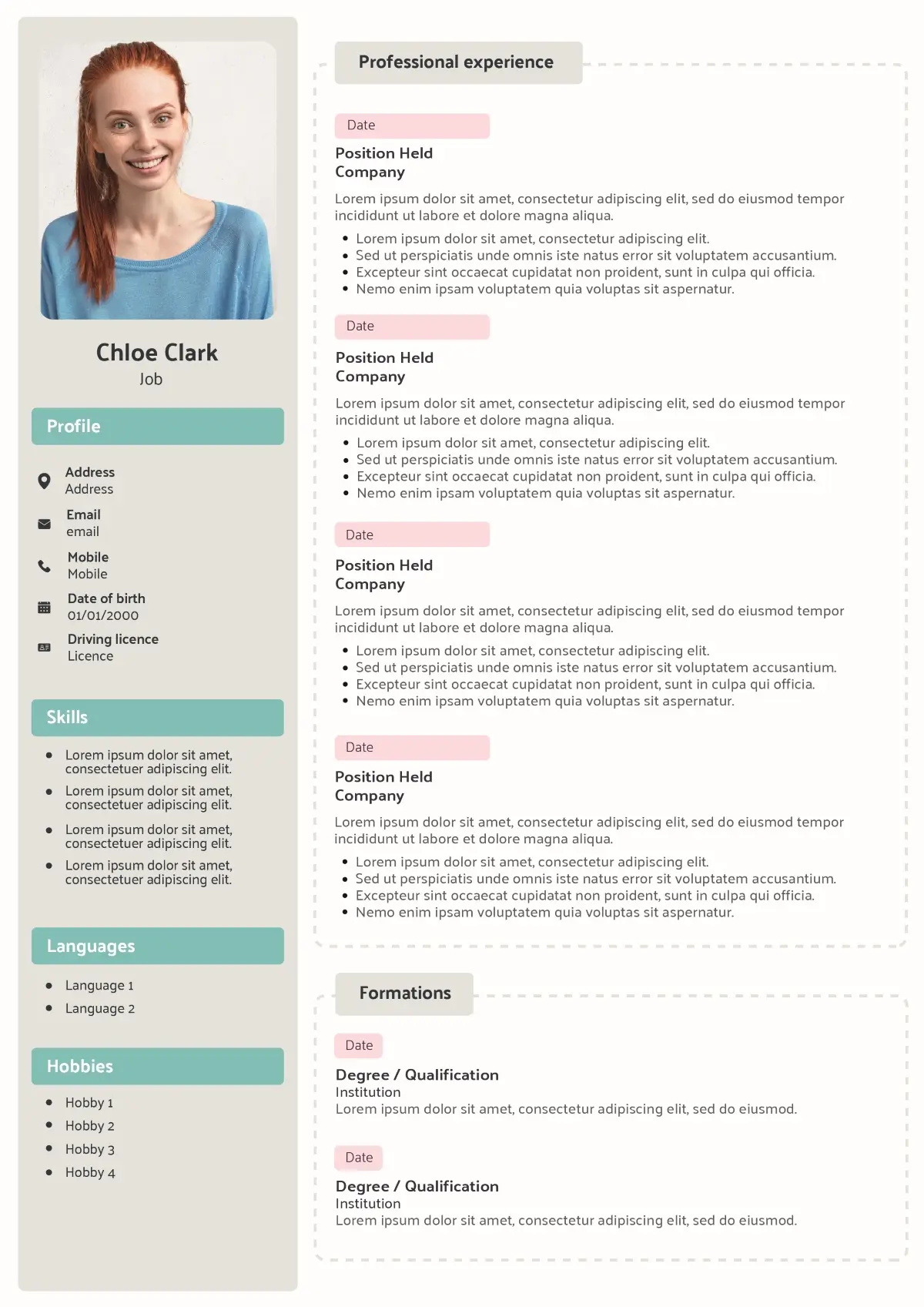
Playful badges and dotted panels give this original CV a distinctive feel while remaining recruiter-friendly; easy to tailor to any job.
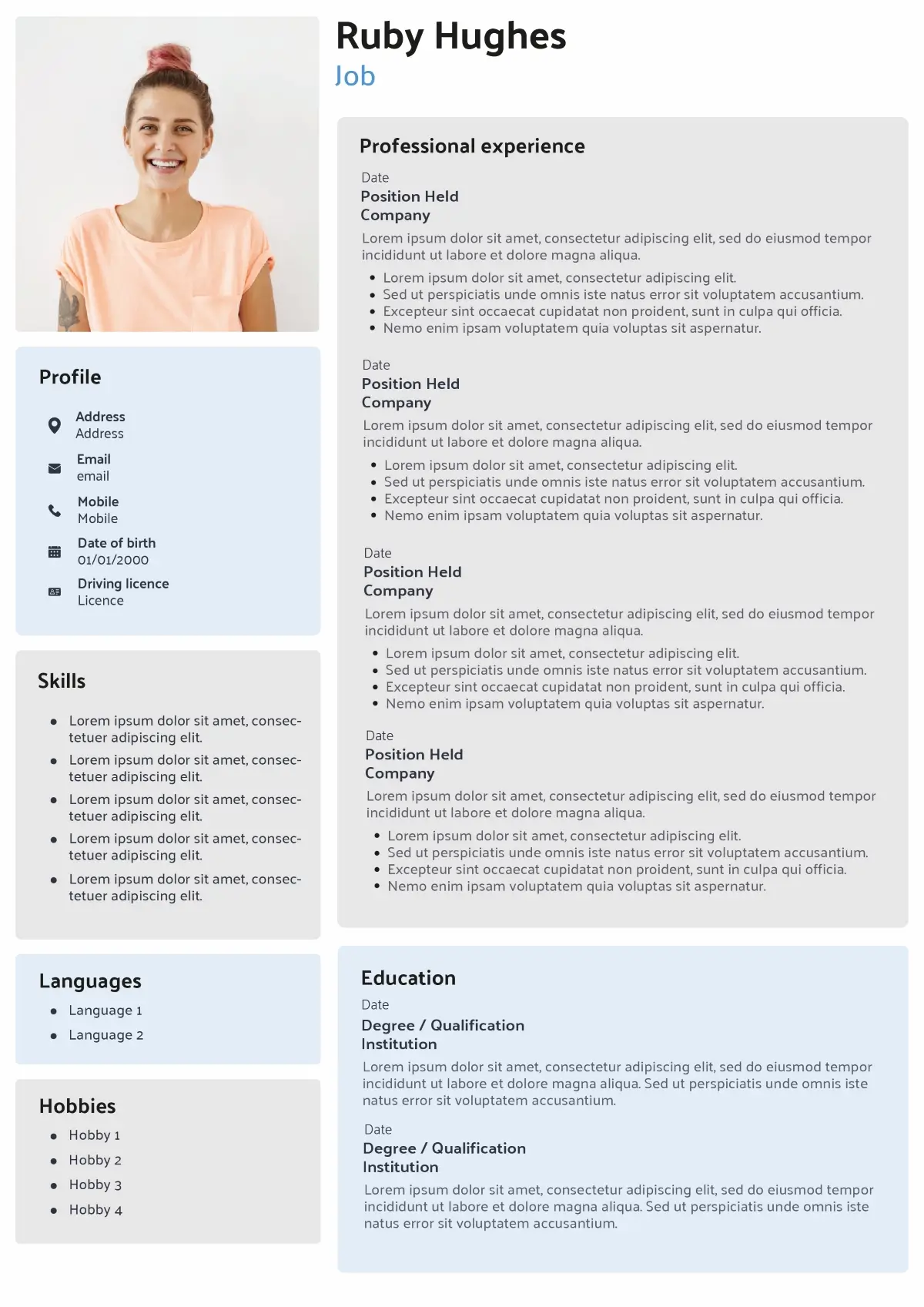
Soft card panels with light shadows create a stylish original CV that stays professional and ATS-safe; personalise fast and export to PDF.
Want to see more CV templates?
Why choose the Original CV?
Sometimes, simplicity is the best way to make a strong first impression. The Original CV template gives you a clean, well-structured layout that recruiters can understand in seconds, before they even start reading your experience.
It is a simple, practical and versatile format, especially suited to office-based roles and the corporate world. Because its structure is traditional and easy to scan, it feels familiar and reassuring for hiring managers who review dozens of applications every day.
The Original CV is an excellent choice if you want a safe, professional template that works across many industries. It is particularly effective for administrative, corporate and support roles, where clarity matters more than bold design. Its layout adapts easily to different CV formats (chronological, functional or combination) without confusing the reader, making it ideal whether you are starting your career, changing direction or simply looking for a solid, no-risk foundation to present your skills.
If you are unsure which layout to pick in CV Creator, the Original CV template is a reliable starting point: it lets you focus on strong content while still looking polished and professional.
Advantages
- Safe yet distinctive for corporate roles – more memorable than a Classic CV, but still appropriate for office and corporate jobs.
- Clear, familiar structure – straightforward sections that recruiters can scan in a few seconds.
- Flexible format – works as a chronological, functional or combination CV depending on your profile.
- ATS-friendly layout – clean design, simple fonts and no heavy graphics that might block ATS software.
- Easy to update and tailor – subtle design elements you can quickly adjust for different roles.
Limitations
- Less suitable for creative, artistic or highly visual roles where a bold design is expected.
- Leaves less room for personality in the layout itself, so your profile and hobbies must do the work.
- May look too conservative if the company promotes a very innovative or unconventional culture.
How to write each section
With an Original CV, each section should feel clear, traditional and easy to scan. The layout does the quiet work in the background, so your job is to organise the information in a way that reassures recruiters in seconds: no gimmicks, no clutter, just solid content presented in a clean, familiar structure.
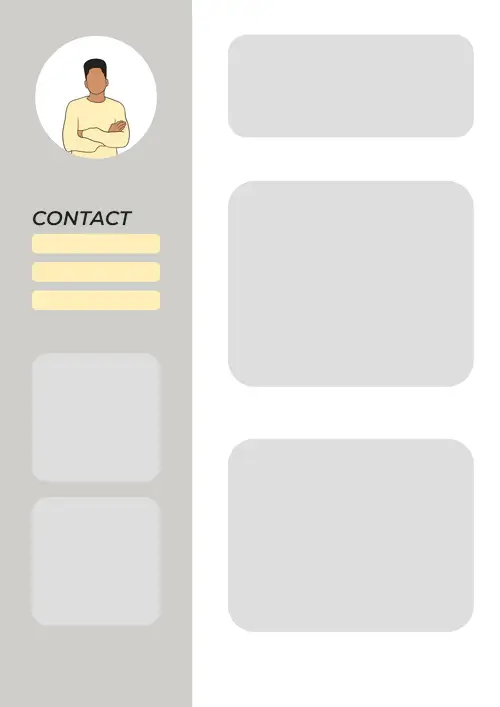
Start with clear Contact Details
Your contact block should be the most straightforward part of your Original CV. Keep it compact and professional: full name, phone number, professional email address and city/region are usually enough. Recruiters in corporate and office-based roles expect this information to be visible straight away, without icons or decorative elements getting in the way.
- Do: Use a professional email and up-to-date phone number.
- Avoid: Personal details such as full postal address, date of birth or marital status.
- John Smith
- +44 7700 900123
- example@email.co.uk
- London, UK
- linkedin.com/in/yourlinkedin
Write a focused Personal Statement
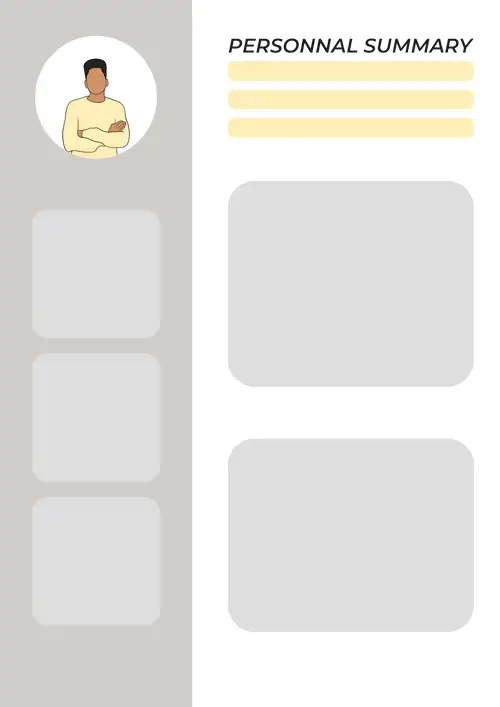
On an Original CV, your Personal Statement replaces bold design with clear positioning. In three or four lines, explain who you are, what you bring to the role and how you fit the company’s needs. Use the job advert and company values to choose the skills and achievements you highlight, so the recruiter immediately understands why your profile is relevant.
- Do: Tailor your profile to the role and company culture.
- Avoid: Generic claims like “hard-working” without any concrete context.
Motivated Administrative Assistant with 3+ years experience supporting managers in a busy corporate environment. Skilled in diary management, document preparation and customer communication, with a consistent record of meeting deadlines and improving office efficiency.
Present Work Experience in a straight line
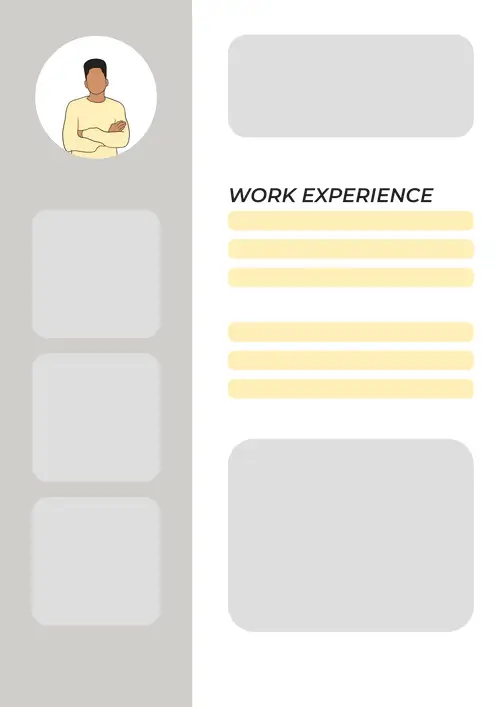
The Original CV works best with a reverse-chronological work history. Start with your most recent position and work backwards, listing company name, job title, dates and 3–5 bullet points of responsibilities and achievements. Focus on tasks and results that matter in the corporate or office-based context: organisation, reliability, communication and measurable impact.
- Do: Use action verbs and, where possible, numbers to show impact.
- Avoid: Long blocks of text without bullet points or clear structure.
Office Administrator – Greenfield Consulting, London – 2021 to Present
Managed daily correspondence and prepared reports for a team of 8 consultants.
Streamlined filing and archiving processes, reducing document retrieval time by 25%.
Coordinated client meetings and maintained accurate records in the CRM system.
Keep Education and Certifications simple
In an Original CV, your Education section should be clean and factual. List your highest and most relevant qualifications first, followed by any professional certifications that support your application. There is no need to detail every module: focus instead on degrees, key subjects or results that relate directly to the role.
- Do: Start with the most recent and relevant qualifications.
- Avoid: Listing very old or unrelated courses that add noise without value.
BA (Hons) Business Administration – University of Manchester – 2016 to 2019
Key modules: Project Management, Organisational Behaviour, Finance for Managers
Showcase Skills in a structured list
The Skills section in an Original CV should support a traditional, no-nonsense layout. Group your skills into short, logical lines that mirror the job advert: technical tools, software knowledge and core behavioural skills expected in an office or corporate setting. The goal is to let recruiters tick off requirements quickly as they scan your CV.
- Do: Mirror the language and priorities of the job description.
- Avoid: Overlong skill lists that mix everything from basic IT to unrelated hobbies.
MS Office (Word, Excel, PowerPoint) · Diary and email management · CRM data entry · Customer service · Written and verbal communication
Add Hobbies and Interests with purpose
On an Original CV, Hobbies and Interests are there to give a subtle glimpse of your personality without overpowering the professional message. Choose activities that say something positive about the way you work: commitment, teamwork, discipline or community involvement. Keep this section short and aligned with the serious, reliable tone of the template.
- Do: Select hobbies that reflect useful soft skills or positive traits
- Avoid: Controversial, overly personal or joke-style interests.
Local football club volunteer · Weekly running group · Personal finance and productivity reading
Key takeaways for your Original CV
The Original CV is not about flashy graphics. Its strength lies in a clean, familiar layout that lets hiring managers in corporate and office-based environments absorb the essentials in a few seconds. Keep these points in mind when you choose and complete this template.
- The Original CV is a safe, versatile option if you are unsure which layout to use: it looks professional across many industries and job levels without feeling risky or overdesigned.
- This template is especially suited to office, administrative and corporate roles, where recruiters expect a traditional, easy-to-scan structure more than bold visual creativity.
- The layout works best with a reverse-chronological structure, putting your most recent experience and education first so the reader can immediately see your current level and responsibilities.
- Design choices should stay discreet and controlled: calm colours, clear section headings and balanced spacing. The goal is to guide the eye, not to compete with the information.
- Because the layout itself remains restrained, your Personal Statement, Skills and Hobbies sections become key to expressing your personality and fit with the company’s values.
- To avoid technical issues, always export your Original CV in Word and PDF, check the file opens correctly and proofread it carefully before sending it to employers or uploading it to job boards.
FAQ about original CV
How is an Original CV different from a Classic or Modern CV layout?
Which jobs and sectors are best suited to an Original CV format?
Does an Original CV need to follow a strict reverse-chronological structure?
Should I include a photo on an Original CV in the UK?
Is an Original CV suitable for graduates or career changers with limited experience?

Ready to create your Original CV?
If you want a CV that looks professional, structured and easy to read for any corporate or office-based role, the Original CV template is a dependable choice. Start with this layout, customise each section to match your profile, then create and download your CV in just a few minutes.
Got it – create my CV